Are There Apps for Windows PC? The Ultimate Guide to the Windows Ecosystem
Are There Apps for Windows PC? The Ultimate Guide to the Windows Ecosystem
In the digital age, the line between mobile devices and desktop computers has blurred significantly. One of the most common questions from new users or those switching from mobile-first environments is: "Are there apps for Windows PC?" The short answer is a resounding yes. In fact, the Windows ecosystem is home to one of the most diverse and powerful collections of applications in the world, ranging from simple productivity tools to high-end professional software.
For decades, we referred to these as "programs" or "software." However, with the launch of Windows 10 and Windows 11, Microsoft has streamlined the experience, introducing the Microsoft Store and bringing a mobile-like "app" experience to the desktop. Whether you are looking for social media, creative suites, or gaming, Windows offers multiple ways to find, install, and manage applications. In this comprehensive guide, we will explore the different types of apps available, where to find them, and how they can enhance your computing experience.
The Evolution of Apps on Windows: From Software to Ecosystem
Traditionally, installing something on a Windows PC meant downloading an ".exe" or ".msi" installer from a website or using a physical disc. While this method—known as Win32 or Desktop applications—is still the backbone of the Windows experience, the concept of "apps" has evolved. Today, Windows supports a multi-layered approach to software:
- Universal Windows Platform (UWP) Apps: These are modern apps found in the Microsoft Store. They are designed to be secure, easy to update, and touch-friendly.
- Progressive Web Apps (PWAs): These are essentially websites that act like apps. You can "install" them via your browser (like Microsoft Edge or Chrome), and they appear in your Start menu just like any other program.
- Legacy Desktop Applications: These are the heavy hitters like Adobe Photoshop or specialized industry software that offer deep integration with the operating system.
Where to Find and Download Apps for Windows PC
Finding apps for a Windows PC is easier than ever. Depending on your needs for security and performance, you have three primary avenues to explore.
1. The Microsoft Store
The Microsoft Store is the official digital distribution platform for Windows. It is pre-installed on every Windows 10 and 11 device. The benefit of using the Store is security and simplicity. Every app in the store is vetted by Microsoft to ensure it is free from malware. Furthermore, updates are handled automatically in the background, much like on an iPhone or Android device. Popular apps like Netflix, Spotify, WhatsApp, and Instagram are all available here.
2. Direct Developer Websites
Unlike mobile ecosystems (like iOS) which are "walled gardens," Windows is an open platform. Many developers choose to host their apps on their own websites. For example, if you want the Google Chrome browser or the Steam gaming platform, you visit their respective websites to download the installer. This gives users total freedom over what they install.
3. Third-Party App Repositories
For power users, platforms like Ninite or GitHub provide access to a vast array of open-source and utility apps. These are excellent for finding niche tools that might not be available in the official Microsoft Store.
Essential Categories of Windows Apps
To truly understand the breadth of what is available, it is helpful to look at the different categories of apps that people use daily on Windows.
| App Category | Popular Examples |
|---|---|
| Productivity | Microsoft Office (Word, Excel), Slack, Zoom, Trello |
| Entertainment | Netflix, Disney+, Spotify, VLC Media Player |
| Creative Tools | Adobe Creative Cloud, Canva, DaVinci Resolve |
| Web Browsers | Microsoft Edge, Google Chrome, Mozilla Firefox |
| Social & Communication | WhatsApp Desktop, Telegram, Discord, Messenger |
Can You Run Mobile Apps on Windows?
One of the most exciting developments in recent years is the ability to run Android apps on Windows PC. With the introduction of Windows 11, Microsoft partnered with the Amazon Appstore to allow users to run mobile applications directly on their desktop. While this feature is currently undergoing transitions and changes in support, it highlights Microsoft's commitment to making Windows a "universal" OS.
Additionally, many mobile apps have "desktop versions" or web-based versions that provide the same functionality. For instance, while you might use the Instagram app on your phone, the Windows Store version or the browser version offers a nearly identical experience with the added benefit of a physical keyboard and a larger screen.
How to Manage and Update Your Windows Apps
Managing apps on Windows is straightforward but varies depending on where you got the app. If you downloaded the app from the Microsoft Store, you can manage it through the "Library" tab within the Store app. Here, you can check for updates or see your download history.
For apps downloaded from the web, updates are usually handled by the app itself. Many modern desktop programs will prompt you to update as soon as you launch them. To uninstall an app, regardless of its source, you can simply go to Settings > Apps > Installed Apps (on Windows 11) or Settings > Apps & Features (on Windows 10) and select "Uninstall."
Advantages of Using Apps on a Windows PC
Why choose a Windows PC for your app needs? There are several distinct advantages:
- Multitasking: Unlike mobile devices, Windows allows you to run dozens of apps simultaneously in resizable windows, making it the king of productivity.
- Performance: PCs generally have more RAM and processing power than tablets, allowing for more complex apps like video editors and 3D modeling software.
- Input Flexibility: You can use a mouse, keyboard, drawing tablet, or touch screen to interact with your apps.
- Large Storage: Windows PCs often come with much larger hard drives, allowing you to install hundreds of apps without worrying about space.
Frequently Asked Questions (FAQ)
1. Are all apps for Windows PC free?
No. While there are thousands of free apps available in the Microsoft Store and online (like VLC, Spotify, and LibreOffice), many professional or premium apps require a one-time purchase or a subscription. Examples include the Microsoft 365 suite and Adobe Creative Cloud.
2. Is it safe to download apps from the internet?
It is generally safe if you stick to reputable sources. Always download software directly from the developer's official website. Avoid "cracked" software or third-party sites that look suspicious, as these can contain malware. For the highest level of safety, use the Microsoft Store.
3. Do I need an account to download apps?
To download apps from the Microsoft Store, you typically need a Microsoft account (like Outlook or Hotmail). However, for apps downloaded directly from websites (like Chrome or Zoom), no Microsoft account is required, though the service itself may ask you to create an account.
4. Can I run Windows apps on a Mac?
Not natively. Windows apps are designed for the Windows architecture. To run them on a Mac, you would need virtualization software like Parallels Desktop or a compatibility layer like Wine.
Conclusion
In summary, apps for Windows PC are not only available but are the cornerstone of the modern computing experience. From the curated and secure environment of the Microsoft Store to the limitless possibilities of third-party desktop software, Windows provides a flexible platform for any task. Whether you are a student, a creative professional, or a casual user, the Windows app ecosystem has something to offer. By understanding the different types of apps and the best places to find them, you can customize your PC to be a powerhouse of productivity and entertainment. Windows remains the most versatile operating system precisely because it embraces the old and the new, bridging the gap between legacy software and the modern app-driven world.
are there apps for windows pc
are there apps for windows pc Wallpapers
Collection of are there apps for windows pc wallpapers for your desktop and mobile devices.
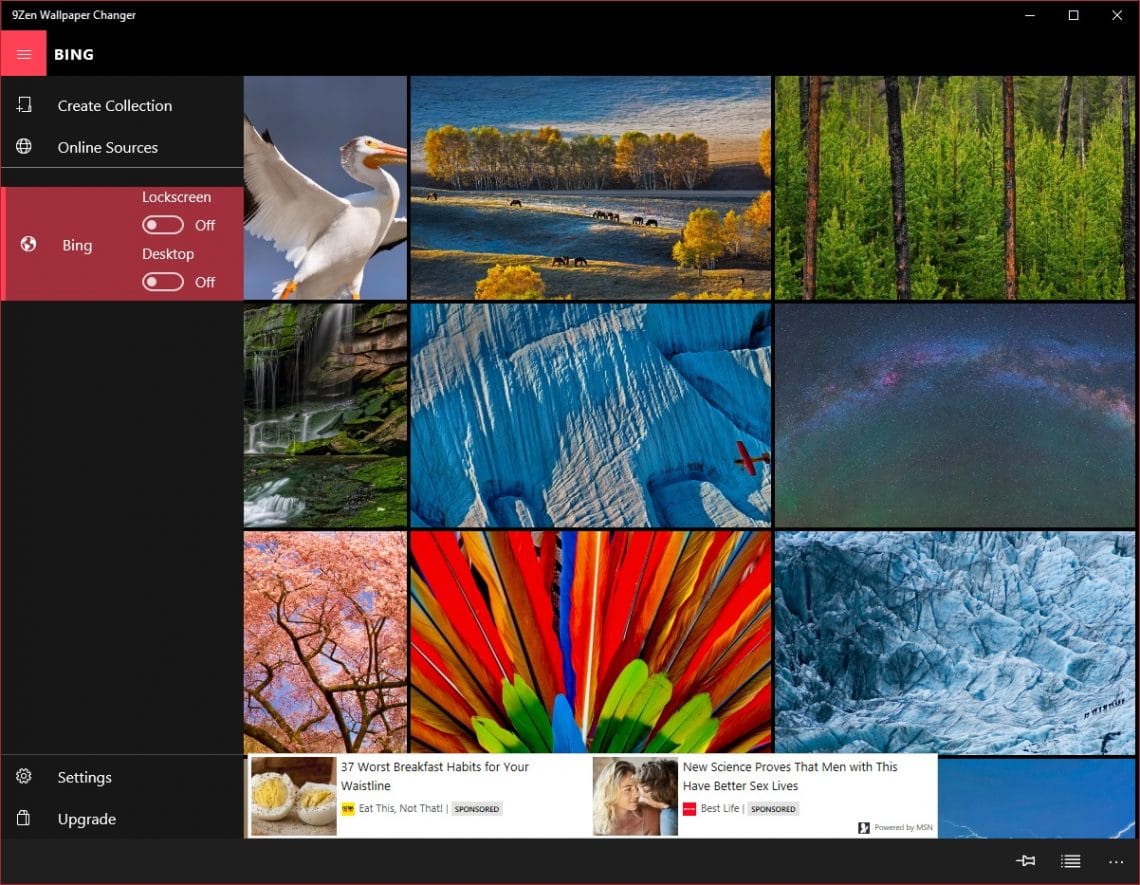
Amazing Are There Apps For Windows Pc Landscape Illustration
Experience the crisp clarity of this stunning are there apps for windows pc image, available in high resolution for all your screens.

Vibrant Are There Apps For Windows Pc Picture Photography
Transform your screen with this vivid are there apps for windows pc artwork, a true masterpiece of digital design.
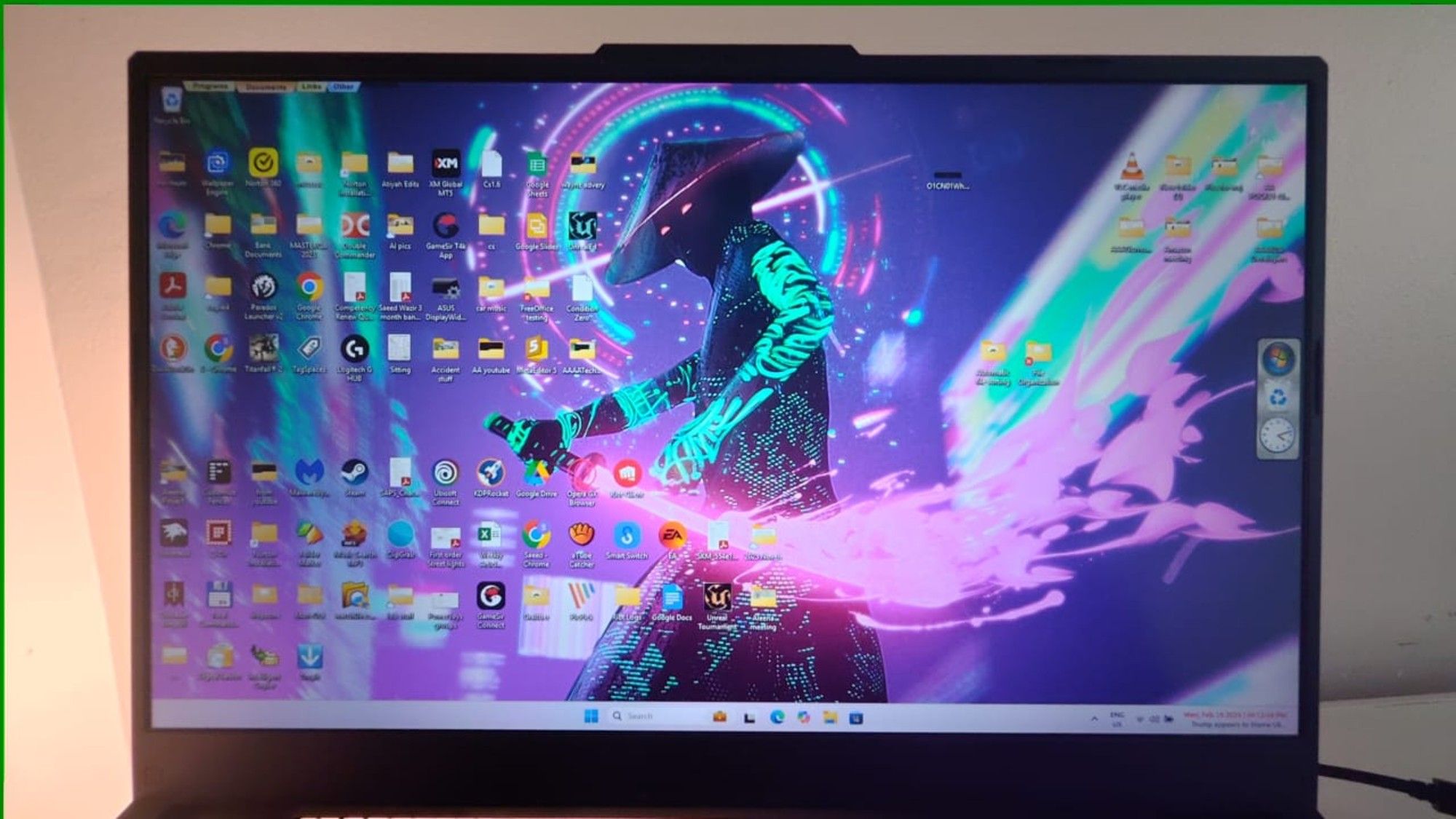
Spectacular Are There Apps For Windows Pc Moment for Desktop
This gorgeous are there apps for windows pc photo offers a breathtaking view, making it a perfect choice for your next wallpaper.

Exquisite Are There Apps For Windows Pc Design for Your Screen
Immerse yourself in the stunning details of this beautiful are there apps for windows pc wallpaper, designed for a captivating visual experience.
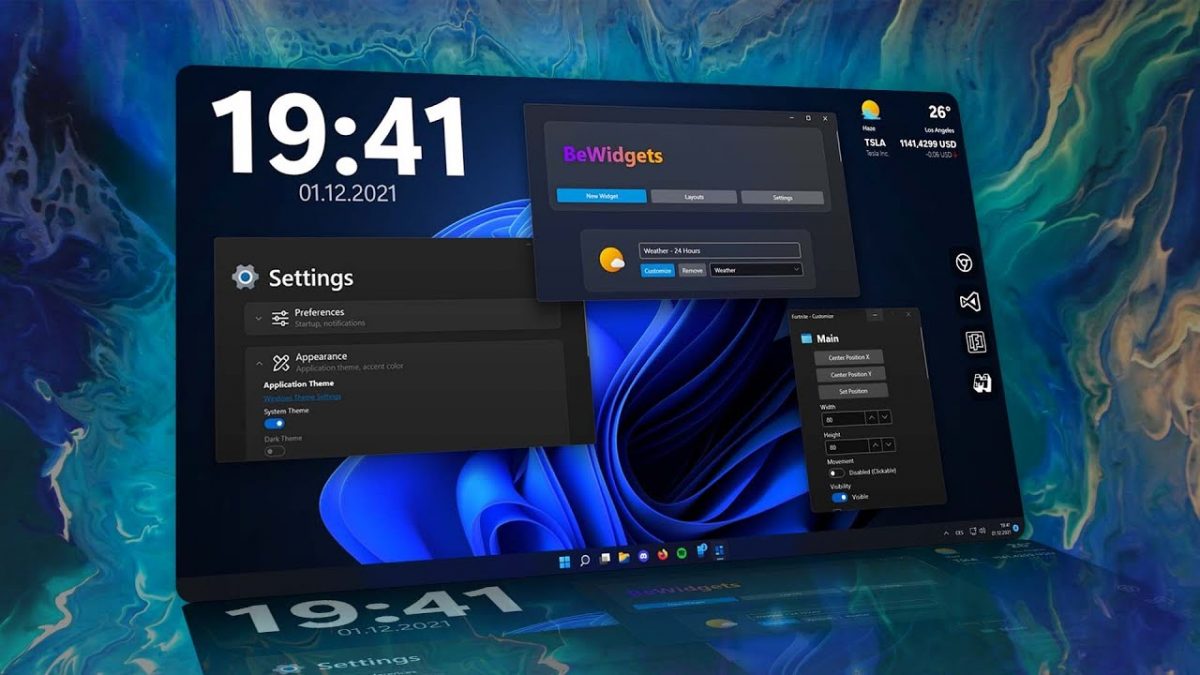
High-Quality Are There Apps For Windows Pc Artwork in 4K
Experience the crisp clarity of this stunning are there apps for windows pc image, available in high resolution for all your screens.
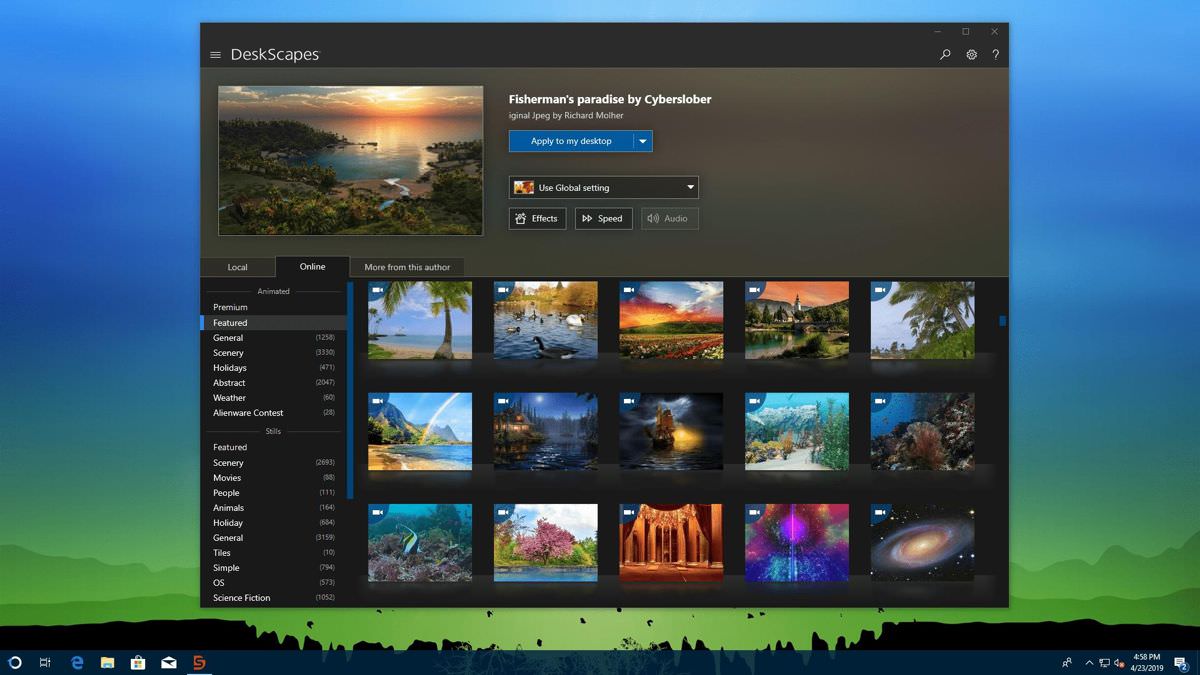
Stunning Are There Apps For Windows Pc Abstract in HD
Immerse yourself in the stunning details of this beautiful are there apps for windows pc wallpaper, designed for a captivating visual experience.

High-Quality Are There Apps For Windows Pc Background Art
Experience the crisp clarity of this stunning are there apps for windows pc image, available in high resolution for all your screens.
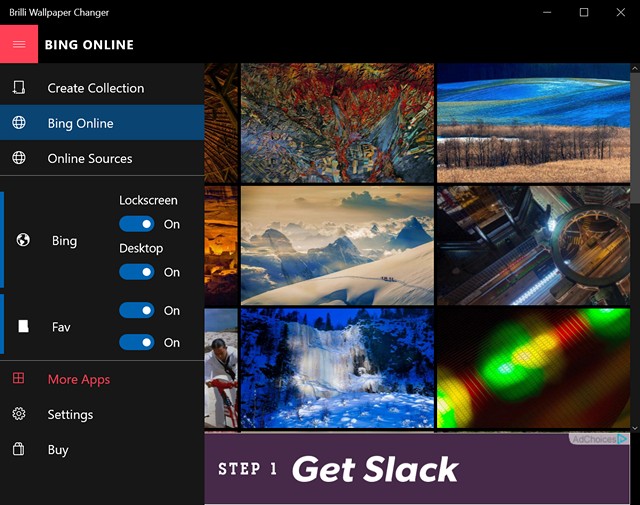
Spectacular Are There Apps For Windows Pc Moment Art
A captivating are there apps for windows pc scene that brings tranquility and beauty to any device.

Mesmerizing Are There Apps For Windows Pc Abstract in 4K
Transform your screen with this vivid are there apps for windows pc artwork, a true masterpiece of digital design.
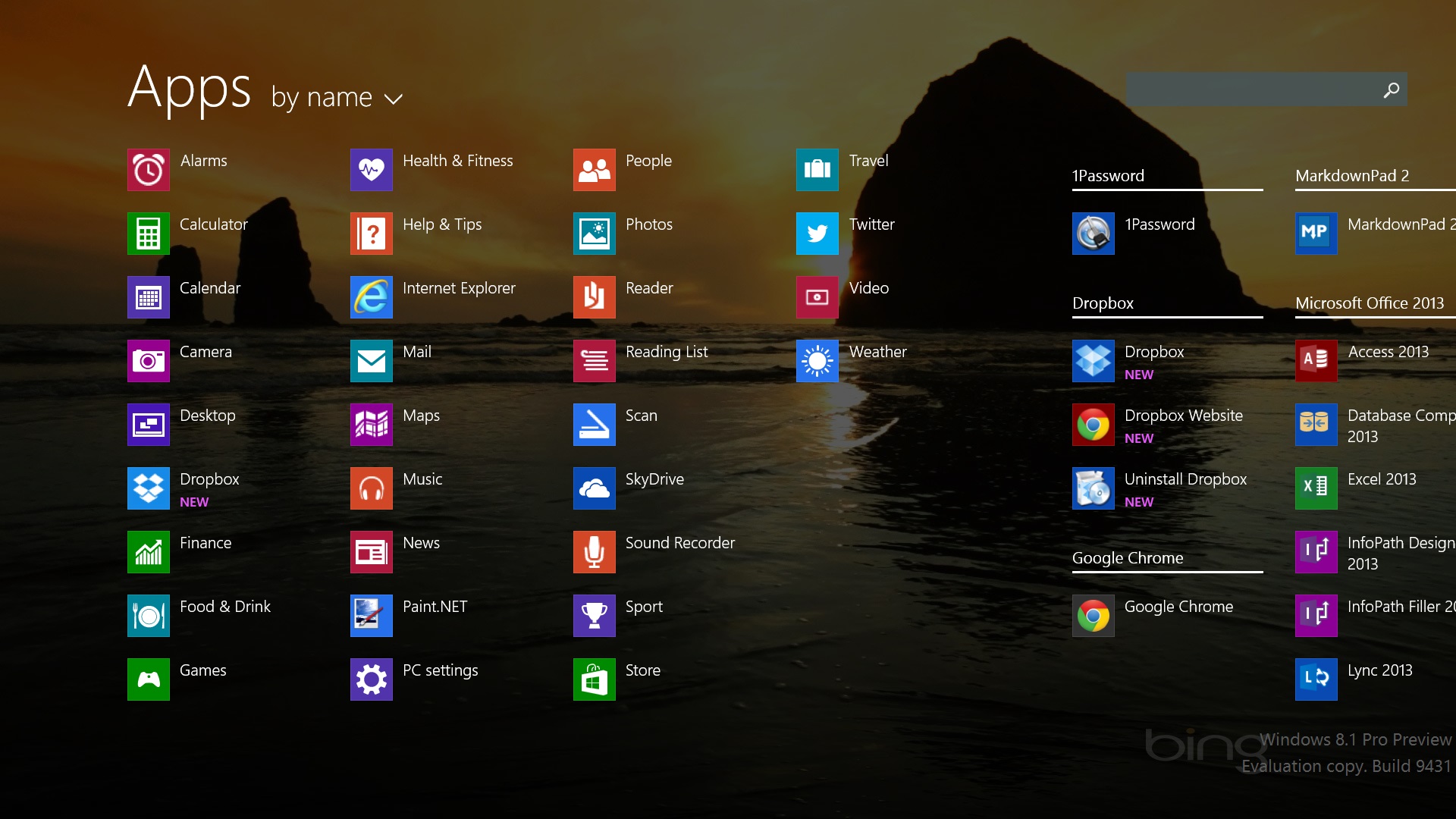
Stunning Are There Apps For Windows Pc Scene for Desktop
Find inspiration with this unique are there apps for windows pc illustration, crafted to provide a fresh look for your background.
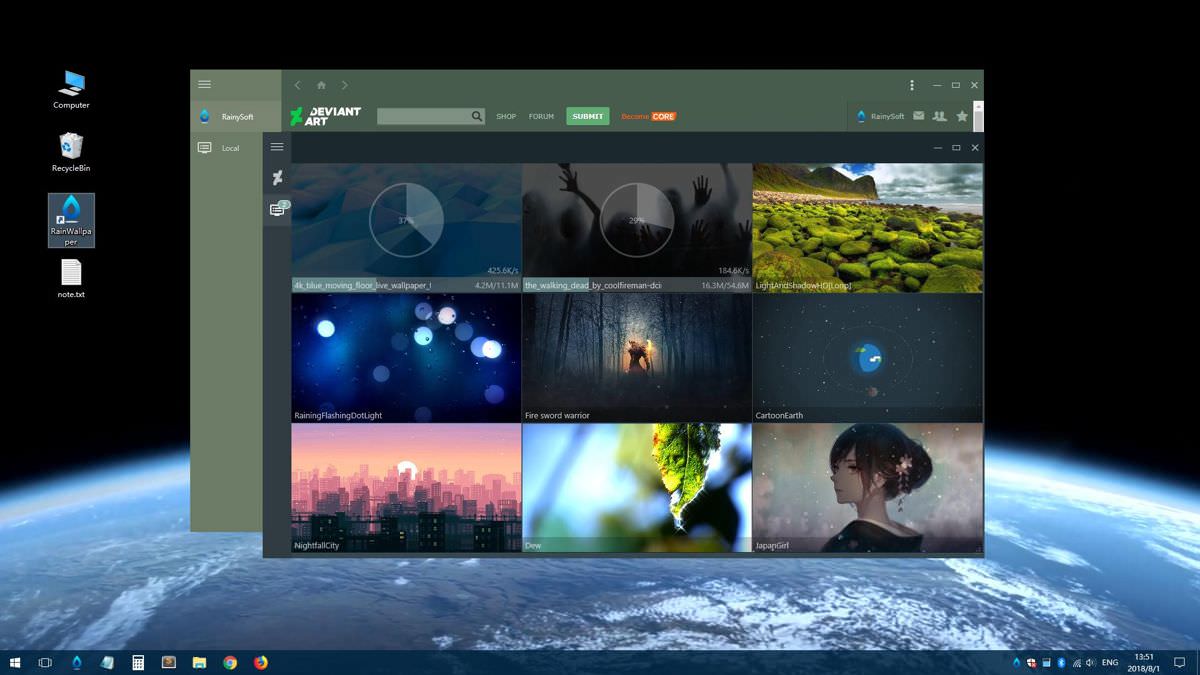
Mesmerizing Are There Apps For Windows Pc Background for Mobile
Explore this high-quality are there apps for windows pc image, perfect for enhancing your desktop or mobile wallpaper.
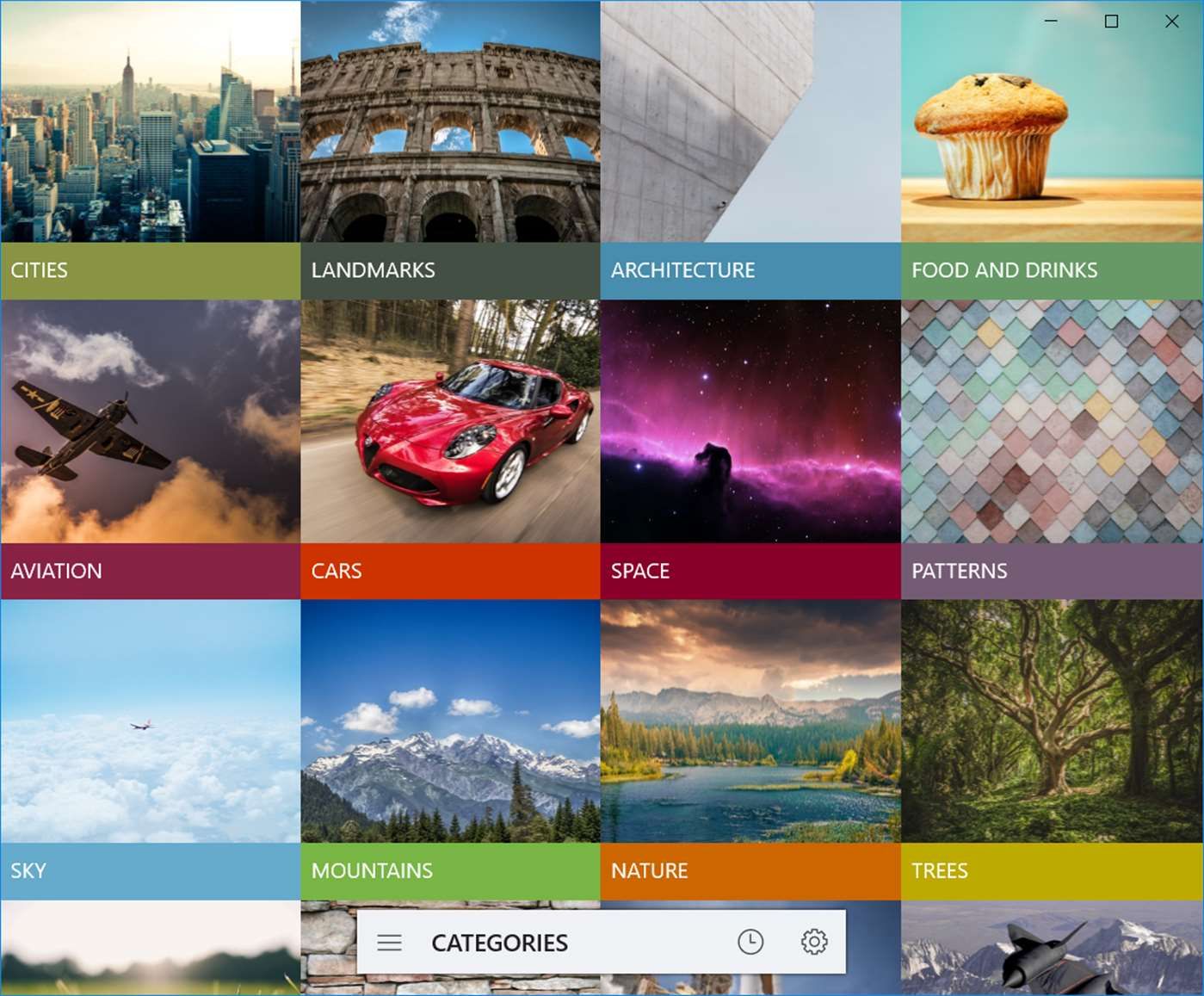
Crisp Are There Apps For Windows Pc Wallpaper in HD
Immerse yourself in the stunning details of this beautiful are there apps for windows pc wallpaper, designed for a captivating visual experience.

Amazing Are There Apps For Windows Pc Picture Illustration
Discover an amazing are there apps for windows pc background image, ideal for personalizing your devices with vibrant colors and intricate designs.
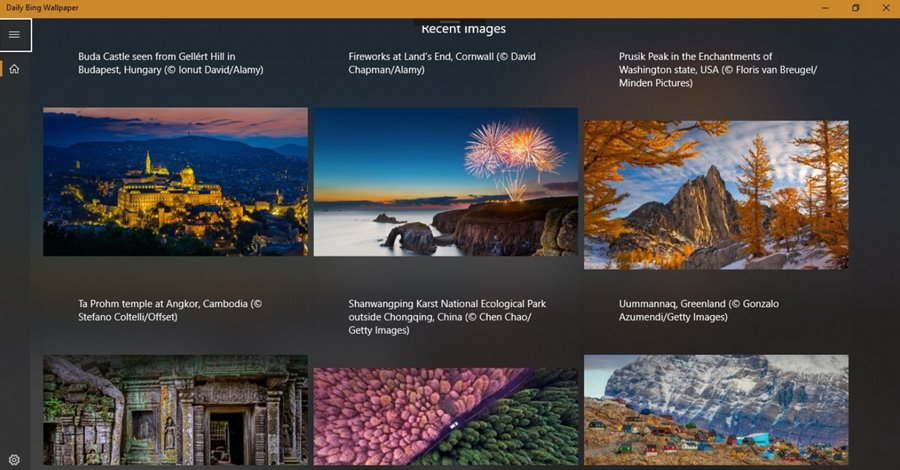
Beautiful Are There Apps For Windows Pc Abstract Art
Experience the crisp clarity of this stunning are there apps for windows pc image, available in high resolution for all your screens.
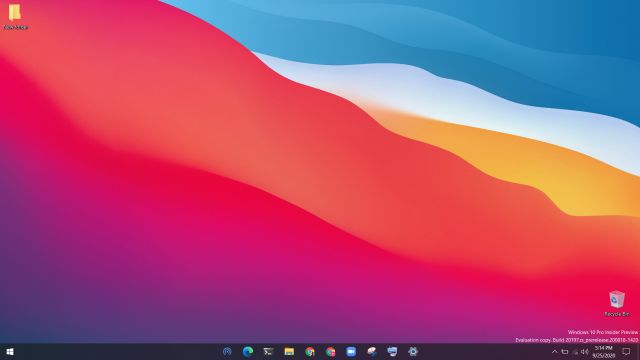
Vibrant Are There Apps For Windows Pc Image in HD
Experience the crisp clarity of this stunning are there apps for windows pc image, available in high resolution for all your screens.

Stunning Are There Apps For Windows Pc View Photography
Find inspiration with this unique are there apps for windows pc illustration, crafted to provide a fresh look for your background.
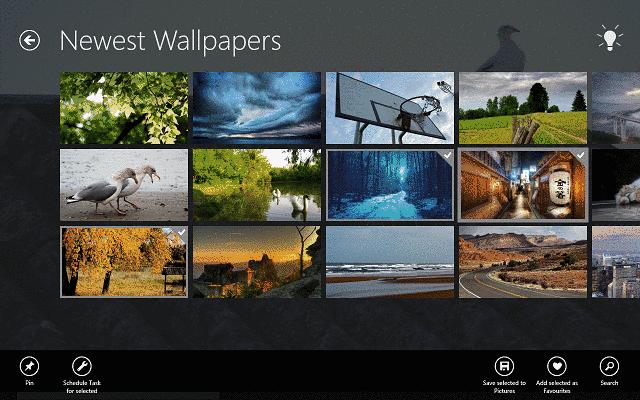
Stunning Are There Apps For Windows Pc View Art
Immerse yourself in the stunning details of this beautiful are there apps for windows pc wallpaper, designed for a captivating visual experience.
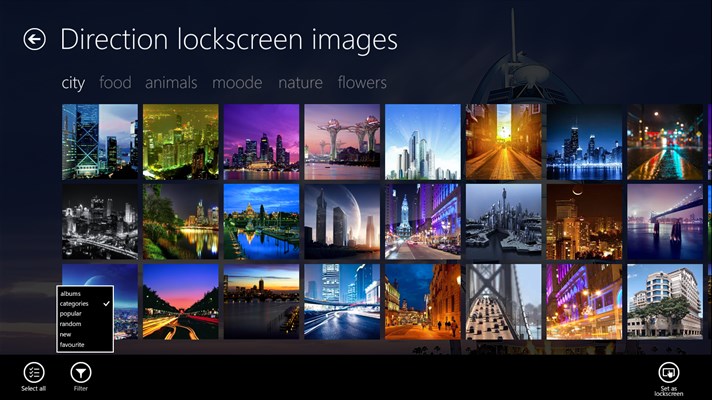
Vibrant Are There Apps For Windows Pc Capture Digital Art
Discover an amazing are there apps for windows pc background image, ideal for personalizing your devices with vibrant colors and intricate designs.
Crisp Are There Apps For Windows Pc Photo for Desktop
A captivating are there apps for windows pc scene that brings tranquility and beauty to any device.

Vibrant Are There Apps For Windows Pc View for Desktop
Transform your screen with this vivid are there apps for windows pc artwork, a true masterpiece of digital design.
Download these are there apps for windows pc wallpapers for free and use them on your desktop or mobile devices.