How To Make Cv Pdf On Phone Free
How to Make CV PDF on Phone Free: The Ultimate Mobile Resume Guide
In today's fast-paced digital world, the traditional method of sitting behind a desk for hours to craft a resume is becoming a thing of the past. Whether you are a student looking for an internship or a professional seeking a career change, knowing how to make a CV PDF on phone free is a vital skill. Your smartphone is no longer just a communication device; it is a powerful productivity tool that allows you to apply for jobs on the go, update your credentials instantly, and send a professional PDF resume to recruiters within seconds.
Creating a professional curriculum vitae (CV) on your mobile device does not require expensive software or advanced design skills. With the right apps and a bit of guidance, you can produce a high-quality, ATS-friendly document that rivals those created on a desktop. This guide will walk you through the best tools and step-by-step methods to get your resume ready for your next big opportunity.
Why You Should Create Your CV on a Smartphone
The convenience of mobile resume building cannot be overstated. When a job alert pops up on LinkedIn or Indeed, speed is often of the essence. By having your CV stored and editable on your phone, you can tailor your experience to match a specific job description immediately. Furthermore, modern mobile processors and high-resolution screens make the editing process smooth and visually accurate.
Moreover, saving your CV as a PDF is the industry standard. PDF files preserve your formatting across all devices, ensuring that what you see on your phone is exactly what the hiring manager sees on their computer. Best of all, most of the top-tier tools for this task are completely free or offer robust free versions.
Top Free Tools to Create a CV PDF on Your Phone
Before we dive into the "how-to," let’s look at the best platforms available for both Android and iOS users. Each of these tools offers a unique approach to resume building.
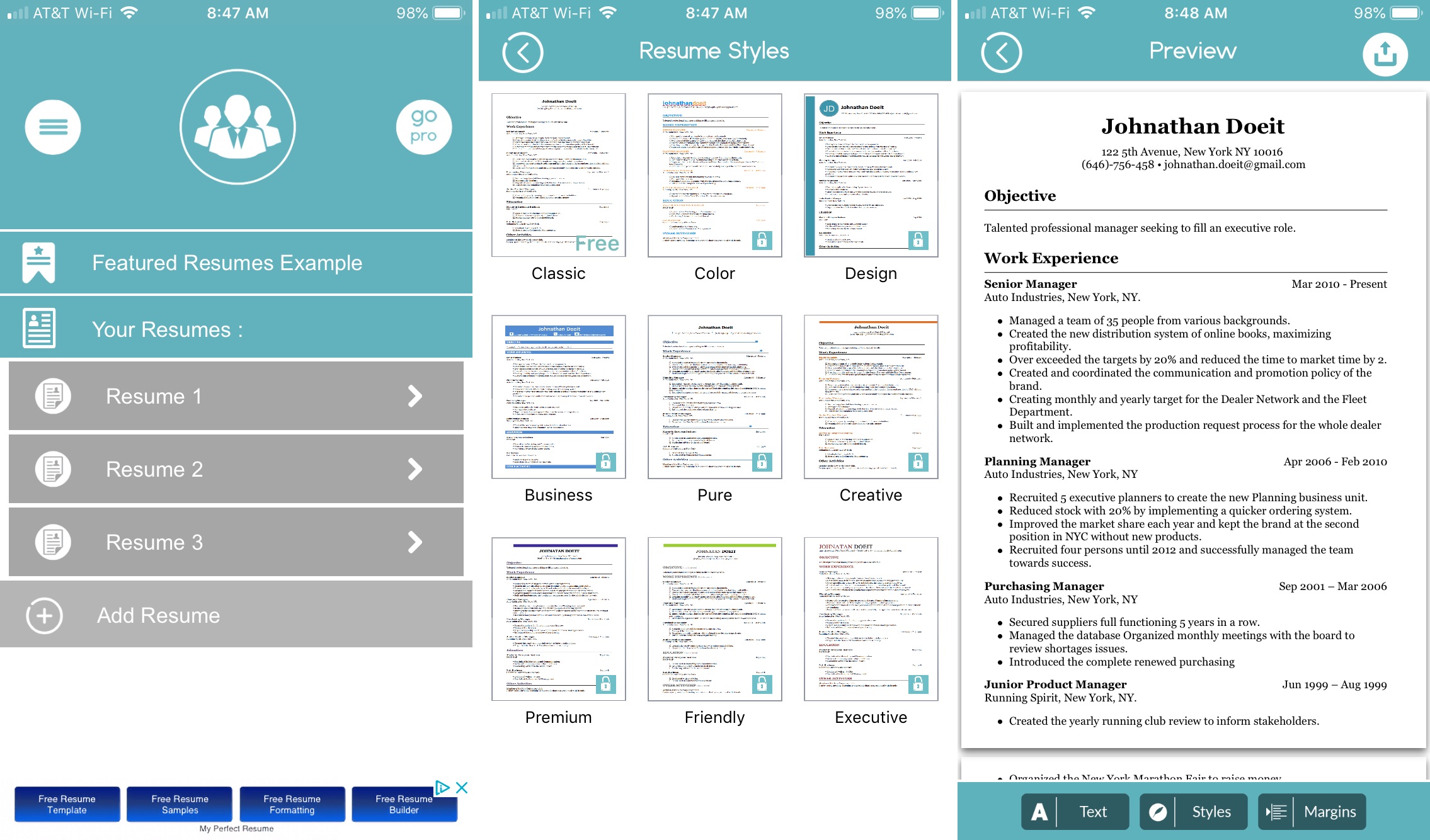
1. Google Docs (The Versatile Choice)
Google Docs is perhaps the most reliable way to create a CV. It offers several professional templates and syncs perfectly with your Google Drive. Since it’s a word processor, it gives you full control over text formatting and layout. To save as a PDF, you simply need to use the "Share & export" feature.
2. Canva (The Design-Heavy Choice)
If you want a CV that stands out visually, Canva is the gold standard. It provides hundreds of free, professionally designed templates. You can drag and drop elements, change colors, and swap fonts with ease. Once finished, you can download your design as a "PDF Print" file for maximum quality.
3. LinkedIn Resume Builder
If your LinkedIn profile is already up to date, you can use the built-in "Save to PDF" feature. While it doesn't offer much customization in terms of design, it is the fastest way to generate a clean, professional CV based on your existing social profile.
4. Microsoft Word Mobile
For those who prefer the classic Microsoft ecosystem, the Word mobile app is free for devices with smaller screens. It includes "Resume" templates that are highly structured and easy for Applicant Tracking Systems (ATS) to read.
Comparison of Mobile CV Building Methods
| Feature/Aspect | Description |
|---|---|
| Ease of Use | Canva and Google Docs offer the most intuitive mobile interfaces. |
| Template Variety | Canva leads with thousands of creative and modern designs. |
| ATS Optimization | Google Docs and MS Word are better for passing automated filters. |
| Export Format | All mentioned tools support high-quality PDF exporting. |
| Offline Access | Google Docs and Word allow offline editing if enabled. |
Step-by-Step Guide: How to Make a CV PDF on Phone Free
Follow these steps to create a professional resume using Google Docs, as it is the most accessible method for most users.
Step 1: Download and Open the App
Go to the Play Store or App Store and download the Google Docs app. Sign in with your Google account. Tap the "+" icon at the bottom right and select "Choose template."
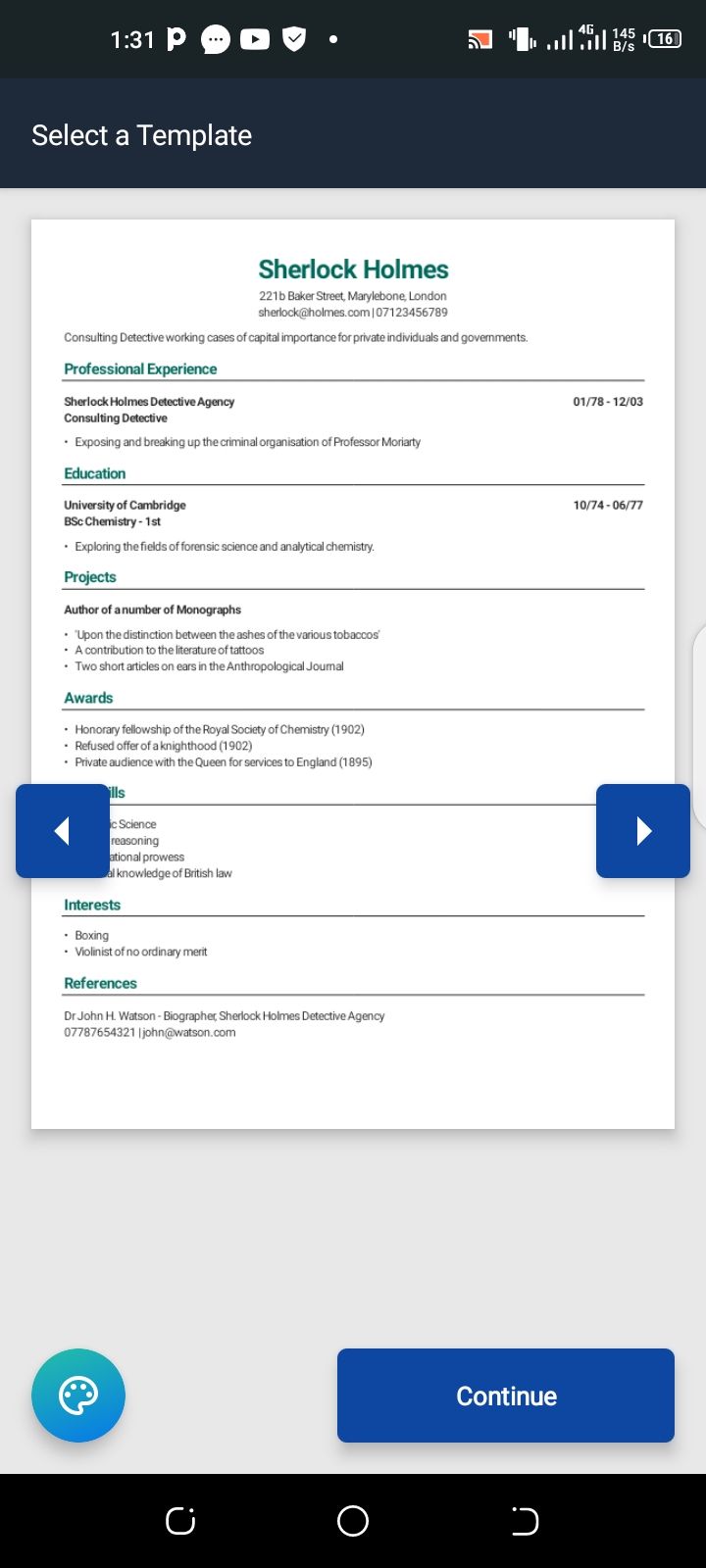
Step 2: Select a Resume Template
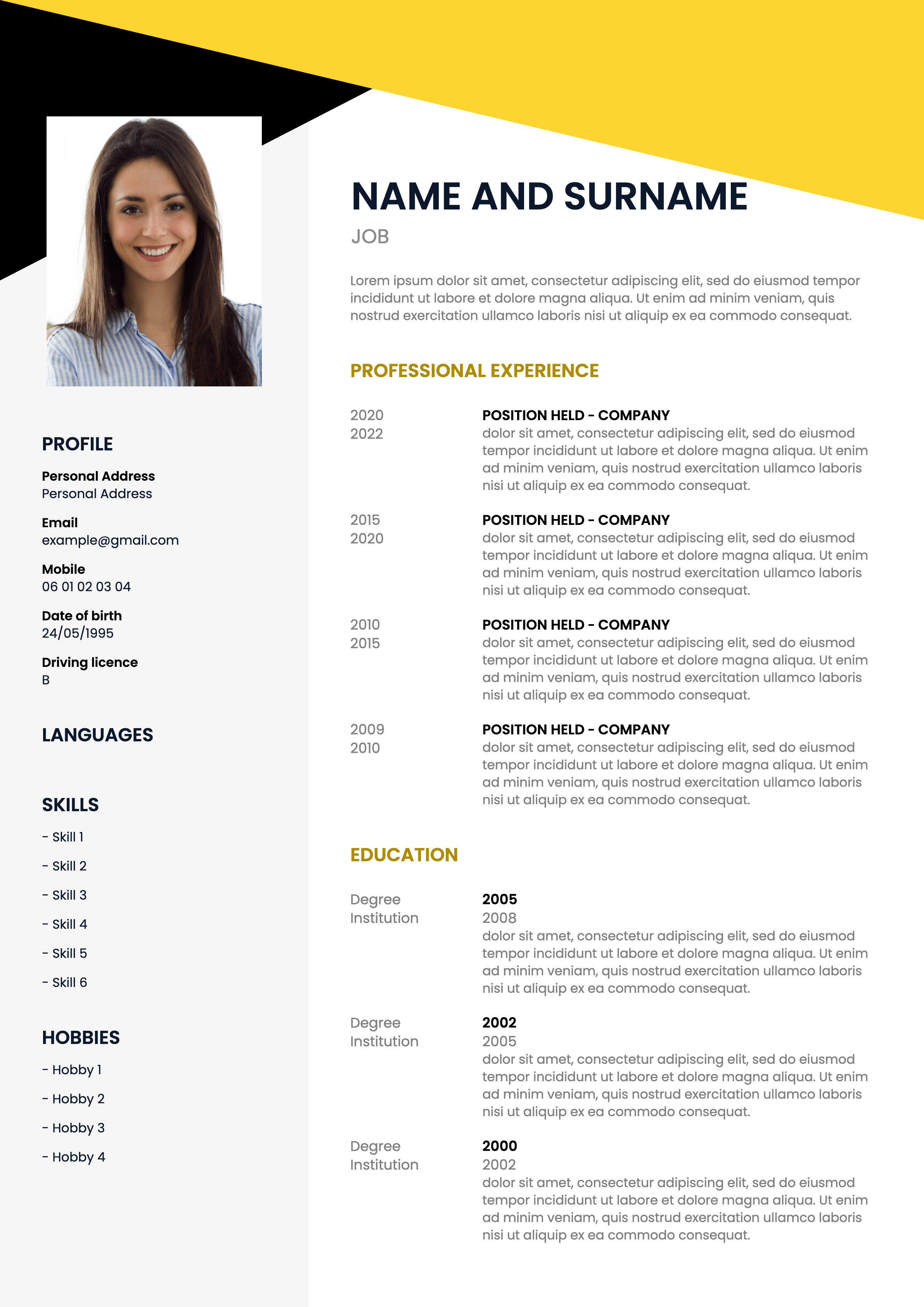
Browse through the "Resumes" section. Choose a template that looks clean and professional. Avoid overly complex layouts if you are applying for corporate roles, as simple layouts are more likely to pass through ATS software.
Step 3: Edit Your Information
Replace the placeholder text with your personal details. Ensure you include:
- Contact Information: Phone number, professional email, and LinkedIn URL.
- Professional Summary: A 2-3 sentence hook about your career.
- Work Experience: Reverse-chronological order (newest first).
- Skills: A mix of hard and soft skills relevant to the job.
- Education: Degrees, certifications, and relevant courses.
Step 4: Format for Clarity
Use bold headers and bullet points. On a phone, you can do this by highlighting text and using the toolbar at the bottom. Keep the font size between 10pt and 12pt for the body text.
Step 5: Export as PDF
This is the most important step. Tap the three dots (...) in the top right corner. Select Share & export, then tap Save as. Choose PDF Document (.pdf) and hit OK. Your phone will generate the file, which you can then save to your local storage or cloud.
Essential Tips for a Mobile-Friendly CV
When learning how to make a CV PDF on phone free, keep these professional tips in mind to ensure your document looks great on any screen:
- Keep it Concise: Try to keep your CV to one or two pages. Mobile recruiters often scroll quickly; put your most important achievements at the top.
- Check for Typos: Autocorrect on phones can be a nightmare. Always double-check your spelling, especially for technical terms and company names.
- Use Professional Fonts: Stick to standard fonts like Arial, Calibri, or Roboto. These are easy to read on mobile screens and translate well to PDF.
- Naming Your File: Don't save your file as "CV.pdf". Instead, use a professional format like "John_Doe_Resume_Marketing.pdf". This makes it easier for recruiters to find your file.
How to Send Your CV from Your Phone
Once your PDF is ready, you can send it directly from your device. Most email apps (Gmail, Outlook) allow you to attach files from your local storage or cloud services like Google Drive and Dropbox. If you are applying via a website, use the "Upload" button and navigate to your "Downloads" or "Documents" folder on your phone to select your newly created PDF.
Frequently Asked Questions (FAQ)
Q1: Is it better to use a template or start from scratch?
A: For mobile users, it is always better to use a template. It ensures the margins and spacing are already optimized for a professional look, saving you the hassle of manual formatting on a small screen.
Q2: Will my CV look different on a computer if I make it on a phone?
A: No, as long as you save it as a PDF. The PDF format "locks" the layout, meaning the font, spacing, and alignment will remain identical regardless of the device used to view it.
Q3: Are free CV maker apps safe for my data?
A: Generally, yes, but stick to reputable apps like Google Docs, Canva, and Microsoft Word. Be cautious with unknown "free CV" apps that require excessive permissions or ask for sensitive information like your social security number.
Q4: Can I add a photo to my CV on my phone?
A: Yes, apps like Canva make it very easy to insert a photo. However, only include a photo if it is standard practice in your country or industry (e.g., modeling or acting).
Conclusion
Mastering how to make a CV PDF on phone free is a game-changer for modern job seekers. By utilizing powerful free tools like Google Docs or Canva, you can create a high-quality, professional resume without spending a dime or needing a laptop. The flexibility of mobile CV creation allows you to stay proactive in your job search, making updates as they happen and applying for roles the moment they are posted.
Remember to focus on a clean layout, error-free text, and most importantly, always export your final document as a PDF to maintain its professional appearance. With these tools and tips at your fingertips, you are now ready to build a resume that will open doors to your next career milestone. Start building yours today!
How To Make Cv Pdf On Phone Free
How To Make Cv Pdf On Phone Free Wallpapers
Collection of how to make cv pdf on phone free wallpapers for your desktop and mobile devices.
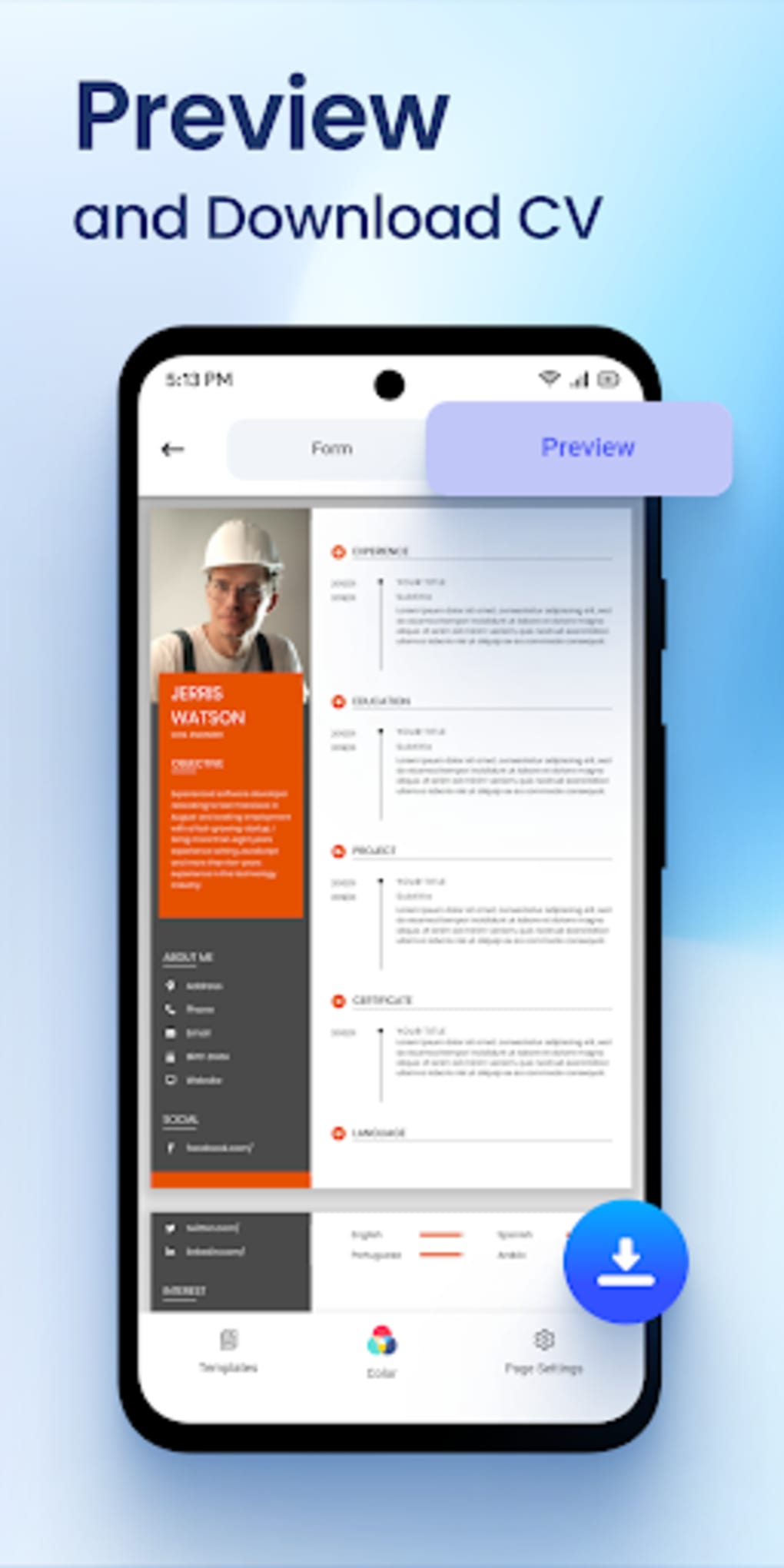
Artistic How To Make Cv Pdf On Phone Free Design for Your Screen
A captivating how to make cv pdf on phone free scene that brings tranquility and beauty to any device.
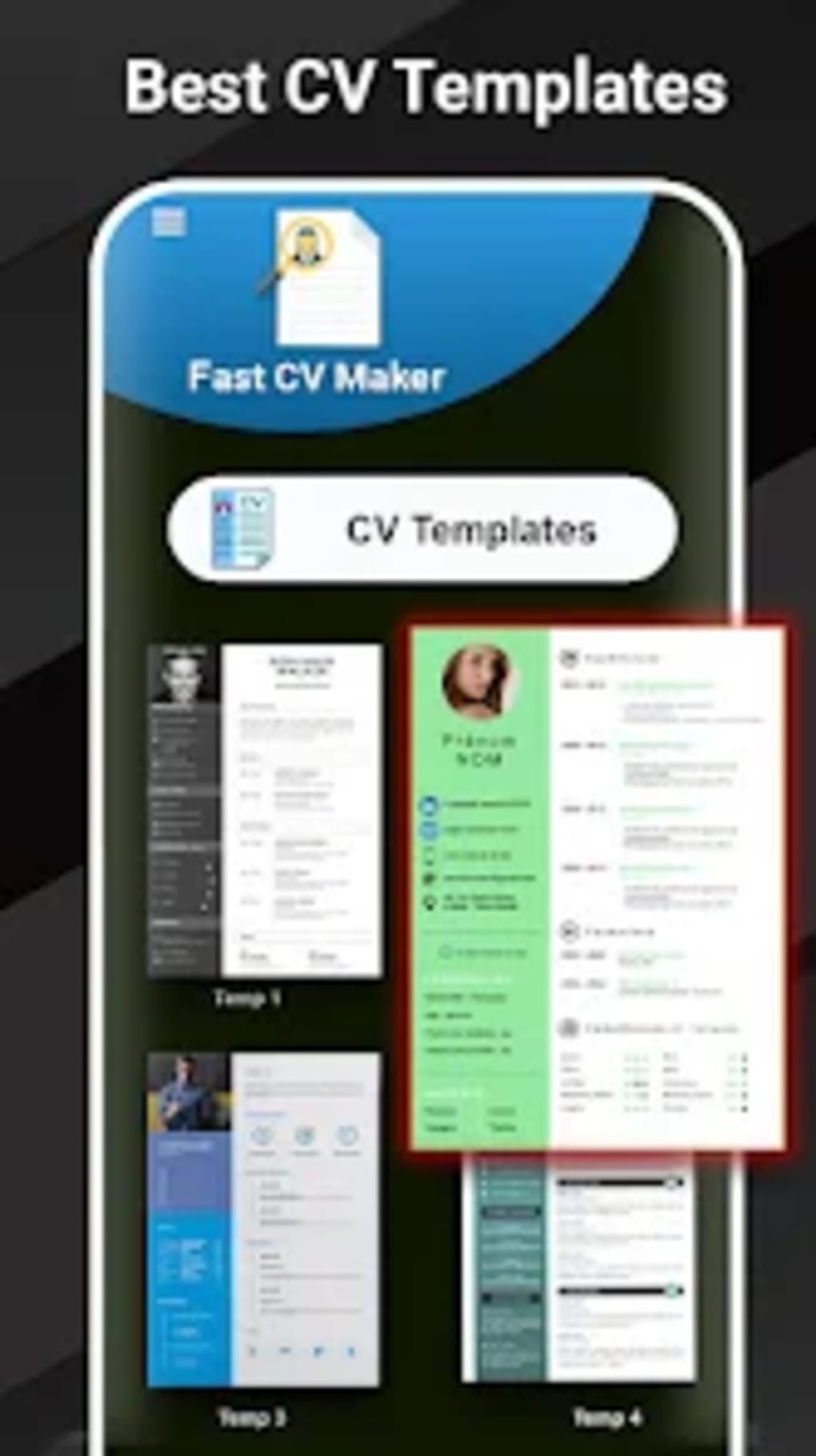
Lush How To Make Cv Pdf On Phone Free Abstract Concept
Find inspiration with this unique how to make cv pdf on phone free illustration, crafted to provide a fresh look for your background.
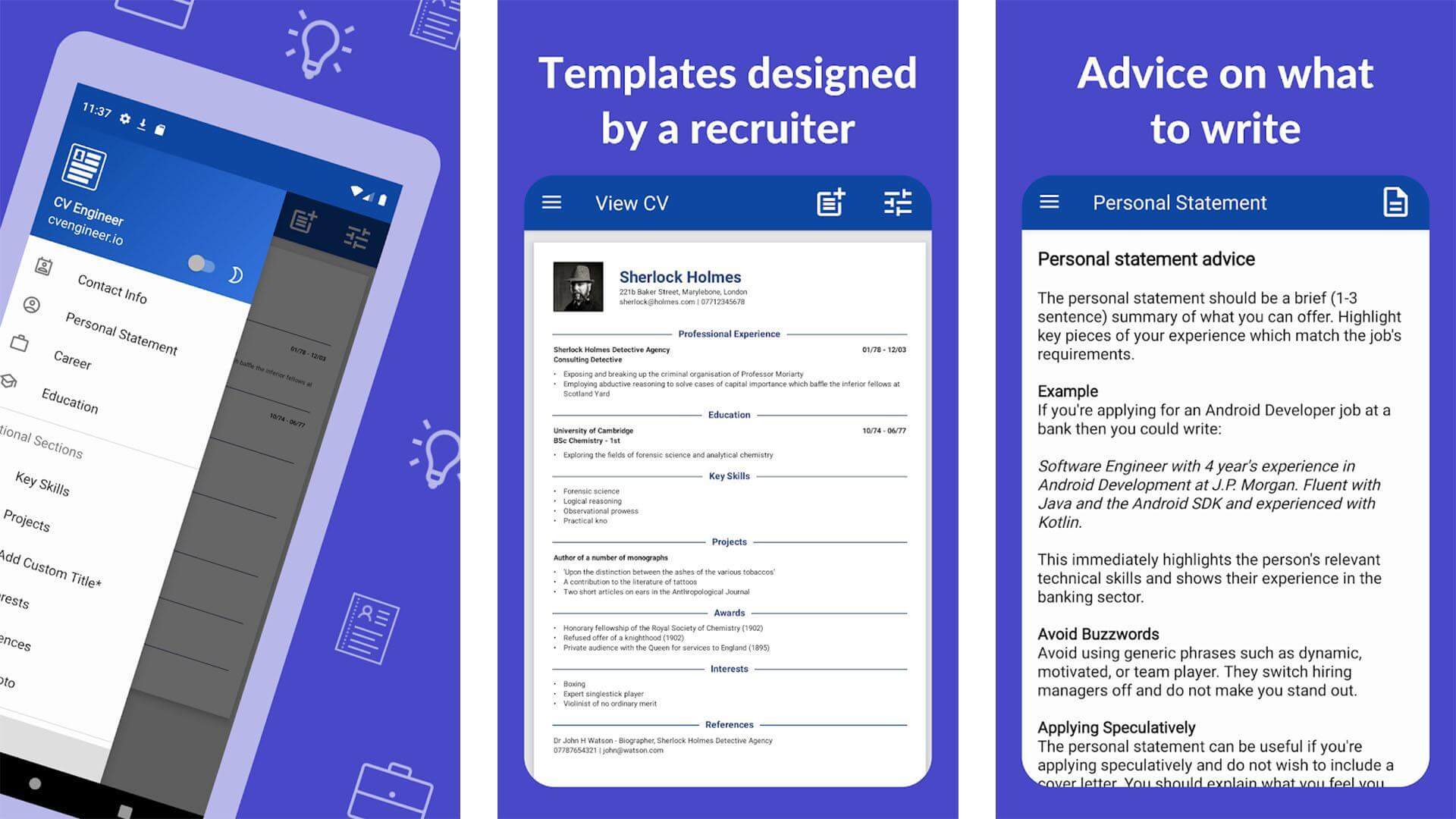
High-Quality How To Make Cv Pdf On Phone Free Picture Art
Explore this high-quality how to make cv pdf on phone free image, perfect for enhancing your desktop or mobile wallpaper.
Serene How To Make Cv Pdf On Phone Free Moment in 4K
Explore this high-quality how to make cv pdf on phone free image, perfect for enhancing your desktop or mobile wallpaper.
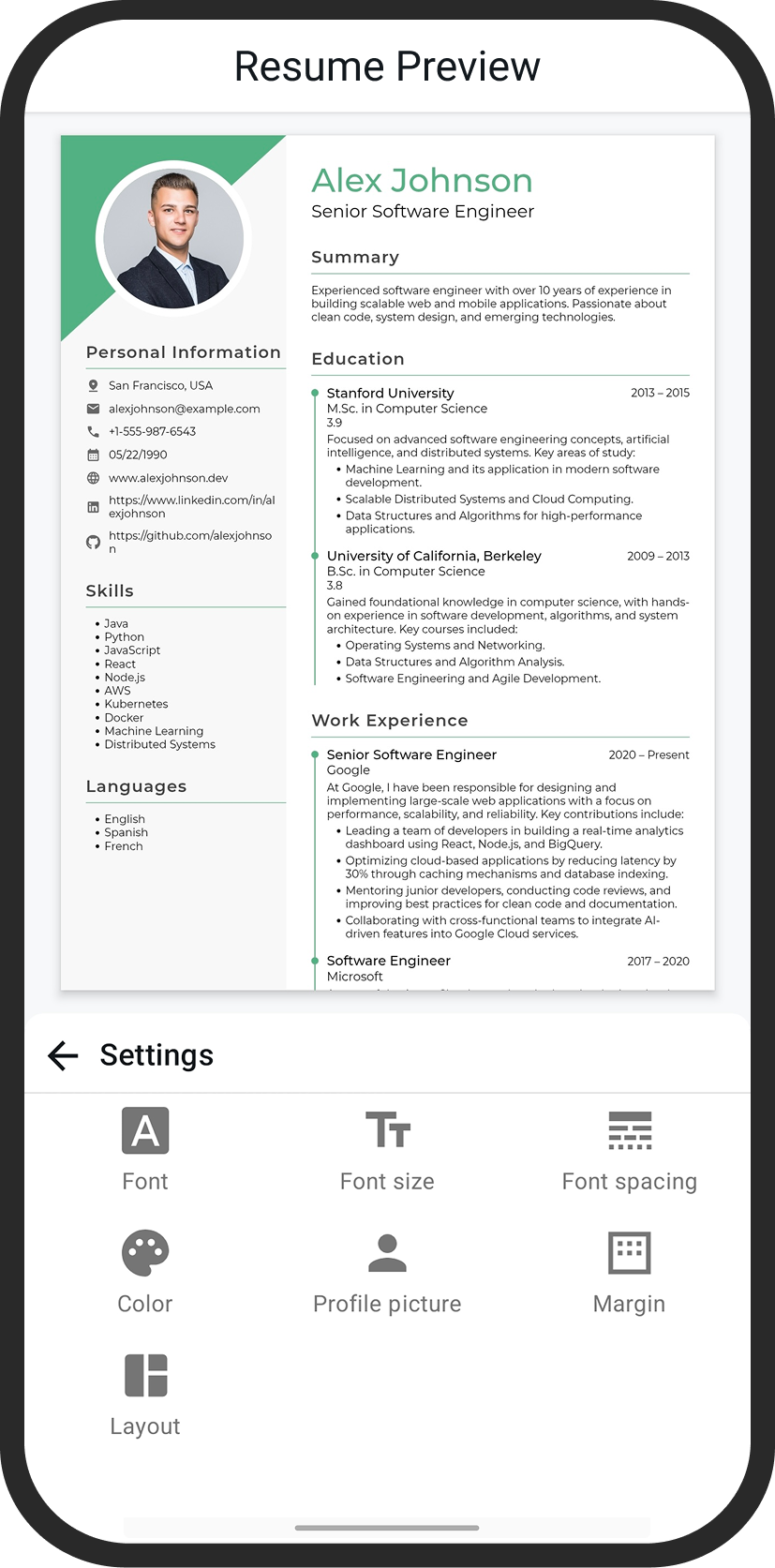
Beautiful How To Make Cv Pdf On Phone Free Capture for Mobile
Discover an amazing how to make cv pdf on phone free background image, ideal for personalizing your devices with vibrant colors and intricate designs.
Beautiful How To Make Cv Pdf On Phone Free Artwork Digital Art
Experience the crisp clarity of this stunning how to make cv pdf on phone free image, available in high resolution for all your screens.
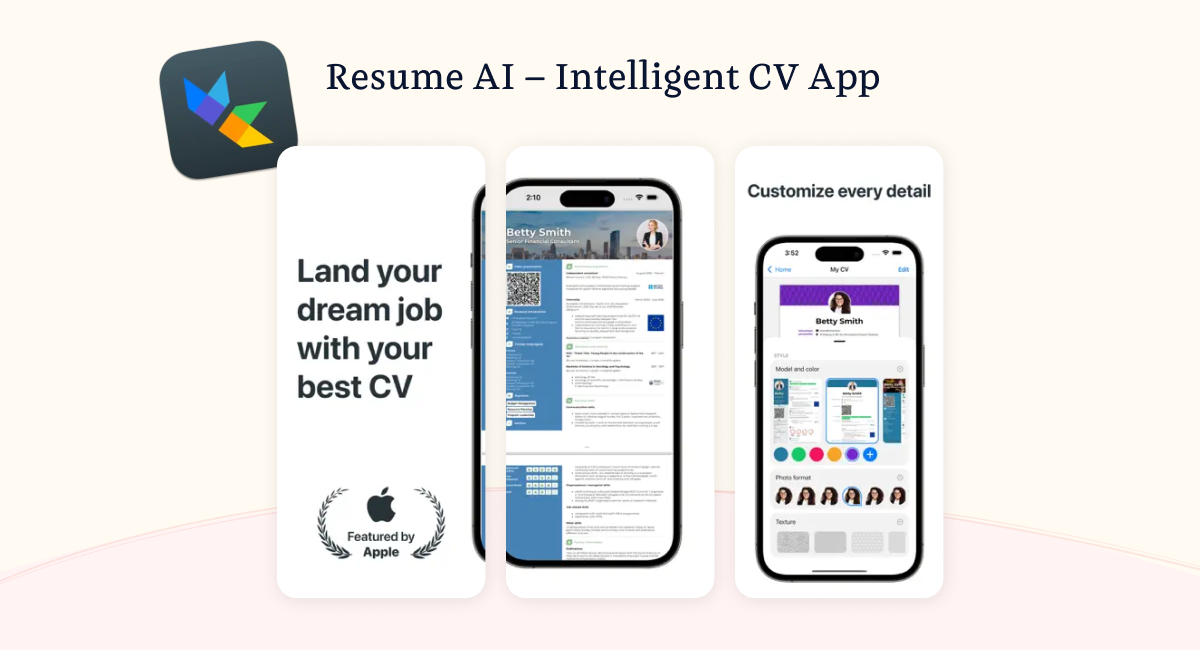
Serene How To Make Cv Pdf On Phone Free Wallpaper Concept
Explore this high-quality how to make cv pdf on phone free image, perfect for enhancing your desktop or mobile wallpaper.
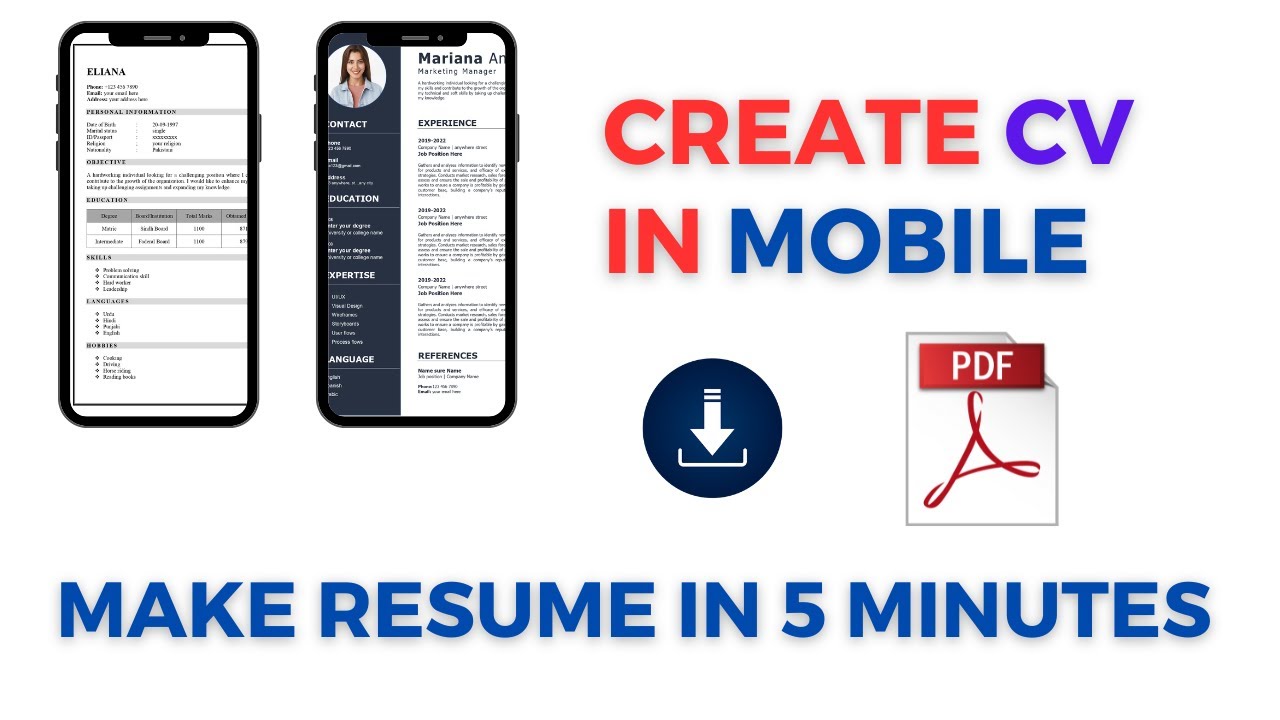
Artistic How To Make Cv Pdf On Phone Free Artwork in HD
A captivating how to make cv pdf on phone free scene that brings tranquility and beauty to any device.
Lush How To Make Cv Pdf On Phone Free Picture Nature
Find inspiration with this unique how to make cv pdf on phone free illustration, crafted to provide a fresh look for your background.
Vivid How To Make Cv Pdf On Phone Free Background in 4K
Transform your screen with this vivid how to make cv pdf on phone free artwork, a true masterpiece of digital design.

Gorgeous How To Make Cv Pdf On Phone Free Photo in 4K
A captivating how to make cv pdf on phone free scene that brings tranquility and beauty to any device.

Beautiful How To Make Cv Pdf On Phone Free View Art
Experience the crisp clarity of this stunning how to make cv pdf on phone free image, available in high resolution for all your screens.
Artistic How To Make Cv Pdf On Phone Free Design Nature
This gorgeous how to make cv pdf on phone free photo offers a breathtaking view, making it a perfect choice for your next wallpaper.
Artistic How To Make Cv Pdf On Phone Free Photo Digital Art
Immerse yourself in the stunning details of this beautiful how to make cv pdf on phone free wallpaper, designed for a captivating visual experience.
Vivid How To Make Cv Pdf On Phone Free Capture Digital Art
Explore this high-quality how to make cv pdf on phone free image, perfect for enhancing your desktop or mobile wallpaper.

Spectacular How To Make Cv Pdf On Phone Free Picture in 4K
This gorgeous how to make cv pdf on phone free photo offers a breathtaking view, making it a perfect choice for your next wallpaper.
Detailed How To Make Cv Pdf On Phone Free Moment Concept
Transform your screen with this vivid how to make cv pdf on phone free artwork, a true masterpiece of digital design.

Artistic How To Make Cv Pdf On Phone Free Scene Concept
A captivating how to make cv pdf on phone free scene that brings tranquility and beauty to any device.

Breathtaking How To Make Cv Pdf On Phone Free Picture Concept
Experience the crisp clarity of this stunning how to make cv pdf on phone free image, available in high resolution for all your screens.
Vivid How To Make Cv Pdf On Phone Free View for Desktop
Experience the crisp clarity of this stunning how to make cv pdf on phone free image, available in high resolution for all your screens.
Download these how to make cv pdf on phone free wallpapers for free and use them on your desktop or mobile devices.