How To Download Pdf On Iphone 15
Mastering Your Files: A Comprehensive Guide on How to Download PDF on iPhone 15
The iPhone 15, with its powerful A16 or A17 Pro chip and the transition to USB-C, has become a productivity powerhouse. Whether you are a student managing lecture notes, a professional handling contracts, or a casual user saving digital receipts, knowing how to download PDF on iPhone 15 is an essential skill. While iOS is designed to be intuitive, many users still find themselves confused about where files go once they click a download link. In this extensive guide, we will walk you through every possible method to save, manage, and organize PDF documents on your latest Apple device, ensuring you never lose an important document again.
Understanding the PDF Workflow on iOS 17 and iPhone 15
Before diving into the "how-to," it is important to understand that the iPhone 15 runs on iOS 17 (or later), which treats files differently than a traditional Windows or Mac desktop. When you "download" a file, it doesn't just sit on a desktop; it is stored within the Files app or specific application sandboxes. The Files app is the central nervous system for your documents, integrating seamlessly with iCloud Drive and third-party services like Google Drive or Dropbox.
The iPhone 15’s high-resolution Super Retina XDR display makes reading PDFs a breeze, but the first step is getting those documents onto the device storage. Whether the file is coming from a website, an email, or a cloud service, the process is streamlined once you know which buttons to press.
Method 1: Downloading PDFs Directly from Safari
Safari is the most common gateway for downloading PDFs. Whether it is a manual, an e-book, or a flight ticket, the process is straightforward. Here is the step-by-step process:
- Open Safari: Navigate to the website containing the PDF link.
- Tap the Link: Tap the link to the PDF. In many cases, Safari will open the PDF in a preview mode within the browser.
- The Share Icon: Look for the "Share" button at the bottom center of the screen (the square with an upward arrow).
- Save to Files: Scroll down the share sheet and select "Save to Files."
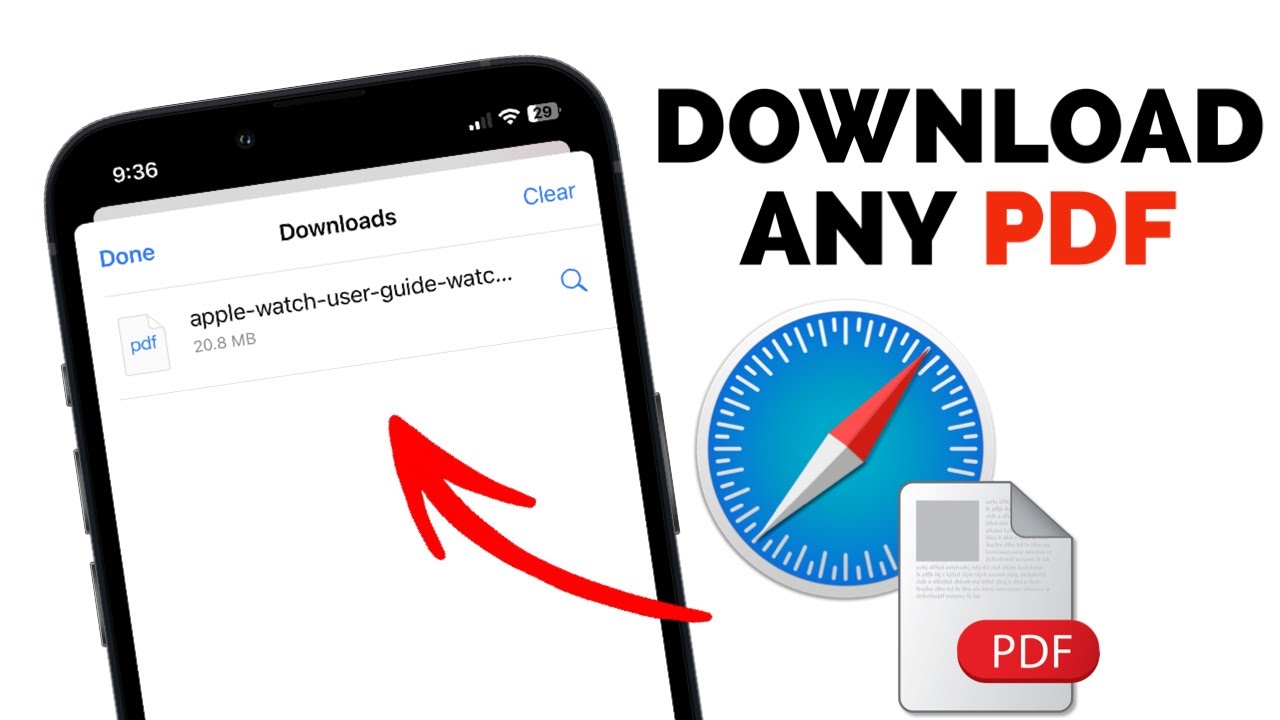
- Choose Your Destination: You can choose to save it "On My iPhone" (local storage) or in "iCloud Drive" (to sync across all your devices).
- Rename and Save: You can tap the file name to rename it before hitting "Save" in the top right corner.
This method ensures that the file is downloaded and stored permanently on your device, making it accessible even when you are offline.
Method 2: Saving PDF Attachments from the Mail App
Often, PDFs are sent as attachments via email. The iPhone 15 makes it incredibly easy to move these attachments into your local storage for better organization.
- Open the Mail app and locate the email with the PDF.
- Tap on the PDF attachment to open the preview.
- Tap the Share icon in the bottom left or top right corner (depending on your view).
- Select Save to Files.
- Select the folder where you want to keep the document and tap Save.
Pro Tip: If you have multiple PDFs in one email, you can long-press one of the attachments to bring up a contextual menu that allows you to "Save All" or "Share" them simultaneously.
Advanced Management: Using the Files App Effectively
Once you have mastered how to download PDF on iPhone 15, the next step is managing those files. The Files app is more than just a folder; it’s a file management system. You can create folders, add color-coded tags, and even compress files into ZIP format.
By default, downloads from Safari go into a folder aptly named "Downloads." You can change this by going to Settings > Safari > Downloads and choosing a different folder or even a different cloud service. This level of customization is what makes the iPhone 15 a true professional tool.
| Fitur/Aspek | Deskripsi |
|---|---|
| Default Storage | The "Downloads" folder within the Files app (iCloud or Local). |
| File Compression | Built-in ability to ZIP and Unzip PDF files without third-party apps. |
| Markup Tools | Annotate, sign, and highlight PDFs immediately after downloading. |
| Cloud Integration | Seamless sync with iCloud, Google Drive, and OneDrive. |
| USB-C Transfer | Move PDFs directly to an external SSD or Flash Drive on iPhone 15. |
How to Convert Web Pages to PDF on iPhone 15
Sometimes you aren't downloading a file that already exists; instead, you want to save a webpage as a PDF. This is a hidden gem in the iOS ecosystem. If you find a long article or a receipt online that you want to keep, follow these steps:
- Open the page in Safari.
- Press the Share button.
- Tap Options at the top of the share sheet.
- Select PDF instead of "Automatic" or "Web Archive."
- Go back and tap Save to Files.
This converts the entire webpage into a clean PDF document, preserving links and formatting. It’s perfect for offline reading or archiving research material.
Annotating and Signing Your Downloaded PDFs
Downloading the file is only half the battle. Often, you need to interact with it. The iPhone 15 supports "Markup," a feature that allows you to draw, write, and sign documents. After you download a PDF, open it in the Files app. Tap the small Pen icon in the top right corner. You can now add your signature using your finger, add text boxes, or highlight important sections. Once finished, tap "Done," and the changes are saved directly to the file.
Using the Apple Books App for PDFs
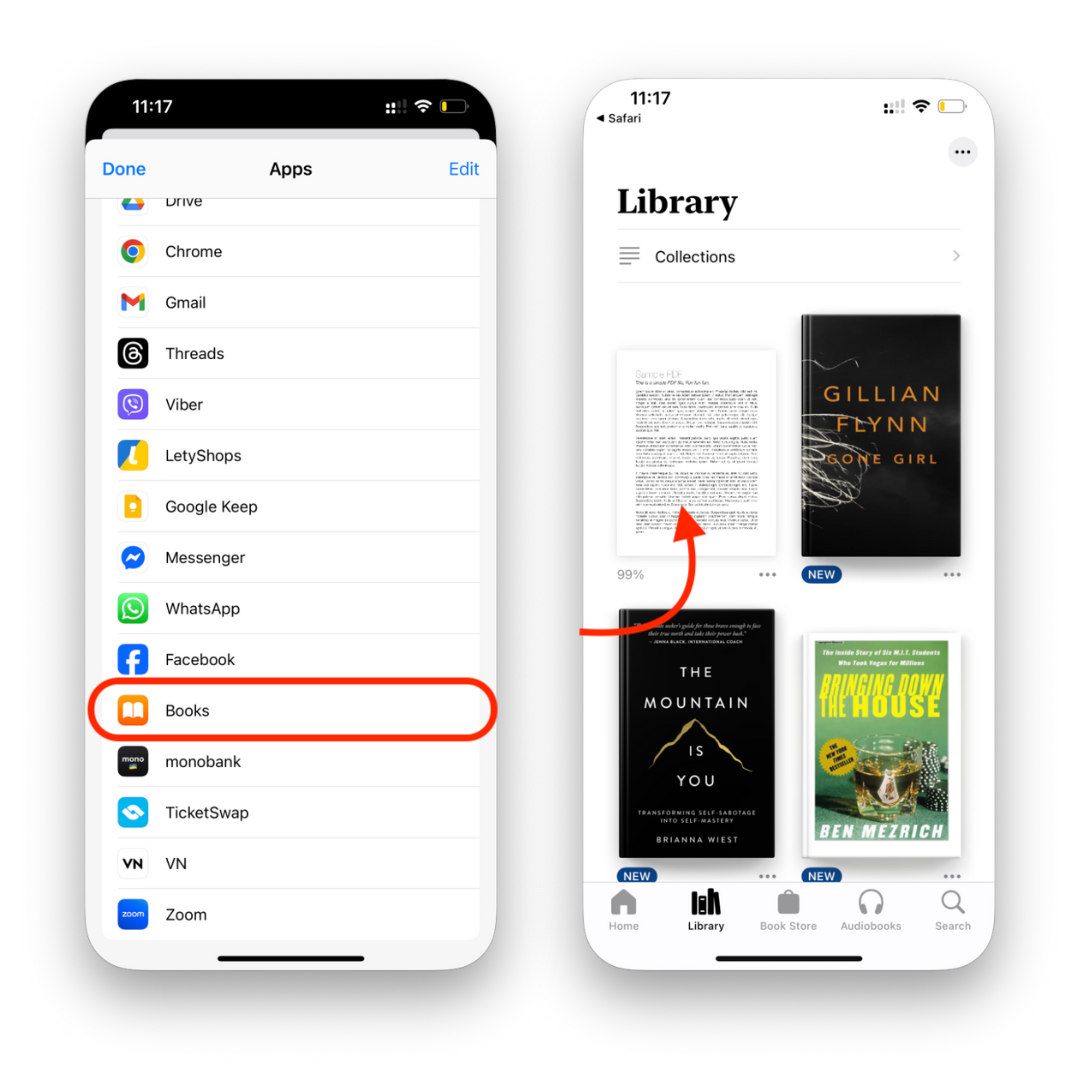
If you are downloading a PDF e-book, you might prefer a more "literary" experience. Instead of "Save to Files," you can select Books from the share sheet. This moves the PDF into the Apple Books app, where you can organize it on a digital shelf, use a slider to flip through pages, and sync your reading progress across your iPad and Mac.
FAQ: Frequently Asked Questions
1. Where do my downloaded PDFs go on iPhone 15?
By default, they are stored in the Files app within the "Downloads" folder. This folder can be located either on your iCloud Drive or "On My iPhone," depending on your settings.
2. Can I download a PDF from a website that doesn't have a download button?
Yes. You can use the "Print" trick. Tap Share > Print. When the print preview appears, use two fingers to "pinch out" (zoom in) on the preview image. This turns the view into a PDF. Then tap the Share icon again to Save to Files.
3. How do I move PDFs from my iPhone 15 to a computer?
With the iPhone 15's USB-C port, you can plug in a USB-C flash drive and move files via the Files app. Alternatively, you can use AirDrop (for Mac), iCloud sync, or send it via email/messaging apps.
4. Is there a limit to how many PDFs I can download?
The only limit is your device's physical storage or your iCloud storage plan. PDF files are generally small, so you can store thousands of them on a standard 128GB iPhone 15.
Conclusion
Mastering how to download PDF on iPhone 15 is a fundamental part of getting the most out of your premium device. By utilizing the Safari share sheet, the Mail app integration, and the powerful organization features of the Files app, you can transform your smartphone into a mobile office. The addition of the USB-C port on the iPhone 15 series further expands these capabilities, allowing for easier file transfers than ever before. Whether you are saving a simple recipe or a complex legal document, the steps outlined above will ensure that your digital library is always at your fingertips, organized, and ready for use.
Remember to regularly back up your important PDFs to iCloud or an external drive to prevent data loss. With these tools and techniques, you are now an expert in iOS file management!
How To Download Pdf On Iphone 15
How To Download Pdf On Iphone 15 Wallpapers
Collection of how to download pdf on iphone 15 wallpapers for your desktop and mobile devices.

Artistic How To Download Pdf On Iphone 15 Design in HD
A captivating how to download pdf on iphone 15 scene that brings tranquility and beauty to any device.
Serene How To Download Pdf On Iphone 15 Photo in 4K
Explore this high-quality how to download pdf on iphone 15 image, perfect for enhancing your desktop or mobile wallpaper.
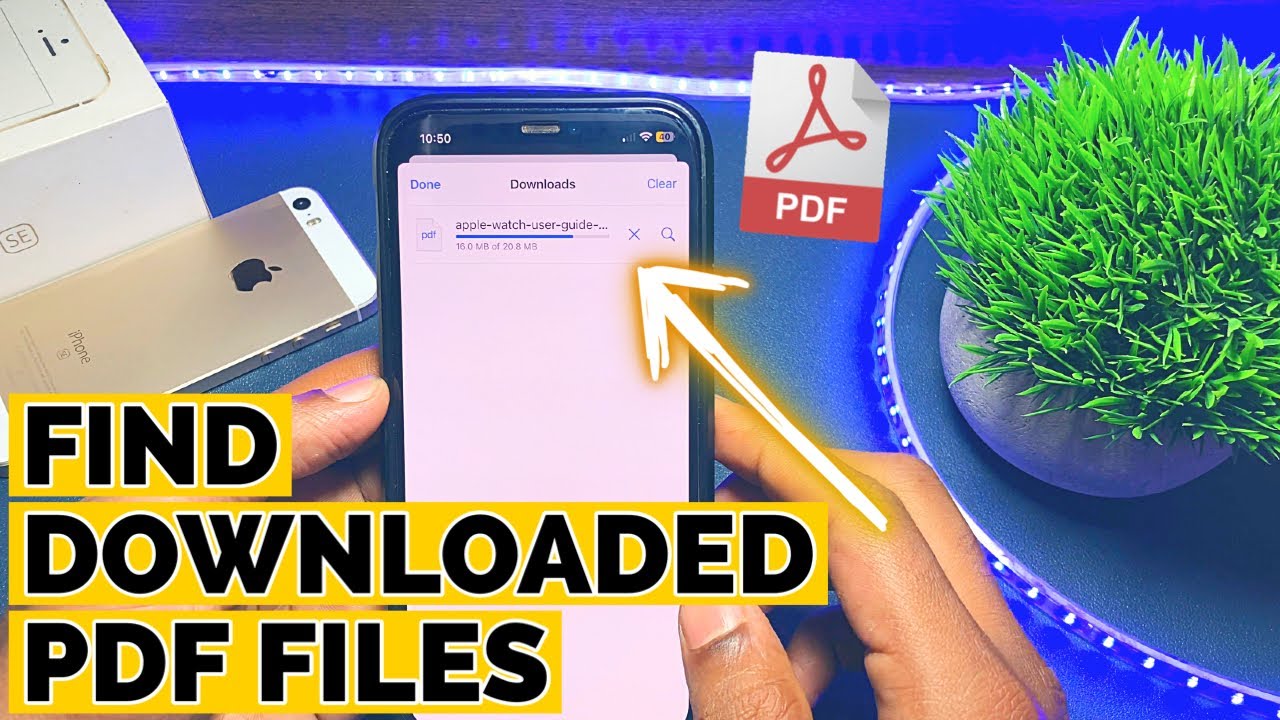
High-Quality How To Download Pdf On Iphone 15 Picture for Mobile
Transform your screen with this vivid how to download pdf on iphone 15 artwork, a true masterpiece of digital design.
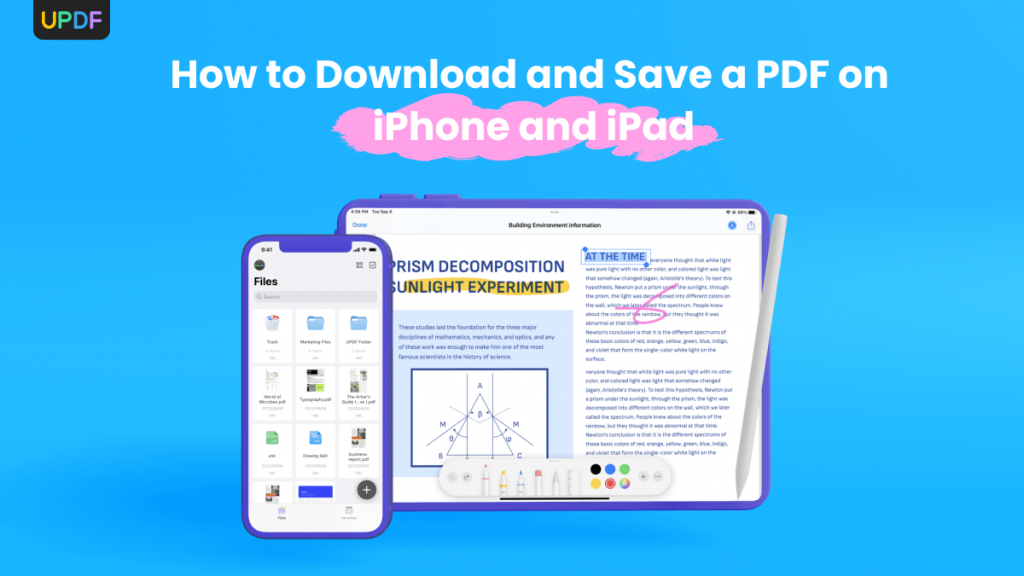
Serene How To Download Pdf On Iphone 15 Landscape Art
Explore this high-quality how to download pdf on iphone 15 image, perfect for enhancing your desktop or mobile wallpaper.

Amazing How To Download Pdf On Iphone 15 Artwork Illustration
Experience the crisp clarity of this stunning how to download pdf on iphone 15 image, available in high resolution for all your screens.

Serene How To Download Pdf On Iphone 15 Photo for Desktop
Discover an amazing how to download pdf on iphone 15 background image, ideal for personalizing your devices with vibrant colors and intricate designs.
Stunning How To Download Pdf On Iphone 15 Landscape for Mobile
Immerse yourself in the stunning details of this beautiful how to download pdf on iphone 15 wallpaper, designed for a captivating visual experience.
Dynamic How To Download Pdf On Iphone 15 Abstract Digital Art
A captivating how to download pdf on iphone 15 scene that brings tranquility and beauty to any device.

Gorgeous How To Download Pdf On Iphone 15 Landscape in HD
Find inspiration with this unique how to download pdf on iphone 15 illustration, crafted to provide a fresh look for your background.

Vivid How To Download Pdf On Iphone 15 Photo Illustration
Experience the crisp clarity of this stunning how to download pdf on iphone 15 image, available in high resolution for all your screens.
Vibrant How To Download Pdf On Iphone 15 Scene Photography
Explore this high-quality how to download pdf on iphone 15 image, perfect for enhancing your desktop or mobile wallpaper.
Mesmerizing How To Download Pdf On Iphone 15 View Photography
Transform your screen with this vivid how to download pdf on iphone 15 artwork, a true masterpiece of digital design.

Captivating How To Download Pdf On Iphone 15 Design Concept
Find inspiration with this unique how to download pdf on iphone 15 illustration, crafted to provide a fresh look for your background.

Lush How To Download Pdf On Iphone 15 Moment Collection
Find inspiration with this unique how to download pdf on iphone 15 illustration, crafted to provide a fresh look for your background.
Dynamic How To Download Pdf On Iphone 15 Image Illustration
Find inspiration with this unique how to download pdf on iphone 15 illustration, crafted to provide a fresh look for your background.
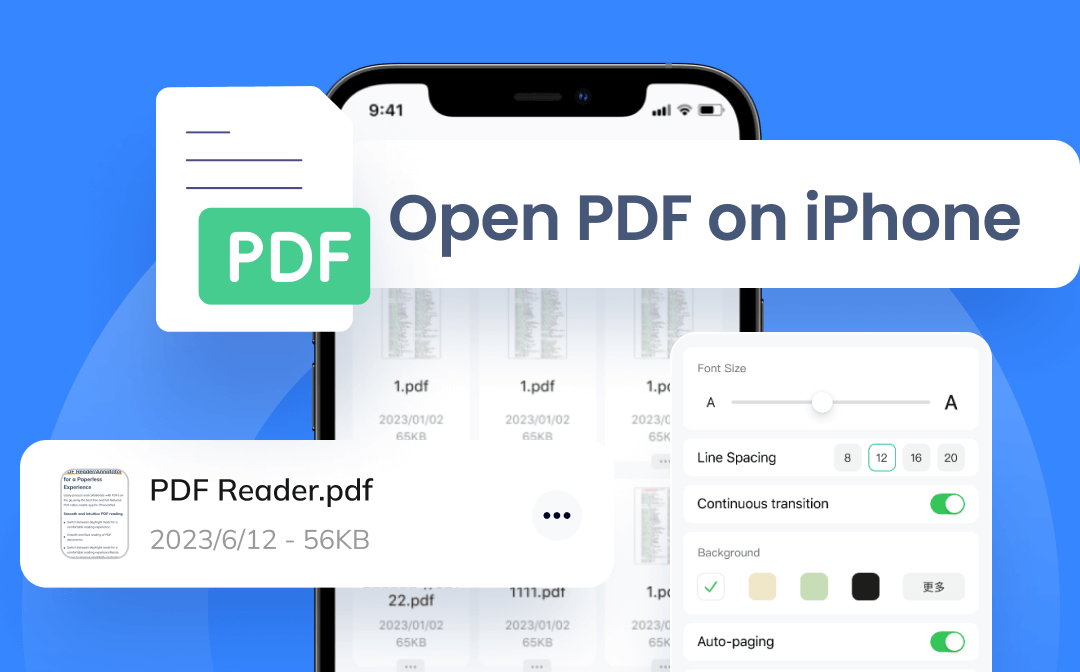
Gorgeous How To Download Pdf On Iphone 15 Moment Nature
Find inspiration with this unique how to download pdf on iphone 15 illustration, crafted to provide a fresh look for your background.

Dynamic How To Download Pdf On Iphone 15 Picture Illustration
This gorgeous how to download pdf on iphone 15 photo offers a breathtaking view, making it a perfect choice for your next wallpaper.

Dynamic How To Download Pdf On Iphone 15 Artwork Photography
Find inspiration with this unique how to download pdf on iphone 15 illustration, crafted to provide a fresh look for your background.

High-Quality How To Download Pdf On Iphone 15 Moment in HD
Transform your screen with this vivid how to download pdf on iphone 15 artwork, a true masterpiece of digital design.
Spectacular How To Download Pdf On Iphone 15 Capture for Mobile
Find inspiration with this unique how to download pdf on iphone 15 illustration, crafted to provide a fresh look for your background.
Download these how to download pdf on iphone 15 wallpapers for free and use them on your desktop or mobile devices.