How To Make A Pdf On Iphone 15 Pro Max
How to Make a PDF on iPhone 15 Pro Max: A Complete Step-by-Step Guide
The iPhone 15 Pro Max is more than just a smartphone; it is a pocket-sized powerhouse capable of handling complex professional tasks. With its expansive 6.7-inch Super Retina XDR display and the lightning-fast A17 Pro chip, productivity on the go has never been easier. One of the most common productivity tasks users need to perform is document management, specifically creating PDF files. Whether you are a student submitting an assignment, a professional sending an invoice, or someone simply trying to organize digital receipts, knowing how to make a PDF on iPhone 15 Pro Max is an essential skill.
In this comprehensive guide, we will explore various methods to generate high-quality PDF documents using native iOS 17 features. You won't need to download expensive third-party software, as Apple’s ecosystem provides robust tools within the Photos, Files, Safari, and Notes apps. Let’s dive into the most efficient ways to transform your digital content into professional PDF documents.
1. Converting Photos to PDF Using the Print Trick
One of the most frequent questions users ask is how to turn a gallery photo into a document. On the iPhone 15 Pro Max, the process is incredibly intuitive. This method works perfectly for single images or a selection of multiple photos that you want to merge into a single PDF file.
Step-by-Step Instructions:
- Open the Photos app and select the image(s) you wish to convert.
- Tap the Share button (the square with an upward arrow) located at the bottom left of the screen.
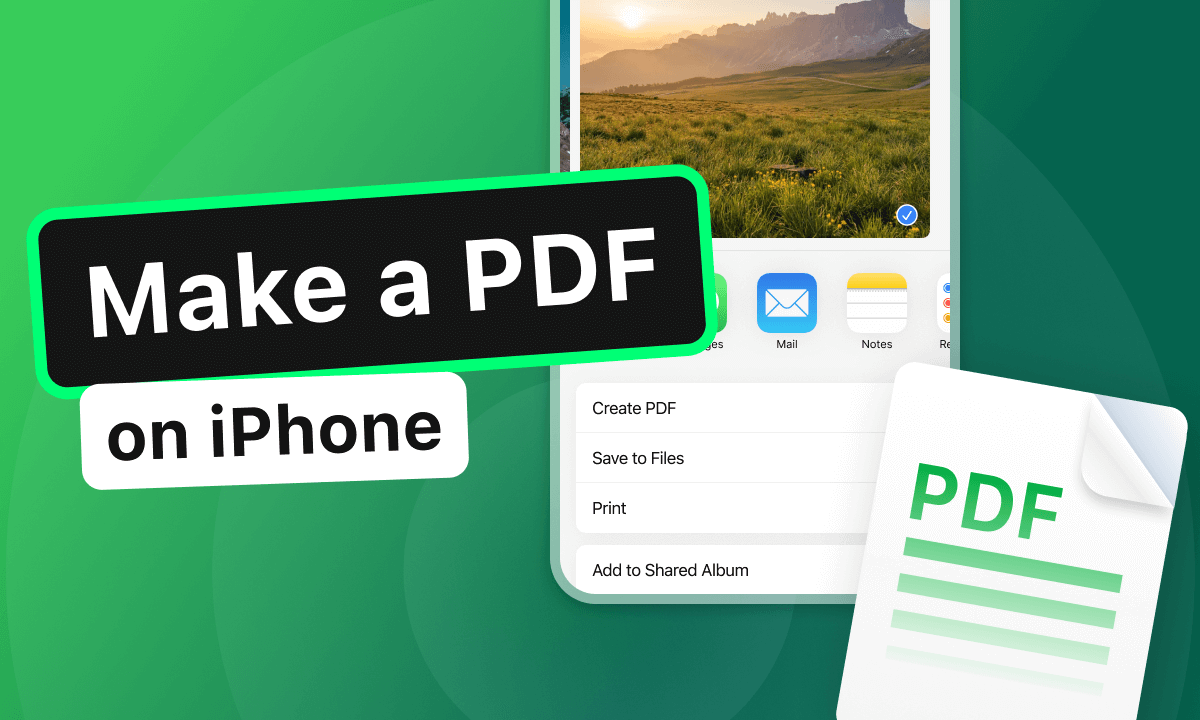
- Scroll down through the share sheet and select the Print option.
- On the Print Options screen, you will see a preview of your photo. Pinch outward with two fingers on the preview image. This action expands the image into a PDF view.
- Once the PDF view opens, tap the Share button again at the bottom.
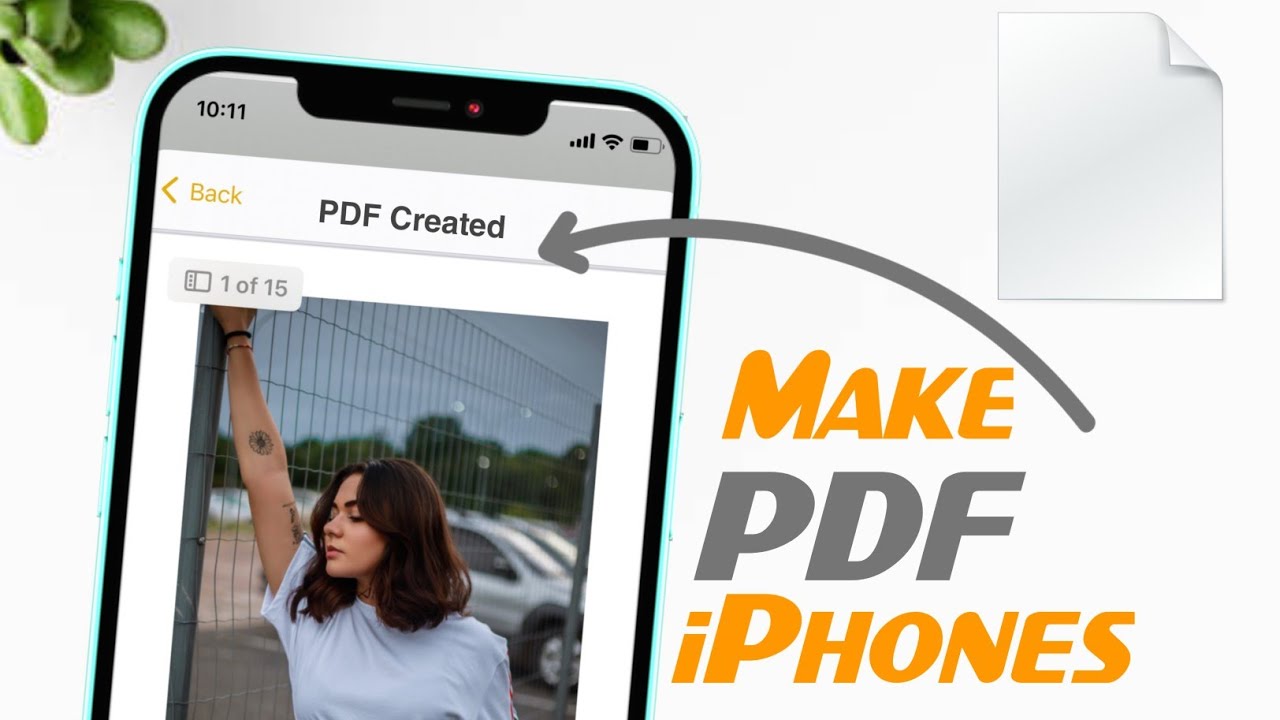
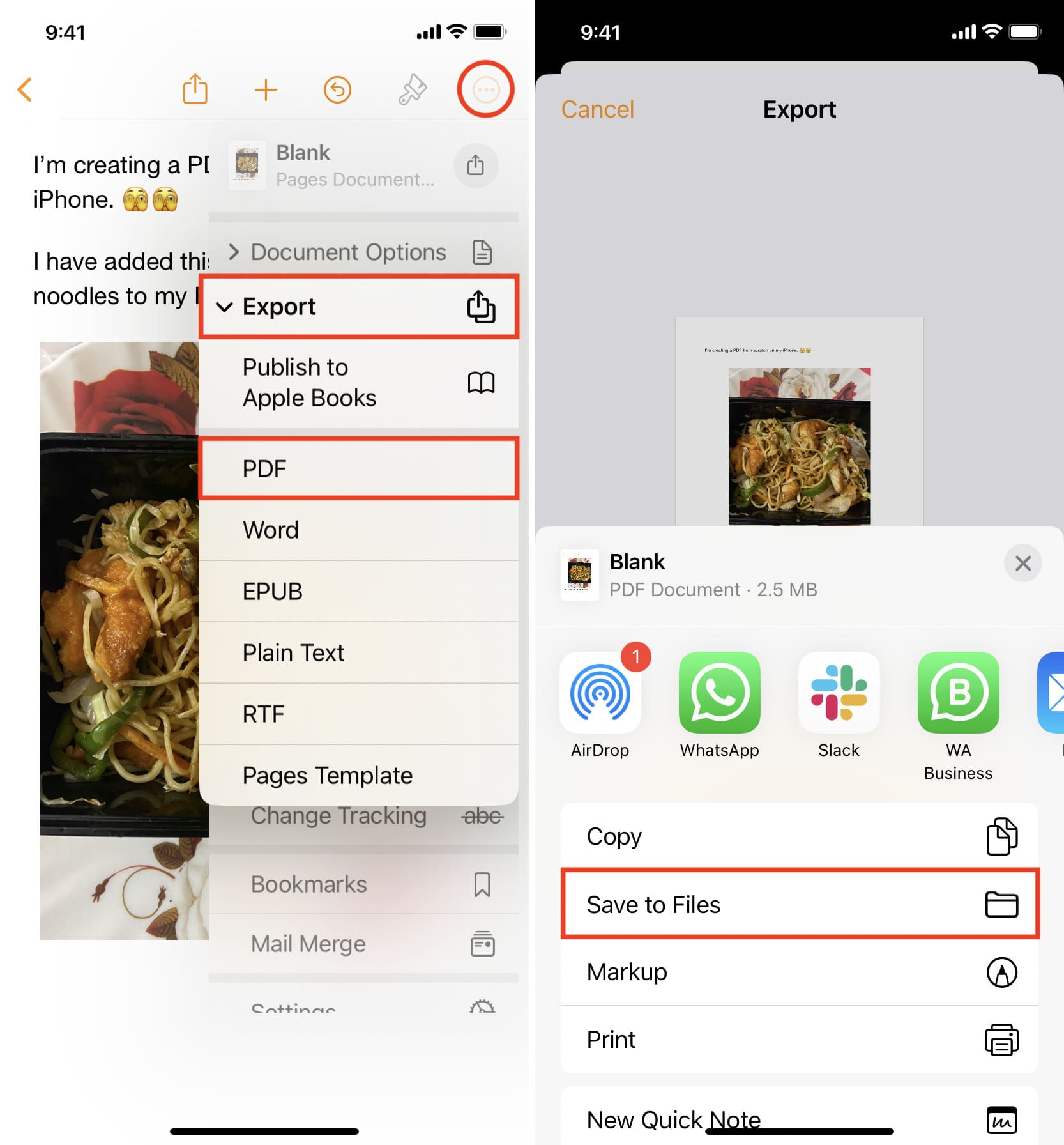
- Choose Save to Files. Select your preferred folder and tap Save. Your photo is now officially a PDF document.
2. Using the Files App for Instant PDF Creation
The Files app on the iPhone 15 Pro Max is a sophisticated file management system. It allows you to create PDFs directly from documents or images stored in your iCloud Drive or locally on your device. This is often the fastest method for professionals who are already organizing their work within folders.
Creating a PDF from an Existing File:
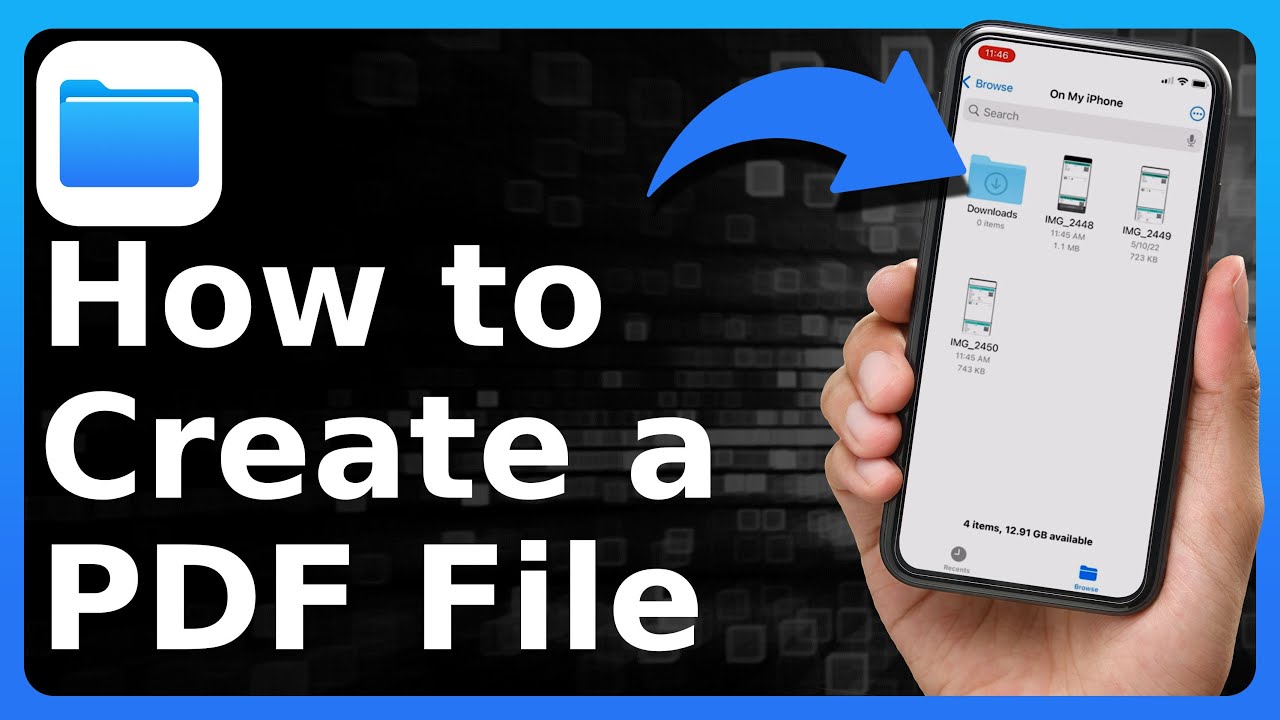
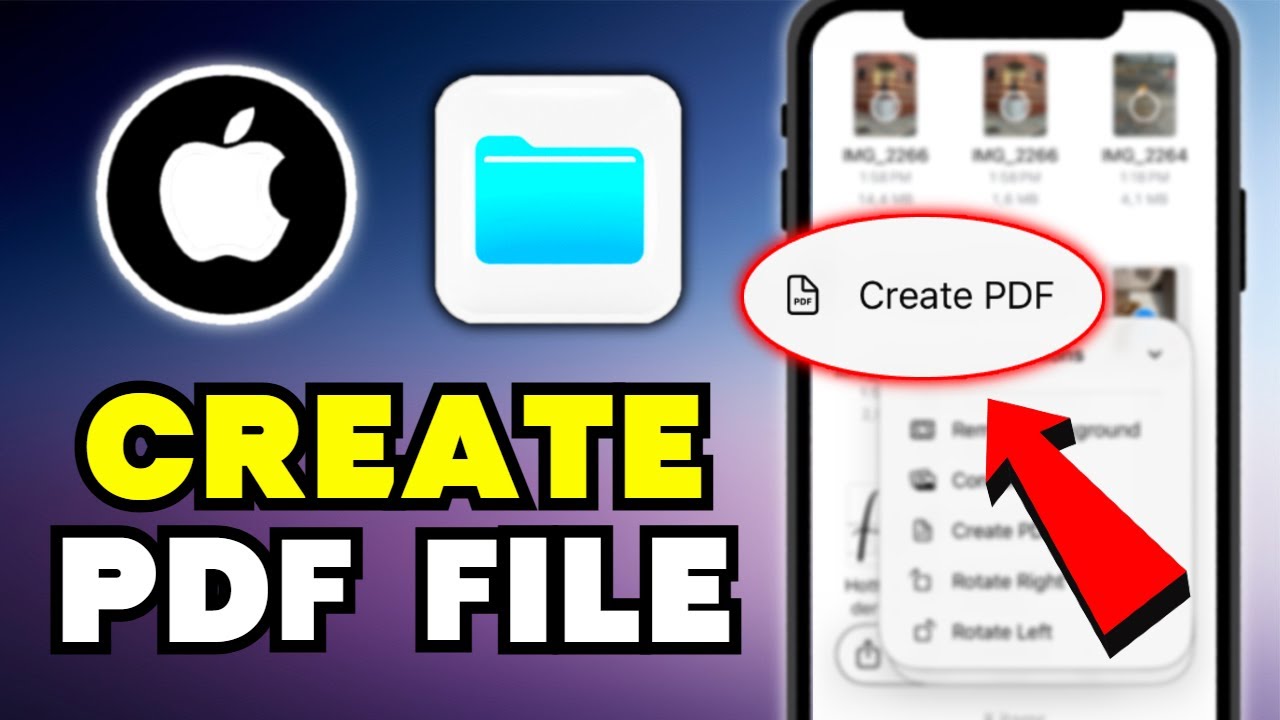
If you have an image or a document (like a Word file) inside the Files app, simply long-press on the file. A contextual menu will appear. Look for Quick Actions and select Create PDF. The system will immediately generate a PDF version of that file in the same directory.
Merging Multiple Files:
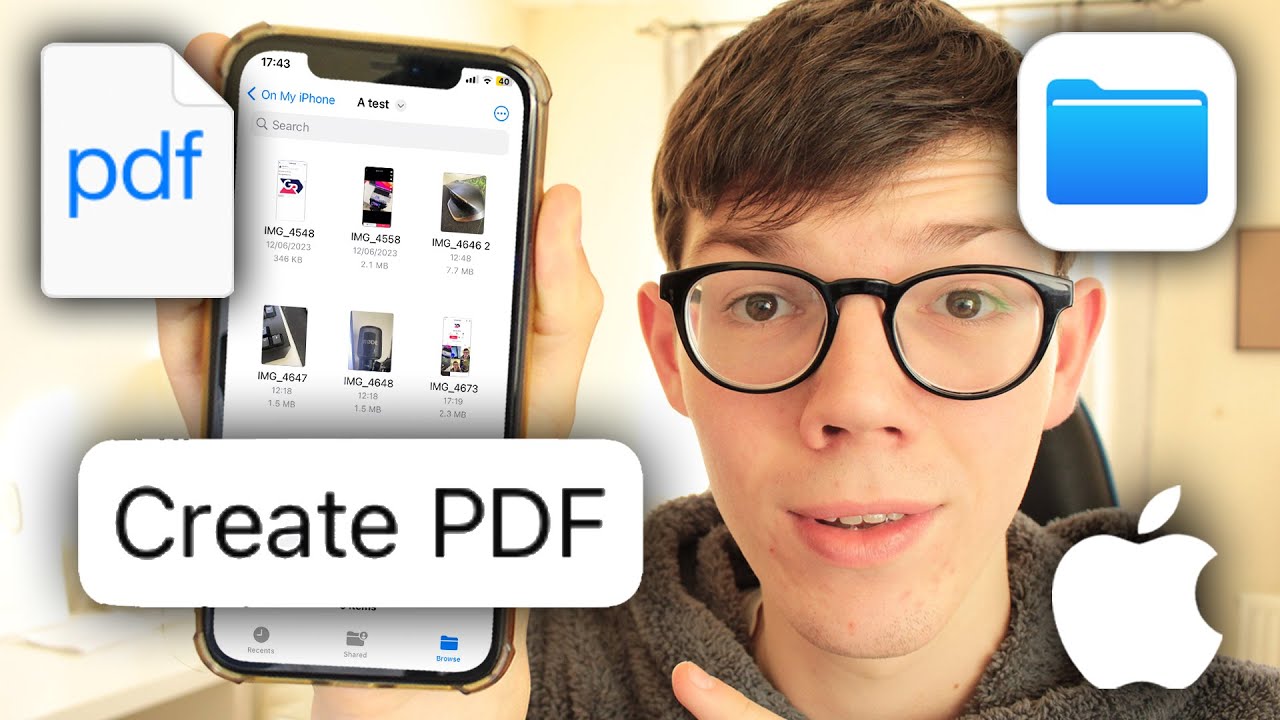
If you have several separate images or documents that need to be combined into one PDF, tap the three dots (ellipsis) in the top right corner of the Files app and choose Select. Pick the files you want to merge, tap the three dots in the bottom right corner, and select Create PDF. The iPhone 15 Pro Max will intelligently stitch these files together into a single, multi-page document.
3. Scanning Physical Documents with the Notes App
With the advanced 48MP main camera on the iPhone 15 Pro Max, your device doubles as a high-end document scanner. You can skip the bulky office scanner and use the Notes app to create perfectly aligned, high-contrast PDF scans of physical paperwork.
- Open the Notes app and create a new note or open an existing one.
- Tap the Camera icon on the toolbar and select Scan Documents.
- Position your iPhone over the document. The A17 Pro chip will automatically detect the edges of the paper and take the shot for you (if set to Auto).
- Once you have scanned all the pages, tap Save.
- To turn this scan into a shareable PDF, tap the scan within your note, hit the Share button, and select Save to Files or send it directly via email.
| Method | Best Use Case |
|---|---|
| Photos App (Print) | Quickly turning single or multiple gallery images into a PDF. |
| Files App (Quick Actions) | Merging multiple documents or converting existing files instantly. |
| Notes App (Scanning) | Converting physical paper documents into high-quality digital PDFs. |
| Safari (Export) | Saving entire web pages or articles for offline reading/archiving. |
4. Saving Web Pages as PDFs in Safari
Often, you may need to save a receipt from a website or an informative article. Safari on iOS 17 makes this incredibly simple. Instead of taking multiple screenshots, you can capture the entire webpage as a clean PDF.
How to Export Webpages:
- Navigate to the desired webpage in Safari.
- Tap the Share icon at the bottom center.
- At the top of the share menu, look for Options just below the webpage title.
- Select PDF or Reader PDF (Reader PDF provides a cleaner look without ads) and tap Done.
- Now, choose Save to Files or your preferred sharing method.
Advanced Tips: Marking Up and Signing Your PDFs
The iPhone 15 Pro Max isn't just about creating PDFs; it's about editing them too. Once you have created a PDF using any of the methods above, you can use the Markup tool to add a signature, highlight text, or add annotations. This is particularly useful for signing contracts on the go.
To do this, open any PDF in the Files app and tap the small Pen icon in the top right corner. You can now draw on the document, add text boxes, or tap the "+" icon to add a saved signature. The precision of the large screen makes this process feel natural and professional.
Maximizing Efficiency with the Action Button
A unique feature of the iPhone 15 Pro Max is the Action Button. You can program this button to trigger a "Shortcut." By using the Shortcuts app, you can create a custom automation that takes your last photo or a selected document and converts it to a PDF with a single press of the button. This level of customization is what sets the Pro Max model apart for power users.
Frequently Asked Questions (FAQ)
1. Can I make a PDF on my iPhone 15 Pro Max without third-party apps?
Yes, you can easily create PDFs using built-in apps like Photos, Files, Safari, and Notes. Apple provides all the necessary tools within iOS 17 to scan, convert, and merge documents into PDF format without needing to download anything from the App Store.
2. How do I combine multiple photos into one PDF?
The easiest way is through the Files app. Move your photos to a folder in Files, tap the ellipsis (three dots), choose 'Select', pick your photos, then tap the ellipsis again and select 'Create PDF'. Alternatively, you can select multiple photos in the Photos app and use the 'Print' trick mentioned earlier.
3. How do I reduce the file size of a PDF I created?
iOS allows you to compress PDFs. In the Files app, long-press on your PDF and select Quick Actions. You will see an option for Optimize File Size. This will reduce the resolution of images within the PDF to make the file easier to email.
Conclusion
Mastering how to make a PDF on iPhone 15 Pro Max empowers you to handle professional tasks with speed and precision. Whether you are leveraging the incredible 48MP camera to scan documents in the Notes app or using the Files app to merge complex reports, the tools are right at your fingertips. The combination of iOS 17 and the hardware capabilities of the iPhone 15 Pro Max ensures that your digital documents are of the highest quality. By following the steps outlined in this guide, you can transform your device into a mobile office, ensuring that you remain productive no matter where you are.
How To Make A Pdf On Iphone 15 Pro Max
How To Make A Pdf On Iphone 15 Pro Max Wallpapers
Collection of how to make a pdf on iphone 15 pro max wallpapers for your desktop and mobile devices.

Amazing How To Make A Pdf On Iphone 15 Pro Max Landscape in HD
Explore this high-quality how to make a pdf on iphone 15 pro max image, perfect for enhancing your desktop or mobile wallpaper.

Beautiful How To Make A Pdf On Iphone 15 Pro Max Image for Desktop
Experience the crisp clarity of this stunning how to make a pdf on iphone 15 pro max image, available in high resolution for all your screens.

Artistic How To Make A Pdf On Iphone 15 Pro Max Artwork for Desktop
A captivating how to make a pdf on iphone 15 pro max scene that brings tranquility and beauty to any device.
Vibrant How To Make A Pdf On Iphone 15 Pro Max Picture Illustration
Explore this high-quality how to make a pdf on iphone 15 pro max image, perfect for enhancing your desktop or mobile wallpaper.

Exquisite How To Make A Pdf On Iphone 15 Pro Max Wallpaper Photography
Find inspiration with this unique how to make a pdf on iphone 15 pro max illustration, crafted to provide a fresh look for your background.
High-Quality How To Make A Pdf On Iphone 15 Pro Max Photo in 4K
Experience the crisp clarity of this stunning how to make a pdf on iphone 15 pro max image, available in high resolution for all your screens.

Captivating How To Make A Pdf On Iphone 15 Pro Max Scene Nature
A captivating how to make a pdf on iphone 15 pro max scene that brings tranquility and beauty to any device.
Spectacular How To Make A Pdf On Iphone 15 Pro Max Abstract in HD
A captivating how to make a pdf on iphone 15 pro max scene that brings tranquility and beauty to any device.
Stunning How To Make A Pdf On Iphone 15 Pro Max Picture in HD
Find inspiration with this unique how to make a pdf on iphone 15 pro max illustration, crafted to provide a fresh look for your background.

Stunning How To Make A Pdf On Iphone 15 Pro Max Design for Your Screen
This gorgeous how to make a pdf on iphone 15 pro max photo offers a breathtaking view, making it a perfect choice for your next wallpaper.
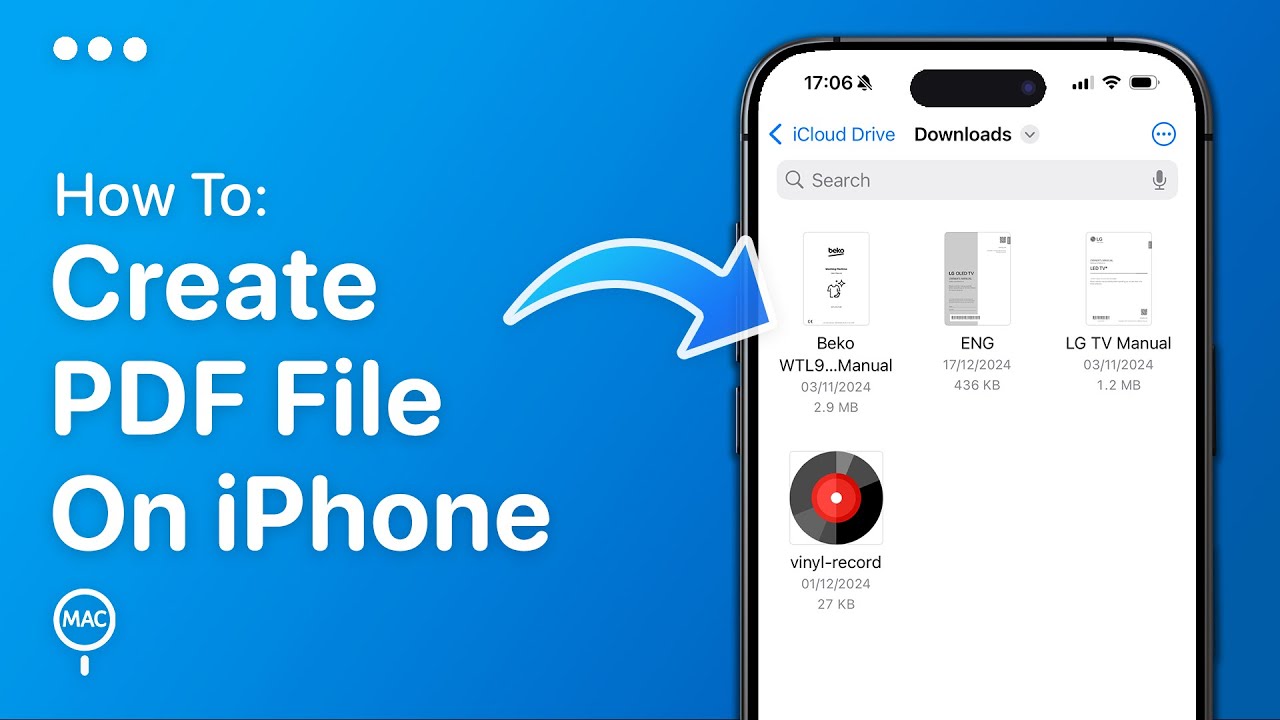
Vivid How To Make A Pdf On Iphone 15 Pro Max Artwork Collection
Transform your screen with this vivid how to make a pdf on iphone 15 pro max artwork, a true masterpiece of digital design.

Amazing How To Make A Pdf On Iphone 15 Pro Max Moment for Mobile
Experience the crisp clarity of this stunning how to make a pdf on iphone 15 pro max image, available in high resolution for all your screens.

Spectacular How To Make A Pdf On Iphone 15 Pro Max Photo in 4K
This gorgeous how to make a pdf on iphone 15 pro max photo offers a breathtaking view, making it a perfect choice for your next wallpaper.
Amazing How To Make A Pdf On Iphone 15 Pro Max Landscape Digital Art
Experience the crisp clarity of this stunning how to make a pdf on iphone 15 pro max image, available in high resolution for all your screens.

Detailed How To Make A Pdf On Iphone 15 Pro Max Landscape Art
Transform your screen with this vivid how to make a pdf on iphone 15 pro max artwork, a true masterpiece of digital design.

Serene How To Make A Pdf On Iphone 15 Pro Max Scene Art
Discover an amazing how to make a pdf on iphone 15 pro max background image, ideal for personalizing your devices with vibrant colors and intricate designs.
Stunning How To Make A Pdf On Iphone 15 Pro Max Picture for Your Screen
Find inspiration with this unique how to make a pdf on iphone 15 pro max illustration, crafted to provide a fresh look for your background.
Beautiful How To Make A Pdf On Iphone 15 Pro Max View Photography
Discover an amazing how to make a pdf on iphone 15 pro max background image, ideal for personalizing your devices with vibrant colors and intricate designs.
Breathtaking How To Make A Pdf On Iphone 15 Pro Max Picture Photography
Transform your screen with this vivid how to make a pdf on iphone 15 pro max artwork, a true masterpiece of digital design.
Vibrant How To Make A Pdf On Iphone 15 Pro Max Abstract Photography
Explore this high-quality how to make a pdf on iphone 15 pro max image, perfect for enhancing your desktop or mobile wallpaper.
Download these how to make a pdf on iphone 15 pro max wallpapers for free and use them on your desktop or mobile devices.