How To Unblock App On Play Store
How to Unblock App on Play Store: A Comprehensive Step-by-Step Guide
Have you ever encountered a frustrating moment when you search for a specific application on the Google Play Store, only to find it restricted, hidden, or blocked? Whether it is due to parental control settings, regional restrictions, or Google Play Protect flagging a file, being unable to access the tools you need can be a major hurdle. Understanding how to unblock app on Play Store is an essential skill for any Android user looking to maximize their device's potential.
In this professional guide, we will explore the various reasons why apps might be blocked and provide actionable, safe methods to regain access. From adjusting family settings to bypassing geographical barriers, we cover everything you need to know to manage your app visibility and installations effectively.
1. Managing Parental Controls on Google Play
One of the most common reasons an app appears "blocked" or doesn't show up in search results is the active status of Parental Controls. This feature is designed to prevent younger users from downloading mature content, but it can sometimes restrict adults if the settings were previously configured or inherited from a family group.
How to Disable or Adjust Parental Controls:
- Open the Google Play Store app on your Android device.
- Tap on your Profile Icon located at the top right corner of the screen.
- Select Settings from the dropdown menu.
- Navigate to the Family section and tap on Parental Controls.
- Toggle the switch to "Off". You will likely be prompted to enter the 4-digit PIN that was set up when the controls were first enabled.
- If you wish to keep them on but unblock a specific app, you can adjust the "Apps & Games" rating to a higher age bracket (e.g., allow "Rated for 18+").
2. Bypassing Regional and Country Restrictions
Sometimes, an app is perfectly safe and permitted by your settings, but it is simply not available in your specific country. Developers often limit app availability due to licensing agreements or local laws. When this happens, the Play Store will display a message stating, "This item is not available in your country."
Changing Your Play Store Country
Google allows you to change your Play Store country once per year. This is a permanent fix but requires you to have a payment method from that specific region. To do this, go to Settings > General > Account and device preferences > Country and profiles.
Using a VPN (Virtual Private Network)
If you don't want to change your official account region, using a VPN is a popular workaround. By masking your IP address, you can make it appear as though you are browsing from a different country. After connecting to a VPN server in the desired region, you must clear the cache and data of the Play Store app for the changes to take effect.
3. Overriding Google Play Protect Blocks
Google Play Protect is the built-in security system for Android. Occasionally, it might block the installation of an app—especially those downloaded from third-party sources (sideloaded)—if it perceives a security risk. While this is usually for your protection, false positives do occur.
How to Unblock an App via Play Protect:
- Open the Play Store and tap your profile icon.
- Select Play Protect.
- Tap the Settings (cog icon) in the top right.
- Turn off "Scan apps with Play Protect."
Note: Disabling this feature leaves your phone vulnerable to actual malware. It is highly recommended to turn it back on immediately after installing the trusted app you were trying to access.
4. Clearing Cache and Data to Resolve Technical Blocks
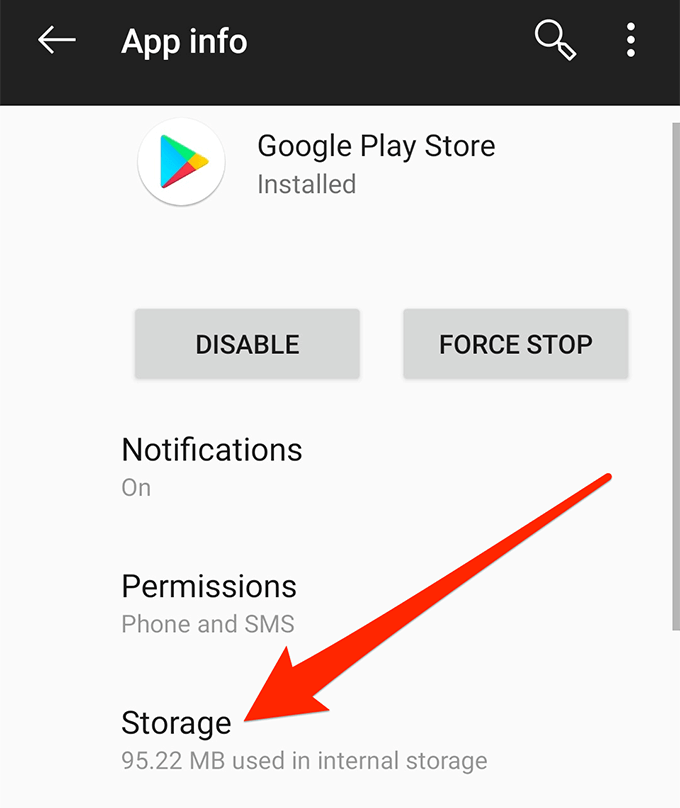
In some instances, an app is blocked not by a setting, but by a software glitch or outdated "cached" information. The Play Store might "remember" a restriction that no longer exists. Clearing the local data forces the app to refresh its permissions and regional settings from Google's servers.
| Action Step | Detailed Explanation |
|---|---|
| Navigate to Settings | Go to your phone's main System Settings and select "Apps" or "Application Manager". |
| Find Play Store | Locate "Google Play Store" in the list of installed applications. |
| Clear Cache | Tap on "Storage" and then select "Clear Cache". This removes temporary files. |
| Clear Data | Select "Clear Data" or "Clear Storage". This resets the app to its default state. |
| Restart Device | Reboot your smartphone to ensure all background processes are refreshed. |
5. Unblocking Through Google Family Link
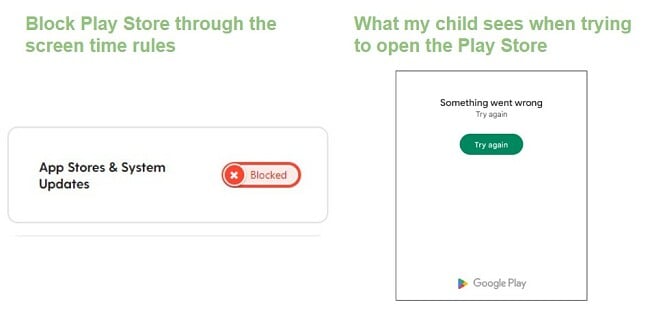
If your Android device is part of a family group managed via the Family Link app, you might find that you cannot unblock apps directly from your device. In this scenario, the "Parent" account holds all the keys. The manager of the family group must open the Family Link app on their own phone, select the child's profile, and navigate to "Content Restrictions" to manually allow the app or change the age rating filter.
6. Dealing with System-Level App Disablement
Sometimes, an app isn't blocked on the Play Store, but it has been "Disabled" within the Android OS. This often happens with pre-installed system apps. To unblock these, go to Settings > Apps > See all apps. Scroll to the bottom to find "Disabled apps." Select the app and tap Enable. Once enabled, it should appear in your app drawer and receive updates from the Play Store again.
Frequently Asked Questions (FAQ)
1. Is it safe to unblock an app that Google Play Protect has flagged?
It depends on the source. If you are downloading an app from a reputable developer's official website and Play Protect flags it, it might be a false positive. However, if the app is from an unknown third-party site, it is best to keep the block active to prevent malware or data theft.
2. Why can't I find the "Parental Controls" option?
If you are using a managed account (like a school or work email), these settings might be controlled by an administrator. You would need to contact your IT department or the account owner to change these permissions.
3. Will unblocking an app via VPN get my account banned?
Generally, no. Using a VPN to browse different regions is common. However, frequently changing your official "Play Store Country" in the settings is restricted to once a year by Google to prevent abuse of regional pricing.
4. How do I unblock an app if I forgot the Parental Control PIN?
If you forget the PIN, you will need to clear the data for the Google Play Store app in your phone settings. This will reset the parental control settings, allowing you to set a new PIN or leave them disabled.
Conclusion
Knowing how to unblock app on Play Store empowers you to take full control of your Android experience. Whether you are troubleshooting a technical glitch, navigating parental boundaries, or exploring global software via a VPN, the steps outlined above provide a clear roadmap to success. Always remember to prioritize your device's security—while unblocking apps is useful, maintaining active security features like Play Protect is vital for long-term safety. By following these professional tips, you can ensure that your Play Store remains a flexible and highly functional gateway to the world of mobile applications.
How To Unblock App On Play Store
How To Unblock App On Play Store Wallpapers
Collection of how to unblock app on play store wallpapers for your desktop and mobile devices.
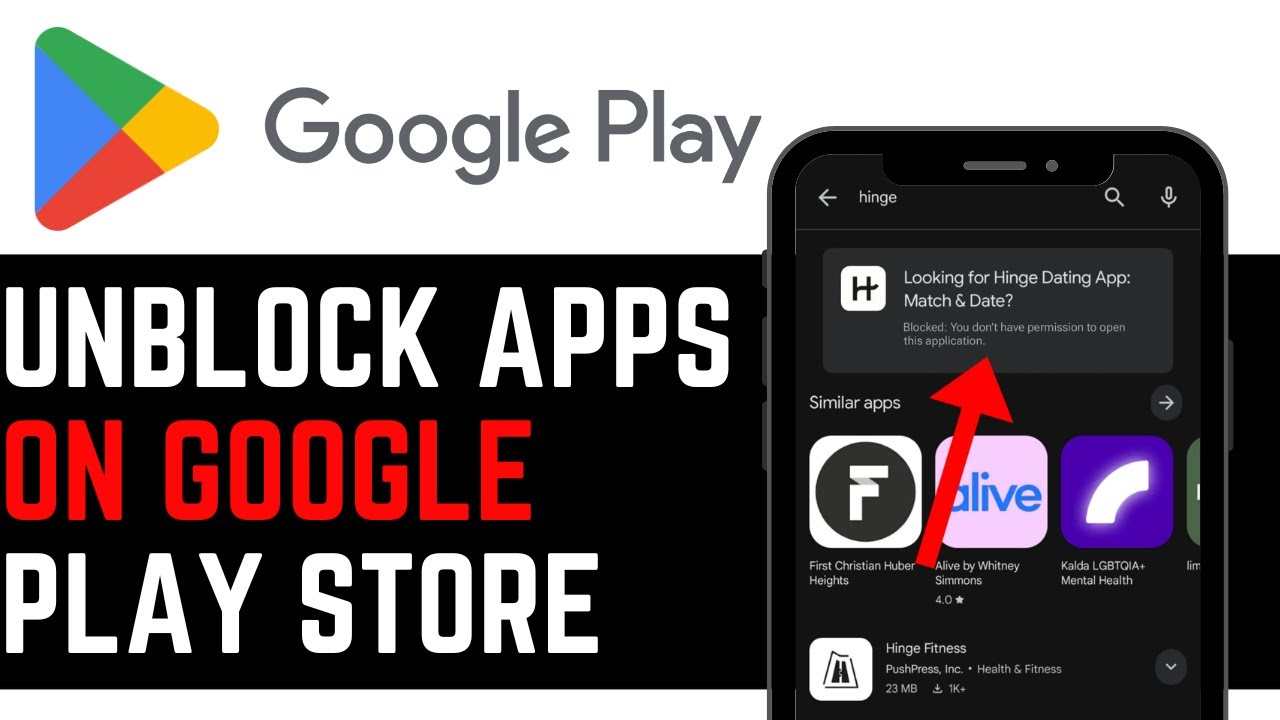
Detailed How To Unblock App On Play Store Moment Photography
Experience the crisp clarity of this stunning how to unblock app on play store image, available in high resolution for all your screens.

Stunning How To Unblock App On Play Store Scene Art
A captivating how to unblock app on play store scene that brings tranquility and beauty to any device.
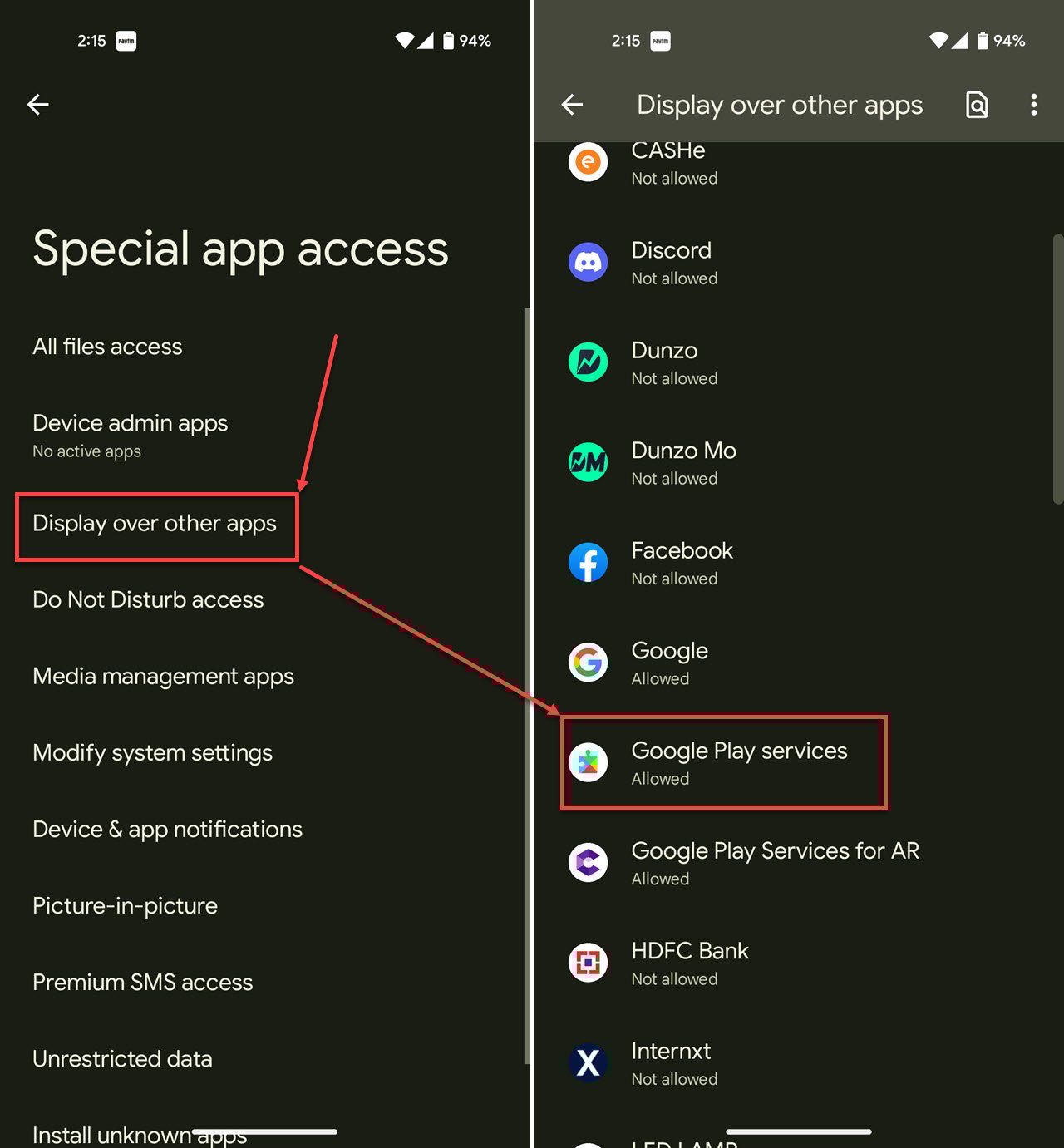
Stunning How To Unblock App On Play Store Design Concept
Immerse yourself in the stunning details of this beautiful how to unblock app on play store wallpaper, designed for a captivating visual experience.

Stunning How To Unblock App On Play Store Background Concept
Immerse yourself in the stunning details of this beautiful how to unblock app on play store wallpaper, designed for a captivating visual experience.

Exquisite How To Unblock App On Play Store Abstract Collection
Immerse yourself in the stunning details of this beautiful how to unblock app on play store wallpaper, designed for a captivating visual experience.
Lush How To Unblock App On Play Store Landscape for Desktop
This gorgeous how to unblock app on play store photo offers a breathtaking view, making it a perfect choice for your next wallpaper.

Vibrant How To Unblock App On Play Store Background for Mobile
Discover an amazing how to unblock app on play store background image, ideal for personalizing your devices with vibrant colors and intricate designs.

Exquisite How To Unblock App On Play Store Picture Illustration
A captivating how to unblock app on play store scene that brings tranquility and beauty to any device.

Dynamic How To Unblock App On Play Store Abstract Digital Art
A captivating how to unblock app on play store scene that brings tranquility and beauty to any device.

Dynamic How To Unblock App On Play Store Landscape Concept
Find inspiration with this unique how to unblock app on play store illustration, crafted to provide a fresh look for your background.
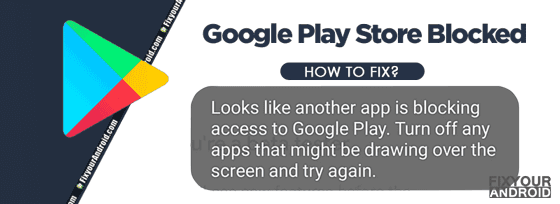
Artistic How To Unblock App On Play Store Artwork Nature
Immerse yourself in the stunning details of this beautiful how to unblock app on play store wallpaper, designed for a captivating visual experience.
Captivating How To Unblock App On Play Store Artwork Digital Art
A captivating how to unblock app on play store scene that brings tranquility and beauty to any device.

Amazing How To Unblock App On Play Store Abstract Digital Art
Experience the crisp clarity of this stunning how to unblock app on play store image, available in high resolution for all your screens.

Detailed How To Unblock App On Play Store Landscape Nature
Transform your screen with this vivid how to unblock app on play store artwork, a true masterpiece of digital design.

Gorgeous How To Unblock App On Play Store Capture Collection
Immerse yourself in the stunning details of this beautiful how to unblock app on play store wallpaper, designed for a captivating visual experience.

Serene How To Unblock App On Play Store Picture Collection
Explore this high-quality how to unblock app on play store image, perfect for enhancing your desktop or mobile wallpaper.
Amazing How To Unblock App On Play Store Photo Digital Art
Explore this high-quality how to unblock app on play store image, perfect for enhancing your desktop or mobile wallpaper.
Lush How To Unblock App On Play Store View Collection
Find inspiration with this unique how to unblock app on play store illustration, crafted to provide a fresh look for your background.

Beautiful How To Unblock App On Play Store Scene for Desktop
Experience the crisp clarity of this stunning how to unblock app on play store image, available in high resolution for all your screens.

Detailed How To Unblock App On Play Store Wallpaper in HD
Discover an amazing how to unblock app on play store background image, ideal for personalizing your devices with vibrant colors and intricate designs.
Download these how to unblock app on play store wallpapers for free and use them on your desktop or mobile devices.