How To Make A Pdf File Size Smaller Without Adobe
How To Make A Pdf File Size Smaller Without Adobe: The Ultimate Guide
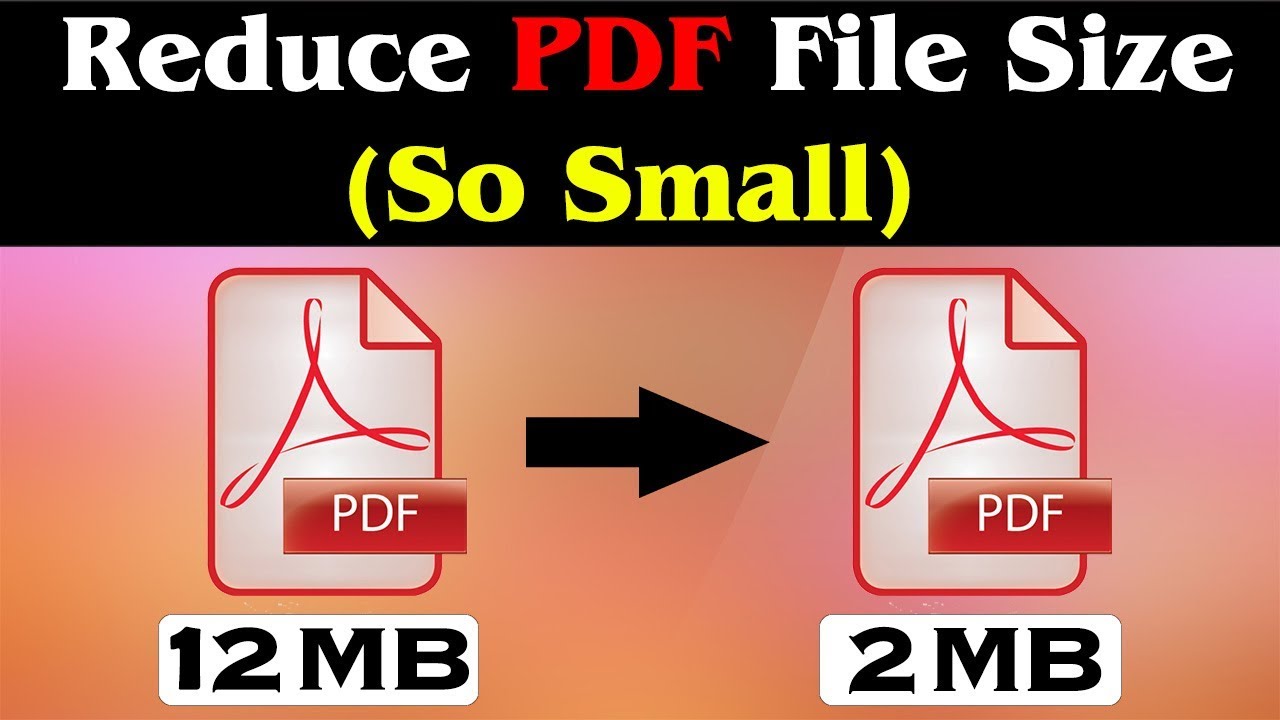
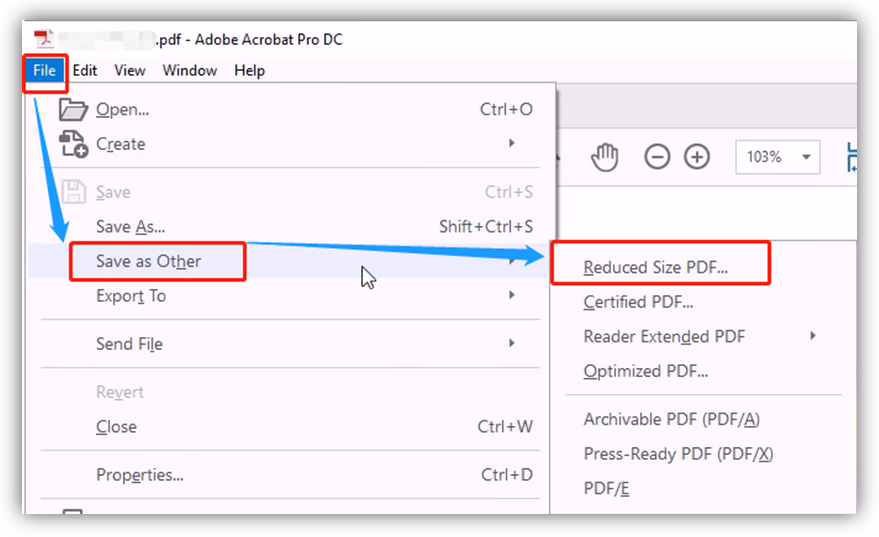
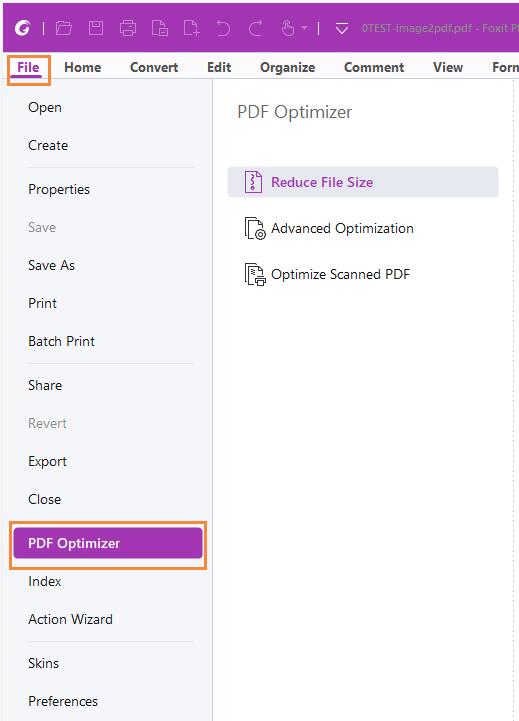
In today's digital era, PDF files are the universal standard for sharing documents, from resumes and portfolios to complex business reports. However, one of the most common frustrations users face is the "File too large" error when trying to upload a document to a job portal or send it via email. While Adobe Acrobat Pro is the industry standard for managing these files, its steep subscription price isn't for everyone. If you are looking for ways on how to make a PDF file size smaller without Adobe, you have come to the right place.
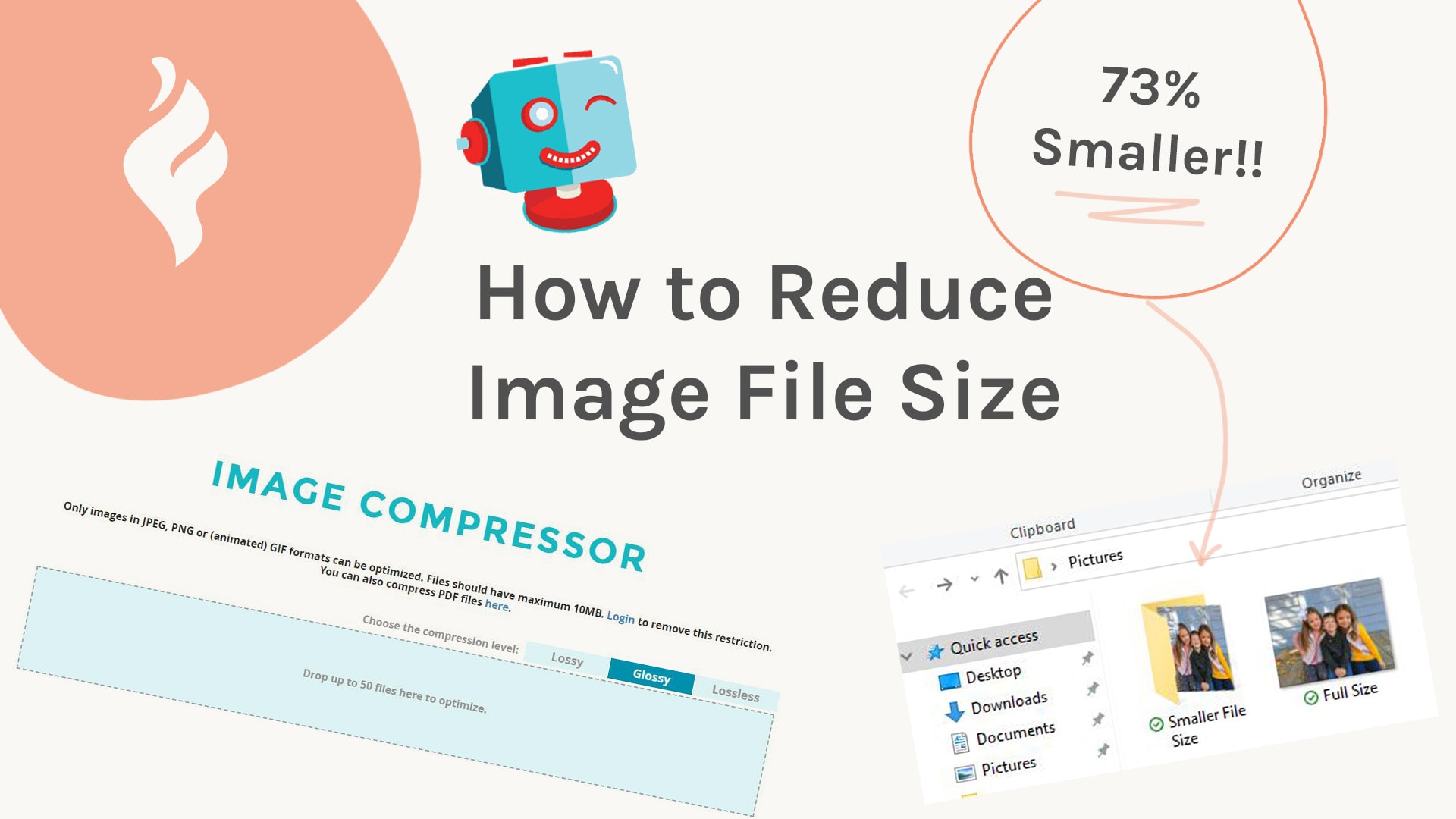
Reducing PDF size doesn't have to mean sacrificing quality or spending money. By understanding how PDF compression works and utilizing the right free tools, you can shrink your documents in seconds. This comprehensive guide will walk you through the best online tools, built-in operating system features, and clever hacks to optimize your files efficiently.
1. Utilize Powerful Online PDF Compressors
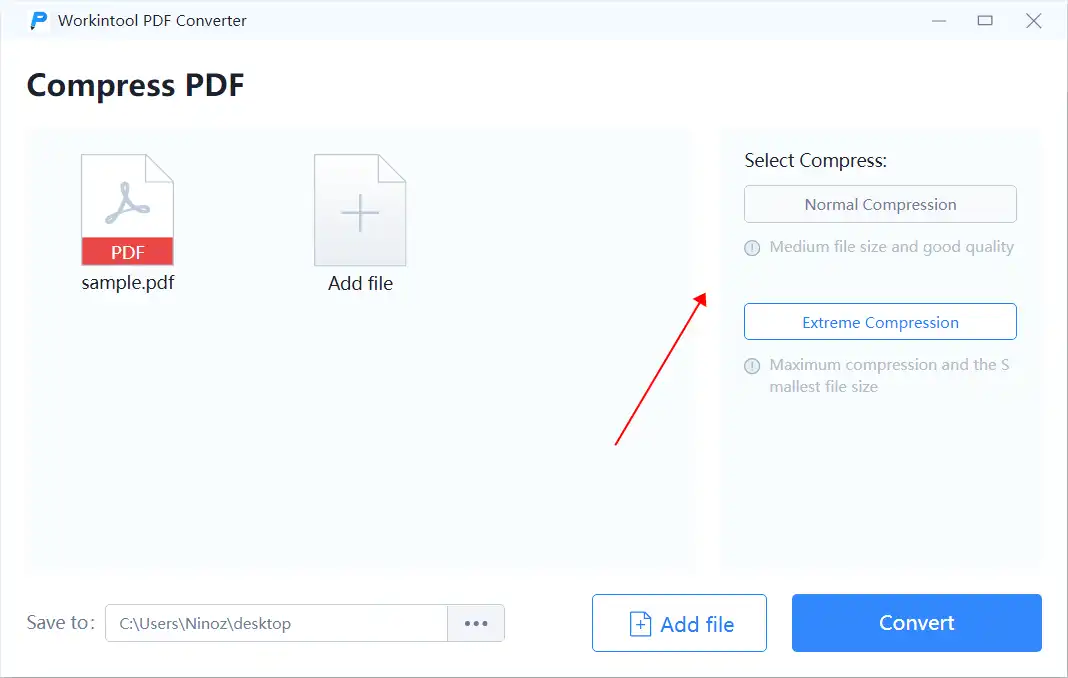
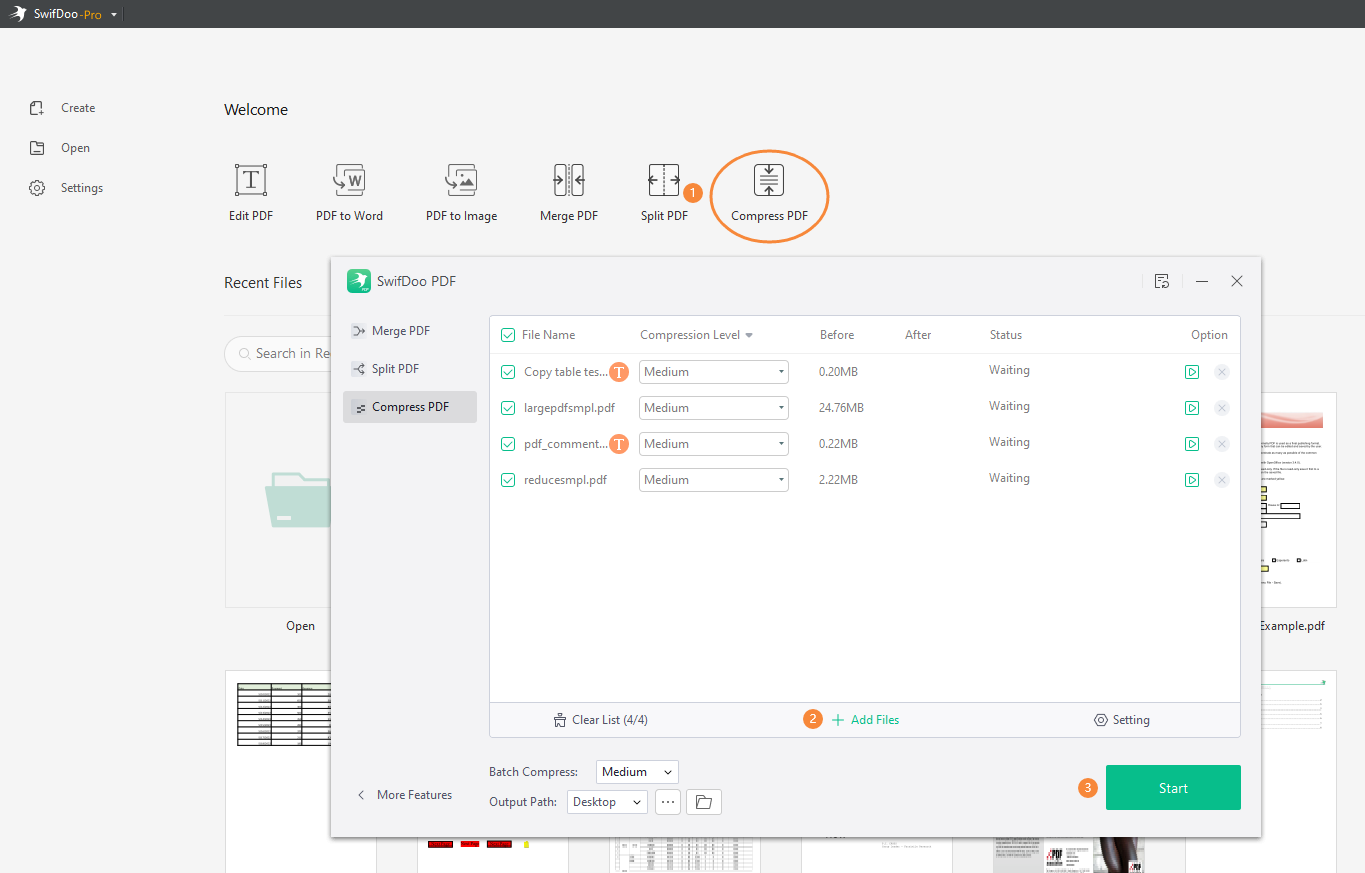
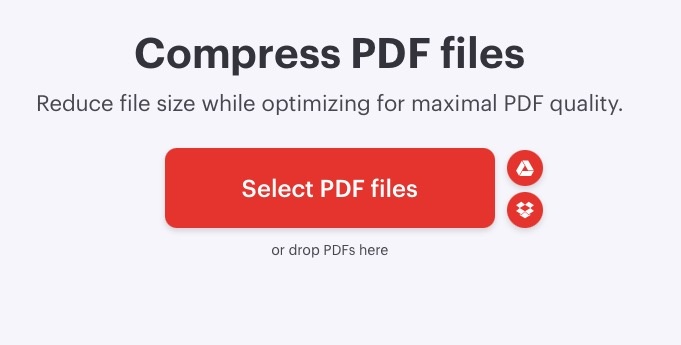
The fastest and most popular method to reduce PDF size without installing software is using web-based tools. These platforms use advanced algorithms to strip away unnecessary metadata, compress high-resolution images, and embed only the essential font characters.
- ILovePDF: A fan favorite that offers a simple interface. It allows you to choose between three levels of compression: Extreme (low quality, high compression), Recommended (good quality, good compression), and Less Compression (high quality).
- Smallpdf: Known for its security and clean design, Smallpdf is excellent for quick tasks. It provides a reliable cloud-based service that deletes your files from their servers shortly after processing.
- PDF2Go: This tool gives you more granular control. You can choose to convert images to grayscale to save even more space or set a specific DPI (dots per inch) for the images within the PDF.
To use these tools, you simply drag and drop your file into the browser, wait a few seconds for the compression to complete, and download the optimized version. Most of these services are free, though they may have daily limits on the number of files you can process.
2. How to Reduce PDF Size on Mac Using Preview
If you are a macOS user, you don't need to download anything at all. Apple’s built-in Preview app has a hidden feature that allows for quick PDF compression. This is perhaps the most "pro" way to handle files without third-party software.
Follow these steps to shrink your PDF on a Mac:
- Open your PDF file using the Preview app.
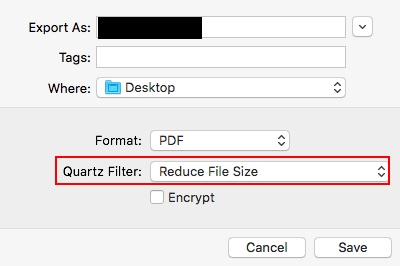
- Go to the top menu and select File > Export (Do not choose 'Export as PDF').
- In the pop-up window, look for the Quartz Filter dropdown menu.
- Select Reduce File Size from the list.
- Choose your destination and click Save.
Note: Sometimes the default "Reduce File Size" filter in Preview compresses the file too much, making images look blurry. Advanced users can tweak these filters in the "ColorSync Utility" app to find the perfect balance between quality and size.
3. Using Microsoft Word to Optimize PDFs
Many people don't realize that Microsoft Word is actually a powerful tool for PDF optimization. If your PDF started as a Word document or if you can open the PDF in Word, you can re-export it with "Minimum Size" settings.
To do this, open your document in Word, then go to File > Save As. Select PDF as the file type. Before hitting save, look for the radio buttons labeled "Optimize for" and select "Minimum size (publishing online)". This method is particularly effective for text-heavy documents that contain a few large images, as it specifically targets image resolution for web viewing.
| Method | Best For |
|---|---|
| Online Compressors | Quick, one-off tasks with no installation required. |
| Mac Preview | Offline compression for Apple users with zero quality cost. |
| Microsoft Word | Documents that are primarily text-based or originated in Office. |
| Virtual Printers | Users who want to "Print to PDF" with lower resolution settings. |
4. Use "Print to PDF" as a Compression Hack
Another clever way to make a PDF file size smaller without Adobe is by using the virtual printer feature built into Windows 10 and 11. This process essentially "re-prints" the document into a new PDF file, often stripping away bulky formatting and hidden layers that contribute to a large file size.
Step-by-step for Windows:
- Open your PDF in your preferred browser (Chrome or Edge).
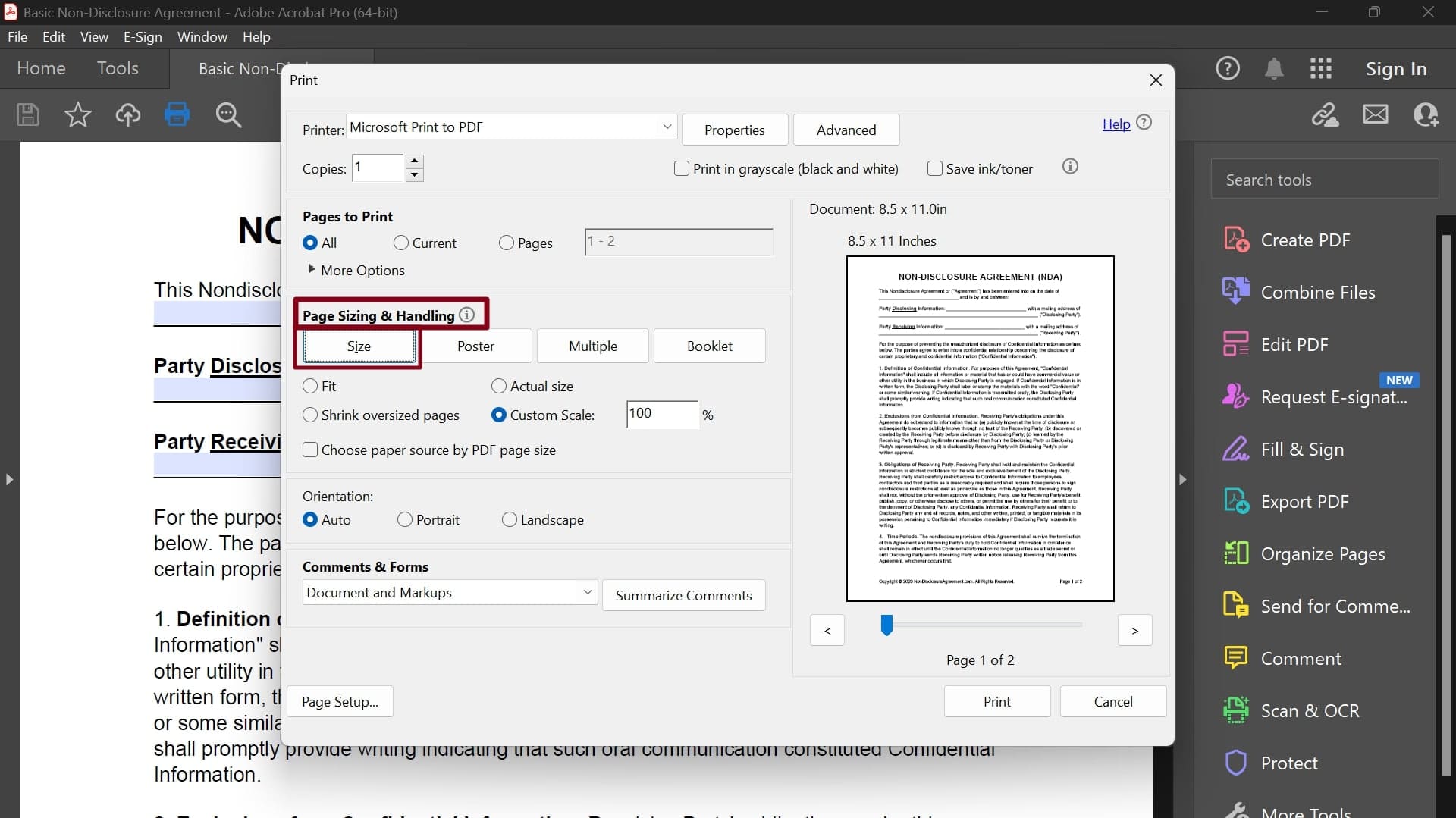
- Press Ctrl + P to open the Print dialog.
- Change the Printer to "Microsoft Print to PDF".
- Click Print and save the new file.
This method is surprisingly effective for PDFs generated by CAD software or graphic design programs that tend to include unnecessary metadata and complex vector layers.
5. Why Is Your PDF So Large? Understanding the Culprits
To effectively reduce file size, it helps to know what is taking up space. Generally, there are three main factors:
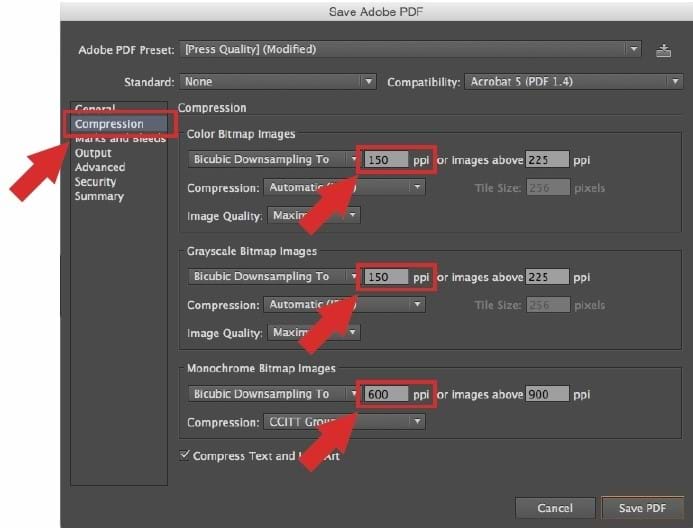
- High-Resolution Images: Images intended for high-quality printing (300 DPI) are much larger than those needed for screen viewing (72-150 DPI).
- Embedded Fonts: If you use exotic fonts, the PDF must carry the font data so the recipient can see it. This adds weight.
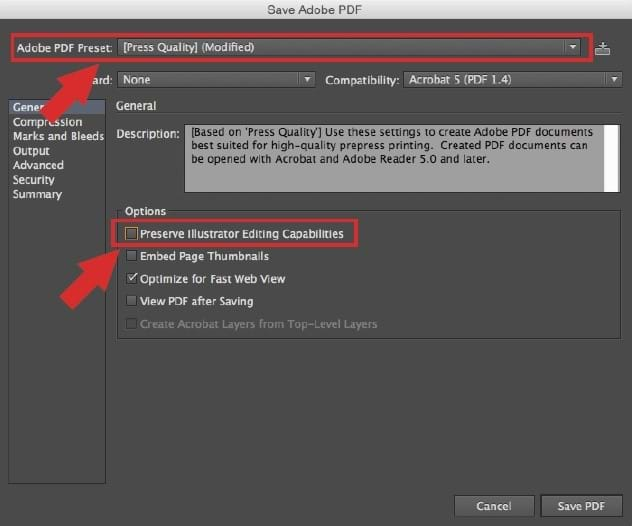
- Metadata and Hidden Objects: This includes revision history, hidden layers, and data used by design programs like Illustrator or InDesign.
By using the methods mentioned above, you are essentially telling the computer to "flatten" these elements and prioritize efficiency over print-perfect resolution.
Frequently Asked Questions (FAQ)
1. Will I lose quality when I compress a PDF?
Compression usually involves a trade-off. However, "Lossless" compression removes unnecessary data without affecting visual quality. "Lossy" compression reduces image resolution. For most business documents, the quality loss is invisible to the human eye on a standard monitor.
2. Is it safe to use online PDF compressors?
Most reputable sites like Smallpdf or ILovePDF use HTTPS encryption and delete your files from their servers within an hour. However, if you are handling extremely sensitive legal or financial documents, it is always safer to use offline methods like Mac's Preview or Microsoft Word.
3. Can I compress a PDF that is password protected?
Most online tools and software will require you to enter the password to unlock the file before they can apply compression algorithms. Once the file is optimized, you may need to re-apply the password protection.
Conclusion
Learning how to make a PDF file size smaller without Adobe is a valuable skill that saves time, storage space, and digital headaches. Whether you choose the convenience of online tools like Smallpdf, the native power of Mac’s Preview app, or the "Print to PDF" trick on Windows, you can achieve professional results for free.
Always remember to check your document after compression to ensure that the text remains legible and the images are clear enough for your intended audience. With these tools in your arsenal, you'll never have to worry about "File too large" errors again. Start optimizing today and experience a smoother, faster way to share your digital documents!
How To Make A Pdf File Size Smaller Without Adobe
How To Make A Pdf File Size Smaller Without Adobe Wallpapers
Collection of how to make a pdf file size smaller without adobe wallpapers for your desktop and mobile devices.

Dynamic How To Make A Pdf File Size Smaller Without Adobe Capture Photography
This gorgeous how to make a pdf file size smaller without adobe photo offers a breathtaking view, making it a perfect choice for your next wallpaper.
Mesmerizing How To Make A Pdf File Size Smaller Without Adobe Abstract for Your Screen
Experience the crisp clarity of this stunning how to make a pdf file size smaller without adobe image, available in high resolution for all your screens.
Detailed How To Make A Pdf File Size Smaller Without Adobe Scene Concept
Explore this high-quality how to make a pdf file size smaller without adobe image, perfect for enhancing your desktop or mobile wallpaper.
Dynamic How To Make A Pdf File Size Smaller Without Adobe Abstract for Desktop
Immerse yourself in the stunning details of this beautiful how to make a pdf file size smaller without adobe wallpaper, designed for a captivating visual experience.

Dynamic How To Make A Pdf File Size Smaller Without Adobe Artwork for Mobile
This gorgeous how to make a pdf file size smaller without adobe photo offers a breathtaking view, making it a perfect choice for your next wallpaper.
High-Quality How To Make A Pdf File Size Smaller Without Adobe Design for Your Screen
Transform your screen with this vivid how to make a pdf file size smaller without adobe artwork, a true masterpiece of digital design.
:max_bytes(150000):strip_icc()/how-to-make-a-file-smaller-on-mac-52109195-1220015ec8cf49b98b8ce692a7562a90.jpg "Exquisite How To Make A Pdf File Size Smaller Without Adobe Wallpaper for Desktop")
Exquisite How To Make A Pdf File Size Smaller Without Adobe Wallpaper for Desktop
This gorgeous how to make a pdf file size smaller without adobe photo offers a breathtaking view, making it a perfect choice for your next wallpaper.
Amazing How To Make A Pdf File Size Smaller Without Adobe Abstract in HD
Transform your screen with this vivid how to make a pdf file size smaller without adobe artwork, a true masterpiece of digital design.

Beautiful How To Make A Pdf File Size Smaller Without Adobe View Art
Explore this high-quality how to make a pdf file size smaller without adobe image, perfect for enhancing your desktop or mobile wallpaper.
Beautiful How To Make A Pdf File Size Smaller Without Adobe Landscape in HD
Experience the crisp clarity of this stunning how to make a pdf file size smaller without adobe image, available in high resolution for all your screens.
Serene How To Make A Pdf File Size Smaller Without Adobe Scene for Mobile
Experience the crisp clarity of this stunning how to make a pdf file size smaller without adobe image, available in high resolution for all your screens.

Dynamic How To Make A Pdf File Size Smaller Without Adobe Image Collection
A captivating how to make a pdf file size smaller without adobe scene that brings tranquility and beauty to any device.
Breathtaking How To Make A Pdf File Size Smaller Without Adobe Moment in HD
Experience the crisp clarity of this stunning how to make a pdf file size smaller without adobe image, available in high resolution for all your screens.
Breathtaking How To Make A Pdf File Size Smaller Without Adobe Picture for Desktop
Discover an amazing how to make a pdf file size smaller without adobe background image, ideal for personalizing your devices with vibrant colors and intricate designs.

Mesmerizing How To Make A Pdf File Size Smaller Without Adobe Photo Photography
Transform your screen with this vivid how to make a pdf file size smaller without adobe artwork, a true masterpiece of digital design.

Stunning How To Make A Pdf File Size Smaller Without Adobe Abstract for Your Screen
This gorgeous how to make a pdf file size smaller without adobe photo offers a breathtaking view, making it a perfect choice for your next wallpaper.
Serene How To Make A Pdf File Size Smaller Without Adobe Image for Desktop
Explore this high-quality how to make a pdf file size smaller without adobe image, perfect for enhancing your desktop or mobile wallpaper.
Artistic How To Make A Pdf File Size Smaller Without Adobe Wallpaper Nature
Immerse yourself in the stunning details of this beautiful how to make a pdf file size smaller without adobe wallpaper, designed for a captivating visual experience.

Lush How To Make A Pdf File Size Smaller Without Adobe Scene Concept
Find inspiration with this unique how to make a pdf file size smaller without adobe illustration, crafted to provide a fresh look for your background.
Vivid How To Make A Pdf File Size Smaller Without Adobe Design for Mobile
Explore this high-quality how to make a pdf file size smaller without adobe image, perfect for enhancing your desktop or mobile wallpaper.
Download these how to make a pdf file size smaller without adobe wallpapers for free and use them on your desktop or mobile devices.