Why Is Google Play Store Stopping
Why Is Google Play Store Stopping? A Comprehensive Troubleshooting Guide
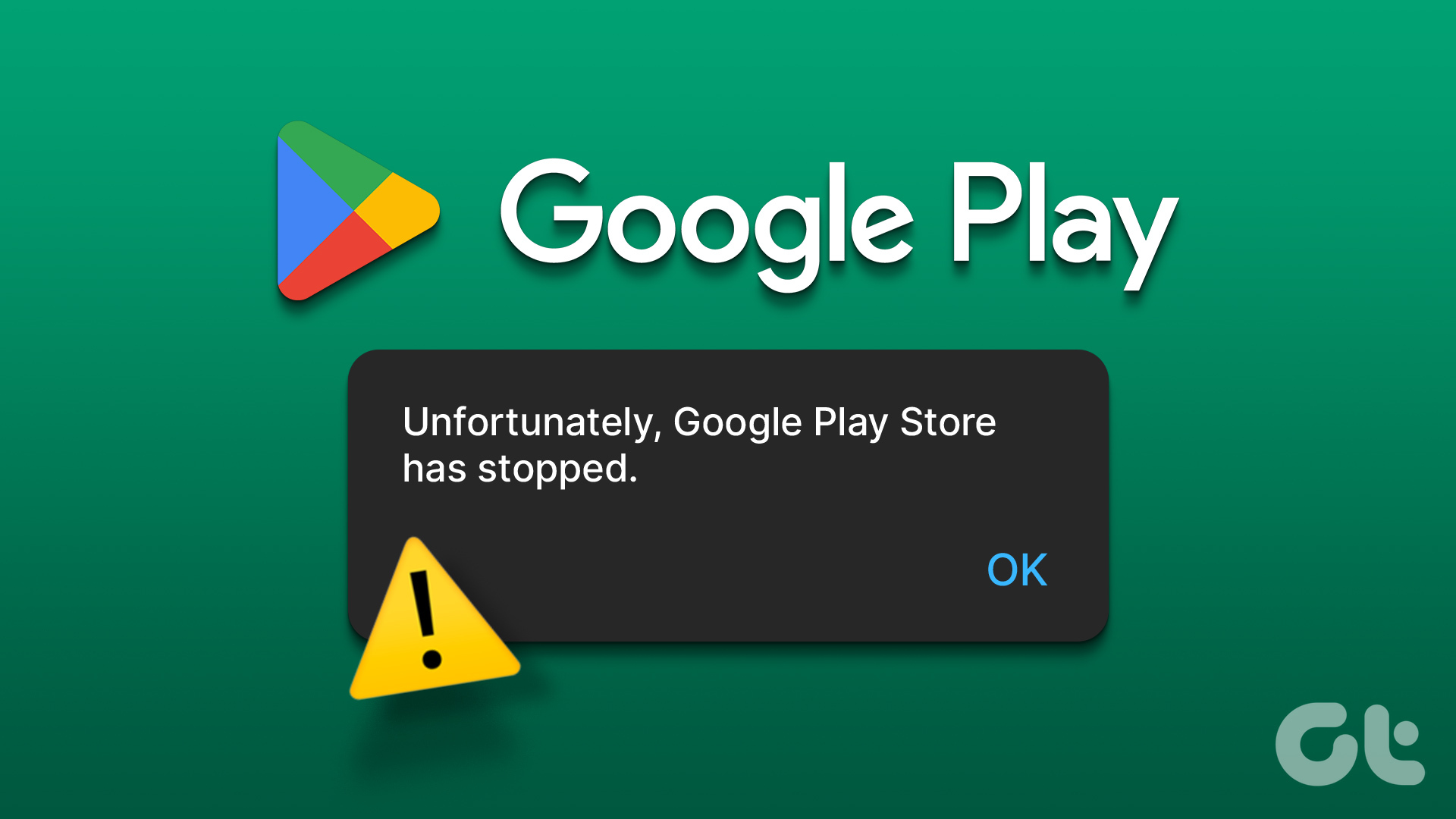
For Android users, the Google Play Store is the gateway to a world of productivity, entertainment, and communication. However, few things are as frustrating as the sudden pop-up message: "Unfortunately, Google Play Store has stopped." This error can prevent you from downloading new apps, updating existing ones, or even opening the store altogether. But why is Google Play Store stopping, and how can you regain control over your device? In this expert guide, we will delve into the root causes of this issue and provide professional, step-by-step solutions to get your Android ecosystem back on track.
The reasons behind this glitch range from simple software hiccups to complex system-level conflicts. Understanding the "why" is the first step toward a permanent fix. Whether you are using a flagship Samsung Galaxy, a budget-friendly Xiaomi, or a custom Pixel device, the underlying architecture of the Play Store remains similar across the board. Let’s explore the primary triggers and the most effective remedies.
Top Reasons Why Google Play Store Keeps Stopping
The Google Play Store isn't just a standalone app; it is a complex framework that relies on several background processes to function correctly. When one of these processes fails, the entire application can crash. Here are the most common culprits:
- Corrupted Cache and Data: Every time you browse the store, temporary files (cache) are stored to speed up the process. If these files become corrupted due to an interrupted download or a system crash, they can cause the app to fail.
- Outdated Google Play Services: Google Play Services is the "invisible" backbone of your Android phone. If this service is outdated or malfunctioning, the Play Store will likely stop working.
- Incorrect Date and Time Settings: It sounds simple, but the Play Store checks your device's date and time to sync with Google’s servers. If they don't match, the security certificates will fail, causing the app to crash.
- Storage Constraints: If your phone’s internal storage is almost full, the Play Store may not have enough space to execute background processes or store temporary files, leading to an immediate shutdown.
- Incompatible Software Updates: Occasionally, a new Android OS update might have a minor bug that conflicts with the current version of the Play Store installed on your device.
Step-by-Step Solutions to Fix Google Play Store Crashes
To resolve the "Google Play Store stopping" error, you should follow a systematic approach. Start with the easiest fixes before moving on to more advanced system modifications.
1. Clear Cache and Clear Data
This is the most common and effective fix. Clearing the cache removes temporary files, while clearing data resets the app to its factory state without deleting your downloaded apps.
- Open Settings on your device.
- Navigate to Apps or App Management.
- Find and tap on Google Play Store.
- Tap on Storage.
- Click Clear Cache, then click Clear Data (or Clear Storage).
- Restart your phone and try opening the store again.
2. Reset Google Play Services
Since the Play Store depends on Google Play Services, fixing the latter often resolves issues with the former. Follow the same steps as above, but look for "Google Play Services" in your app list. Clearing the cache here often fixes synchronization errors that cause the store to stop abruptly.
3. Check for System and App Updates
Ensure that both your operating system and the Play Store app itself are updated. To update the Play Store manually:
- Open the Play Store (if it stays open long enough).
- Tap your profile icon at the top right.
- Go to Settings > About.
- Tap Update Play Store.
| Action / Fix | Description & Expected Result |
|---|---|
| Clear App Cache | Removes temporary junk files; usually fixes minor glitches instantly. |
| Uninstall Play Store Updates | Reverts the store to the factory version, bypassing bugs in the latest update. |
| Sync Date & Time | Ensures server-side handshake is successful by aligning device time with Google. |
| Remove Google Account | Refreshing the account connection fixes authentication and permission errors. |
| Factory Reset | The "nuclear" option; only recommended if all other steps fail. Erases all data. |
Advanced Troubleshooting: When Simple Fixes Fail
If you have cleared the cache and checked your updates but the Google Play Store is still stopping, you may need to look deeper into your system settings.
Uninstalling Play Store Updates
Sometimes, a specific version of the Play Store is buggy for certain phone models. You can uninstall the updates to revert to the version that originally came with your phone. To do this, go to Settings > Apps > Google Play Store, tap the three dots in the top corner, and select Uninstall updates. The app will eventually auto-update itself again, hopefully to a more stable version.
Refreshing Your Google Account
A "stopped" error can occasionally be traced back to an authentication glitch. By removing your Google account and adding it back, you force the device to re-verify your credentials. Go to Settings > Accounts > Google, select your account, and choose Remove Account. Restart your device, then go back to settings to add the account again.
Checking Background Data Restrictions
If you have a data saver mode turned on, it might be preventing the Play Store from accessing the internet in the background, causing it to crash when it attempts to sync. Ensure that "Background Data" is enabled for both the Google Play Store and Google Play Services in your app settings.
Preventative Measures for a Stable Play Store
To prevent the "Google Play Store stopping" issue from recurring, follow these best practices:
- Maintain Free Space: Always keep at least 1GB to 2GB of free internal storage. This gives the system "breathing room" for updates and logs.
- Avoid Unofficial APKs: Installing Play Store versions from third-party websites can lead to compatibility issues. Always stick to the official updates provided by your system.
- Stable Internet Connection: Interrupted downloads are a leading cause of cache corruption. Use a stable Wi-Fi connection for large updates.
- Regular Reboots: Restarting your phone once every few days clears out minor memory leaks and refreshes system processes.
Frequently Asked Questions (FAQ)
Q1: Will clearing data from the Google Play Store delete my installed apps?
A: No. Clearing data only resets the Google Play Store app settings and clears the local database. Your downloaded games, social media apps, and personal files remain completely safe.
Q2: Why does the error keep appearing even after a restart?
A: A restart only clears RAM. If the source of the problem is a corrupted file in your storage (like the cache) or an outdated version of Google Play Services, the error will persist until those specific files are addressed.
Q3: Can a VPN cause the Google Play Store to stop?
A: Yes. If your VPN provides an unstable connection or switches servers while the Play Store is trying to authenticate, it can cause the app to hang or crash. Try disabling your VPN to see if the issue persists.
Q4: What should I do if "Google Play Services" keeps stopping as well?
A: This is usually a sign of a deeper system sync issue. Follow the steps to "Clear Data" for Google Play Services and ensure your "Find My Device" settings are not interfering with the service updates.
Conclusion
Understanding why the Google Play Store is stopping is the key to maintaining a healthy Android device. While the error message can be alarming, it is almost always caused by software-related issues that can be fixed within minutes. By systematically clearing your cache, updating your services, and ensuring your system settings are optimized, you can eliminate these crashes and enjoy a seamless app-browsing experience.
If you have tried all the steps mentioned—from clearing data to re-syncing your Google account—and the problem persists, it may be time to check for a major system update from your manufacturer or, as a last resort, perform a factory reset. Remember to always back up your data before making significant changes to your system settings. With these professional tips, you are now equipped to handle any Play Store disruption like an expert.
Why Is Google Play Store Stopping
Why Is Google Play Store Stopping Wallpapers
Collection of why is google play store stopping wallpapers for your desktop and mobile devices.

Artistic Why Is Google Play Store Stopping Wallpaper in HD
This gorgeous why is google play store stopping photo offers a breathtaking view, making it a perfect choice for your next wallpaper.

Captivating Why Is Google Play Store Stopping Artwork Art
Immerse yourself in the stunning details of this beautiful why is google play store stopping wallpaper, designed for a captivating visual experience.

Exquisite Why Is Google Play Store Stopping Abstract Collection
Find inspiration with this unique why is google play store stopping illustration, crafted to provide a fresh look for your background.

Spectacular Why Is Google Play Store Stopping Moment in 4K
Immerse yourself in the stunning details of this beautiful why is google play store stopping wallpaper, designed for a captivating visual experience.

Exquisite Why Is Google Play Store Stopping Moment Concept
This gorgeous why is google play store stopping photo offers a breathtaking view, making it a perfect choice for your next wallpaper.

Dynamic Why Is Google Play Store Stopping Background Concept
Find inspiration with this unique why is google play store stopping illustration, crafted to provide a fresh look for your background.

Crisp Why Is Google Play Store Stopping Moment Art
Find inspiration with this unique why is google play store stopping illustration, crafted to provide a fresh look for your background.

Serene Why Is Google Play Store Stopping Artwork for Desktop
Explore this high-quality why is google play store stopping image, perfect for enhancing your desktop or mobile wallpaper.

Gorgeous Why Is Google Play Store Stopping Design for Your Screen
This gorgeous why is google play store stopping photo offers a breathtaking view, making it a perfect choice for your next wallpaper.

Captivating Why Is Google Play Store Stopping Picture Nature
Immerse yourself in the stunning details of this beautiful why is google play store stopping wallpaper, designed for a captivating visual experience.

High-Quality Why Is Google Play Store Stopping Image for Desktop
Explore this high-quality why is google play store stopping image, perfect for enhancing your desktop or mobile wallpaper.

Crisp Why Is Google Play Store Stopping View Digital Art
A captivating why is google play store stopping scene that brings tranquility and beauty to any device.
Spectacular Why Is Google Play Store Stopping Design Nature
Immerse yourself in the stunning details of this beautiful why is google play store stopping wallpaper, designed for a captivating visual experience.

Spectacular Why Is Google Play Store Stopping Image Illustration
Find inspiration with this unique why is google play store stopping illustration, crafted to provide a fresh look for your background.

Breathtaking Why Is Google Play Store Stopping Landscape for Mobile
Explore this high-quality why is google play store stopping image, perfect for enhancing your desktop or mobile wallpaper.

Detailed Why Is Google Play Store Stopping Photo Photography
Discover an amazing why is google play store stopping background image, ideal for personalizing your devices with vibrant colors and intricate designs.

Captivating Why Is Google Play Store Stopping Design Nature
Find inspiration with this unique why is google play store stopping illustration, crafted to provide a fresh look for your background.

Gorgeous Why Is Google Play Store Stopping View Collection
A captivating why is google play store stopping scene that brings tranquility and beauty to any device.

Mesmerizing Why Is Google Play Store Stopping Moment in 4K
Explore this high-quality why is google play store stopping image, perfect for enhancing your desktop or mobile wallpaper.

Exquisite Why Is Google Play Store Stopping Moment for Mobile
A captivating why is google play store stopping scene that brings tranquility and beauty to any device.
Download these why is google play store stopping wallpapers for free and use them on your desktop or mobile devices.