Xbox Game Pass Code Redeemed But Not Working
Xbox Game Pass Code Redeemed But Not Working? Here is the Ultimate Fix!
There is nothing more exciting for a gamer than getting a fresh Xbox Game Pass code, ready to dive into a massive library of hundreds of high-quality games. However, that excitement can quickly turn into frustration when you enter the 25-digit code, receive a "Success" message, but find that your subscription is still not active or games are still asking you to "Join Game Pass."
If you are facing the "Xbox Game Pass code redeemed but not working" issue, you are not alone. This is a relatively common synchronization problem that can happen due to server delays, account mismatches, or cache errors. In this comprehensive guide, we will walk you through the professional steps to troubleshoot and resolve this issue so you can get back to gaming as soon as possible.
Understanding Why Your Redeemed Code Isn't Showing Up
When you redeem a code, several background processes must align for the subscription to reflect on your hardware. Sometimes, the Microsoft billing system registers the transaction, but the Xbox license server fails to push that update to your console or PC. Before diving into technical fixes, it is important to identify the root cause.
Common reasons include:
- Server Latency: Microsoft’s servers may take a few minutes (or occasionally hours) to propagate the subscription status across all devices.
- Account Mismatch: You might have redeemed the code on a different Microsoft account than the one currently logged into your Xbox or PC.
- Region Locks: If the code was purchased for a different region than your account’s set region, the redemption might "succeed" in the system but fail to activate the service.
- Subscription Overlap: Trying to stack a trial code on top of an active Ultimate membership can sometimes cause temporary glitches.
1. Verify Your Subscription Status Online
The first step in troubleshooting an Xbox Game Pass code that is redeemed but not working is to verify if the transaction actually hit your Microsoft account. Do not rely solely on the console interface, as it may be lagging.
Follow these steps:
- Open a web browser on your PC or smartphone.
- Go to account.microsoft.com/services.
- Sign in with the exact same Microsoft account you used to redeem the code.
- Look for "Xbox Game Pass" or "Xbox Game Pass Ultimate" in the list of active subscriptions.
If the subscription appears here with a valid expiration date, the problem is local to your device (Console or PC). If it does not appear here, the redemption process failed, or you used a different email address.
2. Syncing Your Xbox Console or PC
If the website shows an active subscription but your device doesn't, you need to force a synchronization. This is the most common fix for the "code redeemed but not working" error.
For Xbox Console Users:
Perform a "Hard Reset" or "Power Cycle." This clears the temporary cache and forces the console to re-handshake with Microsoft’s license servers.
- Hold the power button on the front of the console for 10 seconds until it shuts down completely.
- Unplug the power cable for 30 seconds.
- Plug it back in and turn the console on.
- Go to Settings > Account > Subscriptions to check the status.
For PC Users (Xbox App):
Often, the Xbox App on Windows gets stuck. Try signing out and back in:
- Open the Xbox App.
- Click on your profile picture and select Sign Out.
- Close the app and the Microsoft Store.
- Re-open the Xbox App and sign back in.
| Fitur/Aspek | Deskripsi |
|---|---|
| Verification Method | Checking via account.microsoft.com/services is the most accurate way to confirm redemption. |
| Common Delay | Server propagation can take anywhere from 5 minutes to 2 hours during peak times. |
| Hard Reset Fix | Clears cache and forces a fresh license check from the Microsoft servers. |
| Region Settings | Your Microsoft account region must match the region of the code for seamless activation. |
3. Check for Region and Account Conflicts
Xbox Game Pass codes are often region-locked. If you bought a "Global" code, it should work anywhere, but many codes are restricted to the US, EU, or specific Asian markets. If your Microsoft account is set to the UK but you redeemed a US code (perhaps using a VPN), the subscription might show as active in your billing history but refuse to let you download games on your console.
To fix this, ensure your console’s region matches your account’s region:
- Press the Xbox button to open the guide.
- Select Profile & system > Settings > System > Language & location.
- Select your correct location and restart the console.
4. Refreshing the Microsoft Store (PC Only)
If you are a PC gamer and the Xbox App refuses to recognize your Game Pass, the issue usually lies within the Microsoft Store services. You can reset these services without losing any data.
- Press Windows Key + R, type
wsreset.exe, and press Enter. - A blank command prompt window will appear. Wait for it to close automatically and open the Microsoft Store.
- In the Store app, click the Library icon in the bottom left.
- Click Get Updates to ensure all Xbox-related services are current.
Frequently Asked Questions (FAQ)
1. I got a "Code already redeemed" error, but I don't have Game Pass. What happened?
This usually happens if the "Success" screen was interrupted by a network glitch. Check your Order History. If it shows the code was applied, simply restart your device to sync the status.
2. How long should I wait for the Game Pass to activate?
While most activations are instant, Microsoft suggests waiting up to 24 hours if their servers are under heavy load. However, a hard reset usually speeds up this process.
3. Can I use a trial code if I’ve had Game Pass before?
Many codes provided with hardware (like controllers or laptops) are for "New Customers Only." If you have previously subscribed to Game Pass on that account, the code might redeem but fail to provide benefits. Check the fine print of your code.
Conclusion: Getting Back to Your Games
Experiencing an "Xbox Game Pass code redeemed but not working" error is a minor speed bump in an otherwise excellent gaming service. In 90% of cases, the issue is solved by either verifying the account status online or performing a full power cycle of your device. Always ensure that you are signed into the correct account and that your regional settings are aligned.
If you have followed all the steps above—checked your services page, performed a hard reset, synced your Microsoft Store, and verified your region—and the service still isn't working after 24 hours, it is time to contact Xbox Support. Provide them with your 25-digit code and the transaction ID from your order history to get a manual override. Now, go forth and enjoy your gaming library!
Xbox Game Pass Code Redeemed But Not Working
Xbox Game Pass Code Redeemed But Not Working Wallpapers
Collection of xbox game pass code redeemed but not working wallpapers for your desktop and mobile devices.

Serene Xbox Game Pass Code Redeemed But Not Working View for Mobile
Experience the crisp clarity of this stunning xbox game pass code redeemed but not working image, available in high resolution for all your screens.

Spectacular Xbox Game Pass Code Redeemed But Not Working View Digital Art
Immerse yourself in the stunning details of this beautiful xbox game pass code redeemed but not working wallpaper, designed for a captivating visual experience.

Detailed Xbox Game Pass Code Redeemed But Not Working Picture for Your Screen
Experience the crisp clarity of this stunning xbox game pass code redeemed but not working image, available in high resolution for all your screens.

Amazing Xbox Game Pass Code Redeemed But Not Working Landscape for Your Screen
Experience the crisp clarity of this stunning xbox game pass code redeemed but not working image, available in high resolution for all your screens.

Detailed Xbox Game Pass Code Redeemed But Not Working Picture Art
Explore this high-quality xbox game pass code redeemed but not working image, perfect for enhancing your desktop or mobile wallpaper.

Vivid Xbox Game Pass Code Redeemed But Not Working Picture Concept
Experience the crisp clarity of this stunning xbox game pass code redeemed but not working image, available in high resolution for all your screens.

High-Quality Xbox Game Pass Code Redeemed But Not Working Scene Nature
Discover an amazing xbox game pass code redeemed but not working background image, ideal for personalizing your devices with vibrant colors and intricate designs.
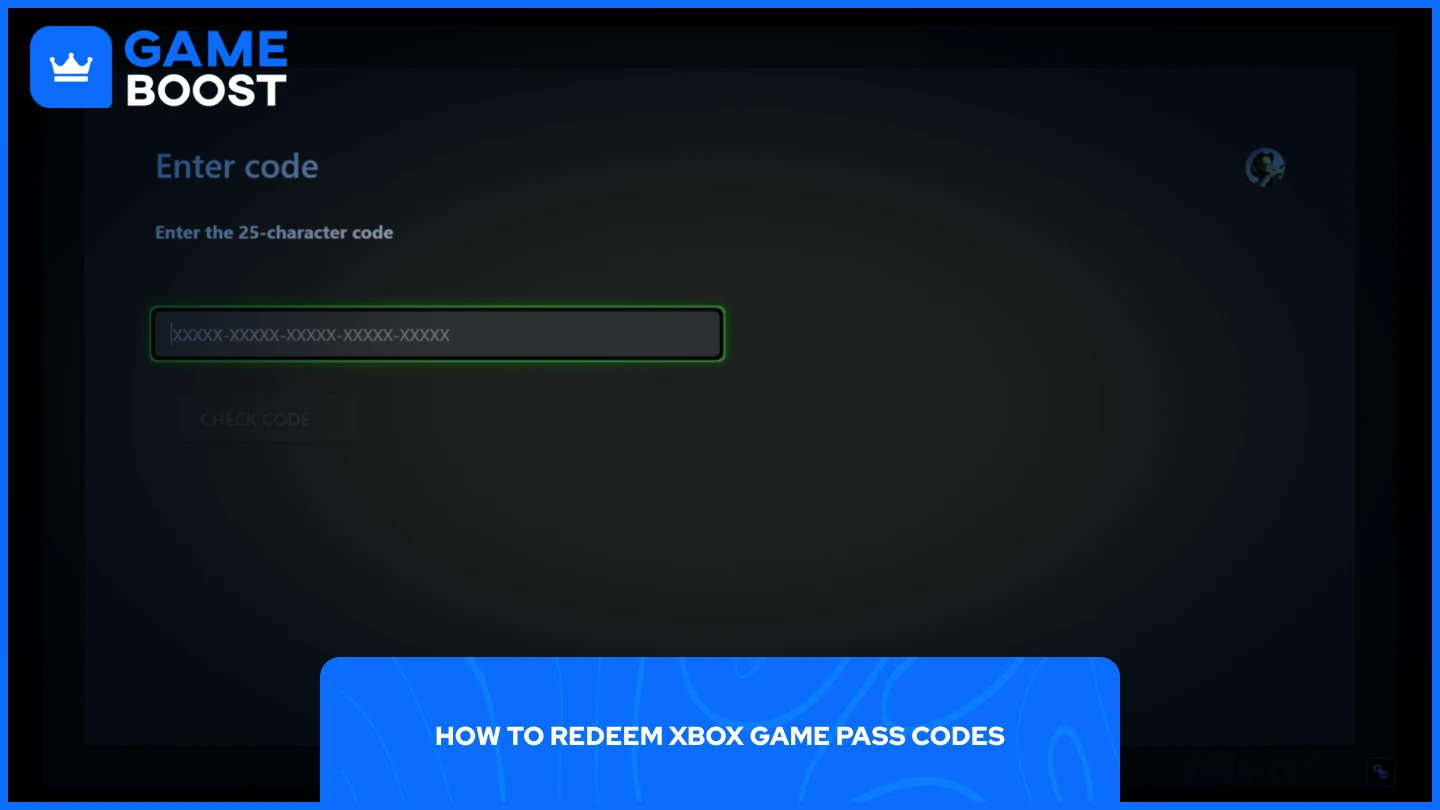
Artistic Xbox Game Pass Code Redeemed But Not Working Wallpaper Illustration
A captivating xbox game pass code redeemed but not working scene that brings tranquility and beauty to any device.
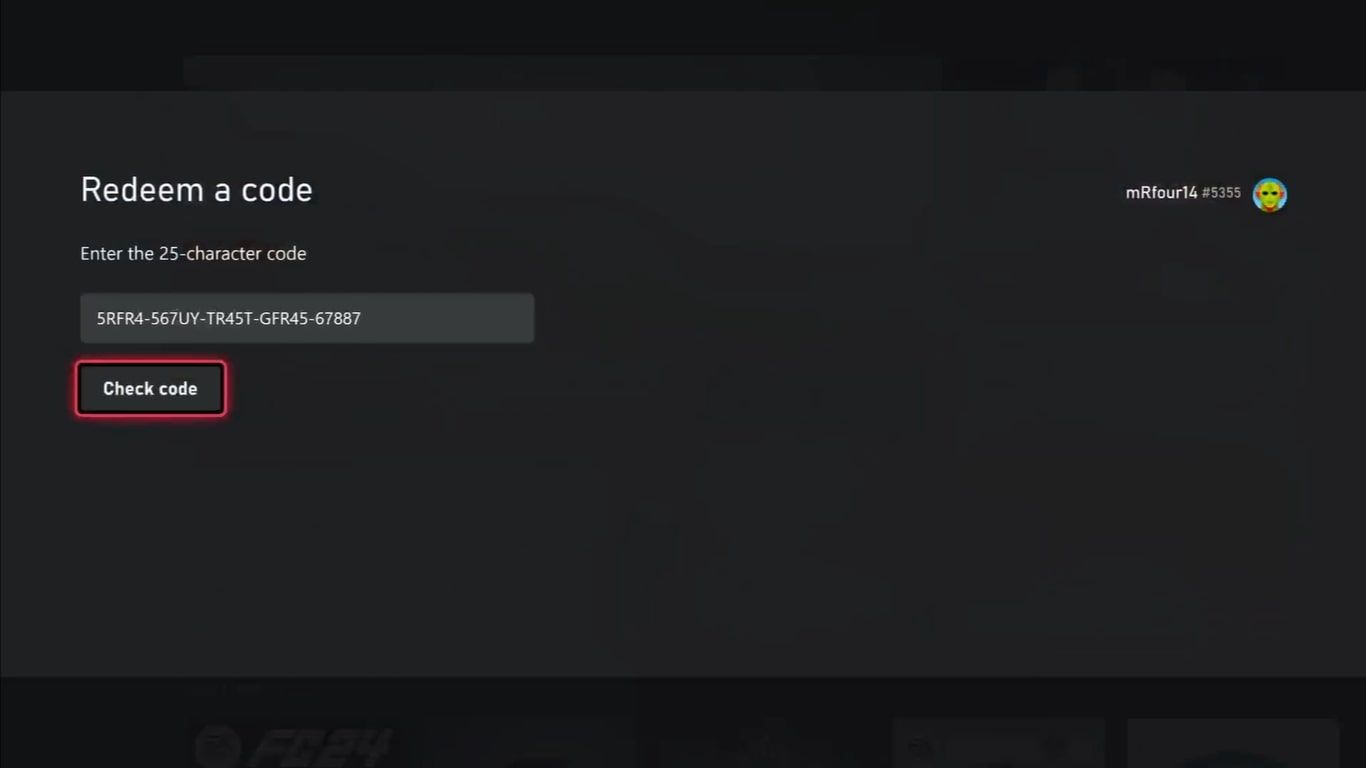
Captivating Xbox Game Pass Code Redeemed But Not Working Design Illustration
This gorgeous xbox game pass code redeemed but not working photo offers a breathtaking view, making it a perfect choice for your next wallpaper.

Captivating Xbox Game Pass Code Redeemed But Not Working Artwork Digital Art
Find inspiration with this unique xbox game pass code redeemed but not working illustration, crafted to provide a fresh look for your background.

Lush Xbox Game Pass Code Redeemed But Not Working Abstract Nature
Find inspiration with this unique xbox game pass code redeemed but not working illustration, crafted to provide a fresh look for your background.

Gorgeous Xbox Game Pass Code Redeemed But Not Working Moment Art
This gorgeous xbox game pass code redeemed but not working photo offers a breathtaking view, making it a perfect choice for your next wallpaper.

High-Quality Xbox Game Pass Code Redeemed But Not Working Landscape for Desktop
Transform your screen with this vivid xbox game pass code redeemed but not working artwork, a true masterpiece of digital design.
Serene Xbox Game Pass Code Redeemed But Not Working View Art
Transform your screen with this vivid xbox game pass code redeemed but not working artwork, a true masterpiece of digital design.

Serene Xbox Game Pass Code Redeemed But Not Working Design for Desktop
Transform your screen with this vivid xbox game pass code redeemed but not working artwork, a true masterpiece of digital design.

Lush Xbox Game Pass Code Redeemed But Not Working Abstract Art
Find inspiration with this unique xbox game pass code redeemed but not working illustration, crafted to provide a fresh look for your background.
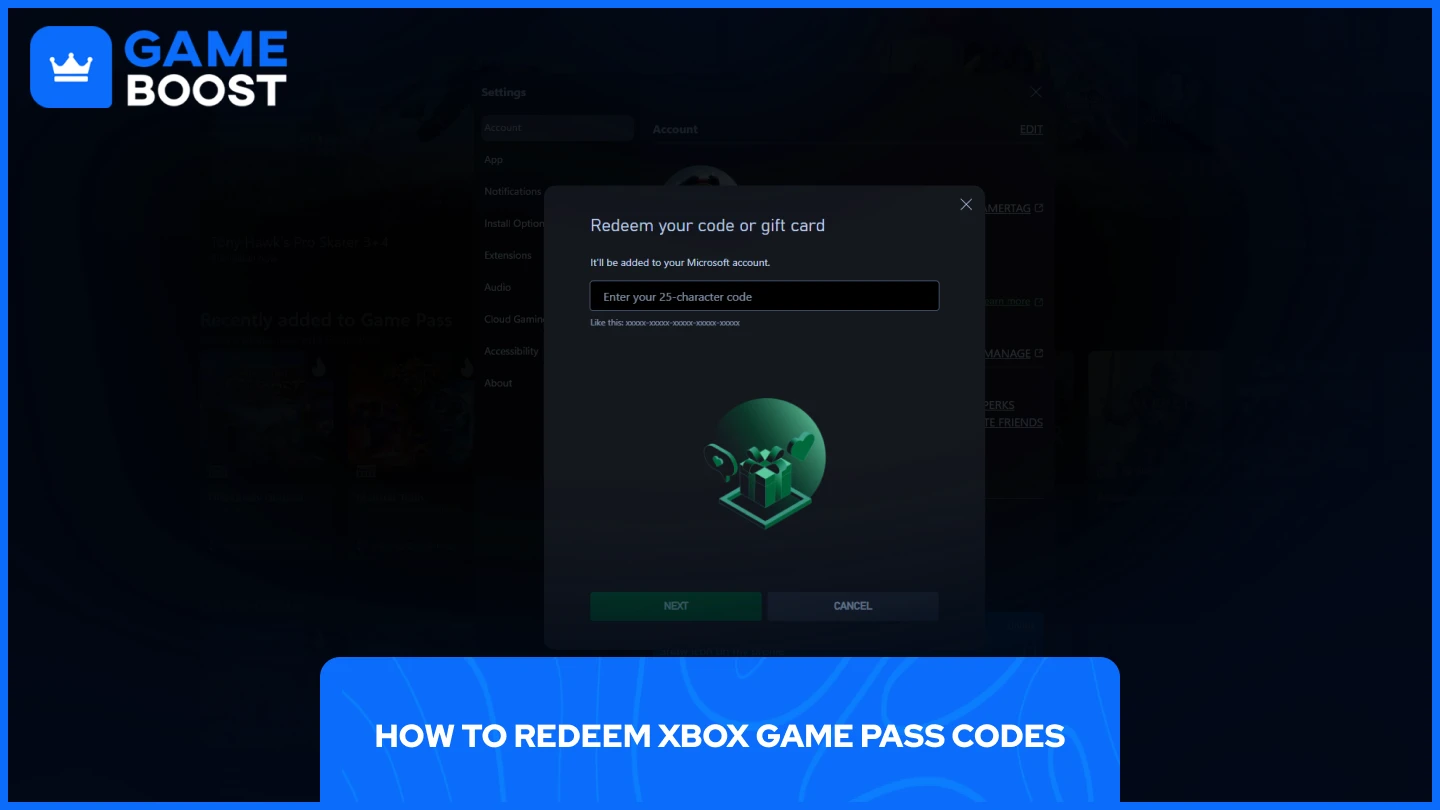
Vivid Xbox Game Pass Code Redeemed But Not Working Abstract Digital Art
Discover an amazing xbox game pass code redeemed but not working background image, ideal for personalizing your devices with vibrant colors and intricate designs.

Gorgeous Xbox Game Pass Code Redeemed But Not Working Scene in 4K
Immerse yourself in the stunning details of this beautiful xbox game pass code redeemed but not working wallpaper, designed for a captivating visual experience.

Spectacular Xbox Game Pass Code Redeemed But Not Working View Collection
Immerse yourself in the stunning details of this beautiful xbox game pass code redeemed but not working wallpaper, designed for a captivating visual experience.

Detailed Xbox Game Pass Code Redeemed But Not Working Background for Desktop
Discover an amazing xbox game pass code redeemed but not working background image, ideal for personalizing your devices with vibrant colors and intricate designs.
Download these xbox game pass code redeemed but not working wallpapers for free and use them on your desktop or mobile devices.