How To Make A Picture A Pdf On A Samsung Phone
How to Make a Picture a PDF on a Samsung Phone: The Ultimate Step-by-Step Guide
In today's digital-first world, the ability to convert images into professional documents is a vital skill. Whether you are a student submitting an assignment, an employee sending a signed contract, or an entrepreneur sharing a receipt, knowing how to make a picture a PDF on a Samsung phone is incredibly useful. Samsung devices, powered by Android and the One UI interface, offer several built-in ways to achieve this without requiring bulky third-party software. In this comprehensive guide, we will explore the most efficient methods to transform your JPGs and PNGs into high-quality PDF files directly from your smartphone.
Method 1: Using the Samsung Gallery App (Print to PDF)
The most straightforward way to convert a single image into a PDF is through the native Samsung Gallery app. This method uses the "Print" engine, which allows you to "Save as PDF" instead of sending the file to a physical printer. This is perfect for quick conversions of screenshots or single-page documents.
Step-by-Step Instructions:
- Open the Gallery app on your Samsung phone.
- Select the picture you want to convert.
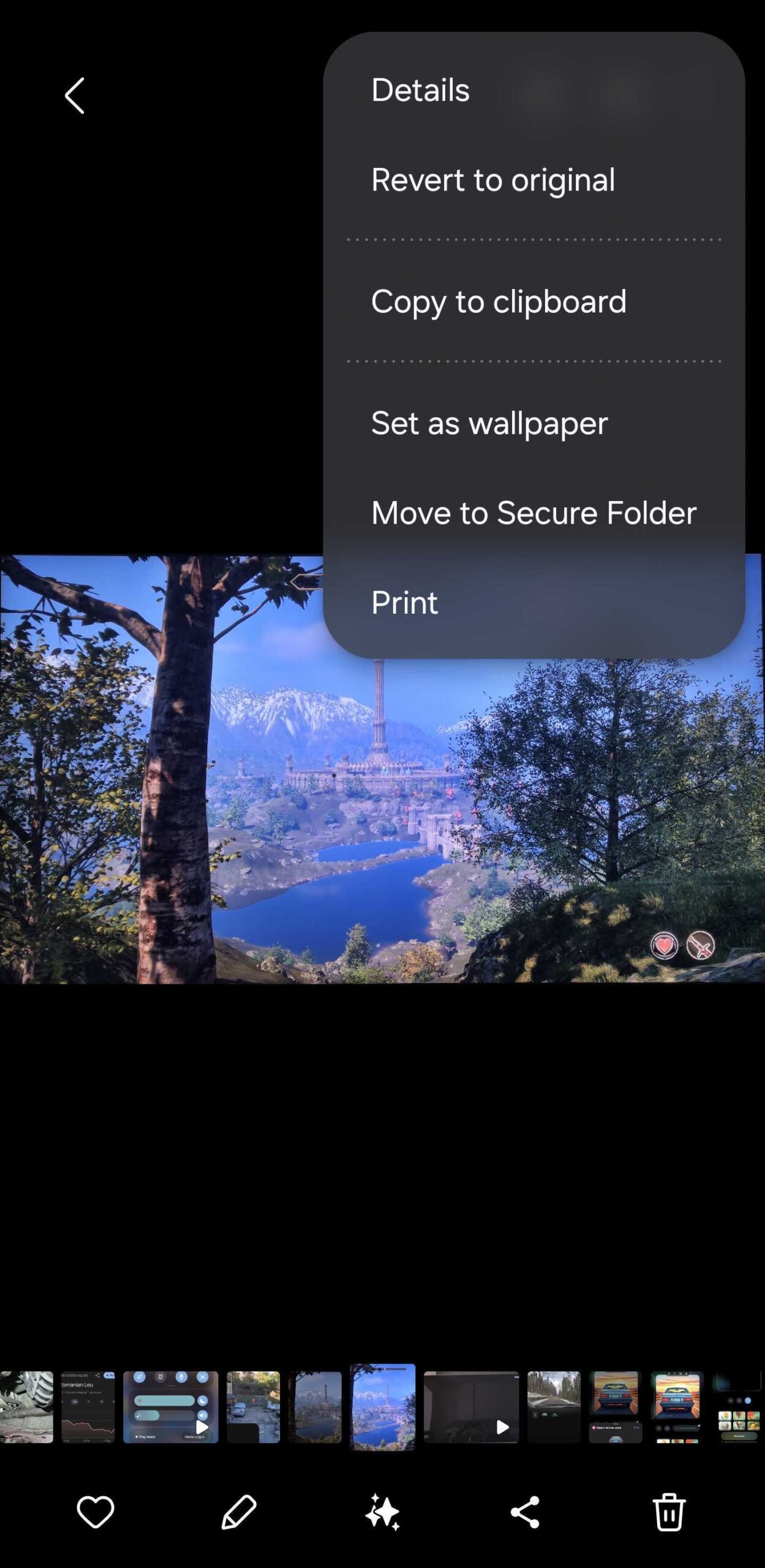
- Tap the three vertical dots (More) in the bottom right corner of the screen.
- Select Print from the menu options.
- Tap the dropdown menu at the top of the screen (usually labeled "Select Printer") and choose Save as PDF.
- Tap the yellow PDF icon or the "Save" button to download the file.
- Choose the folder in your internal storage where you want to save the document and tap Done.
This method is highly effective because it preserves the original resolution of the image while wrapping it in a PDF container, making it universally readable across all platforms.
Method 2: Converting Multiple Pictures via Samsung Notes
Sometimes, you need to combine several photos—like multiple pages of a contract—into a single PDF document. The Samsung Notes app is the best tool for this. It allows you to import multiple images, arrange them, and export the entire collection as a single, multi-page PDF file.
Step-by-Step Instructions:
- Launch the Samsung Notes app.
- Tap the Create Note icon (usually a pen icon) in the bottom right.
- Tap the Attachment (paperclip) icon at the top of the screen.
- Select Image and choose all the pictures you want to include from your gallery.
- Once the images are inserted, you can resize or reorder them as needed.
- Tap the three dots (More) in the top right corner.
- Select Save as file.
- Choose PDF file from the list of formats.
- Name your file and select the destination folder.
Using Samsung Notes is ideal for professional presentations or academic submissions where document structure and sequence are important.
Method 3: Using the "My Files" App
If you prefer managing your files directly, the Samsung "My Files" app also offers a conversion path. This is particularly useful if your images are already organized in a specific folder.
Step-by-Step Instructions:
- Open the My Files app.
- Navigate to the Images category or the specific folder containing your picture.
- Long-press the image to select it (you can select multiple images here too).
- Tap the three dots (More) and look for an option like "Print" or "Create PDF" (availability may vary by One UI version).
- If "Print" is selected, follow the same "Save as PDF" steps mentioned in Method 1.
| Feature/Aspect | Description |
|---|---|
| Best for Single Images | The Samsung Gallery "Print" method is the fastest for individual pictures. |
| Best for Multi-page PDF | Samsung Notes allows merging multiple photos into one document easily. |
| File Compression | PDFs created via "Print" usually maintain high quality; Samsung Notes may slightly compress. |
| No App Required | All methods mentioned use pre-installed Samsung system apps. |
| Cloud Integration | PDFs can be saved directly to OneDrive or Google Drive from the save menu. |
Method 4: Utilizing Google Drive (Scan Feature)
Since Samsung phones run on Android, they come pre-loaded with Google Drive. Google Drive has a powerful "Scan" feature that uses your camera to take a picture and instantly convert it into a formatted PDF. This is often better than a standard photo because it automatically crops the edges and enhances the contrast of the text.
Step-by-Step Instructions:
- Open the Google Drive app.
- Tap the Plus (+) button.
- Select Scan.
- Take a photo of the document.
- Tap the Checkmark if the photo looks good.
- Use the crop and color tools to refine the PDF.
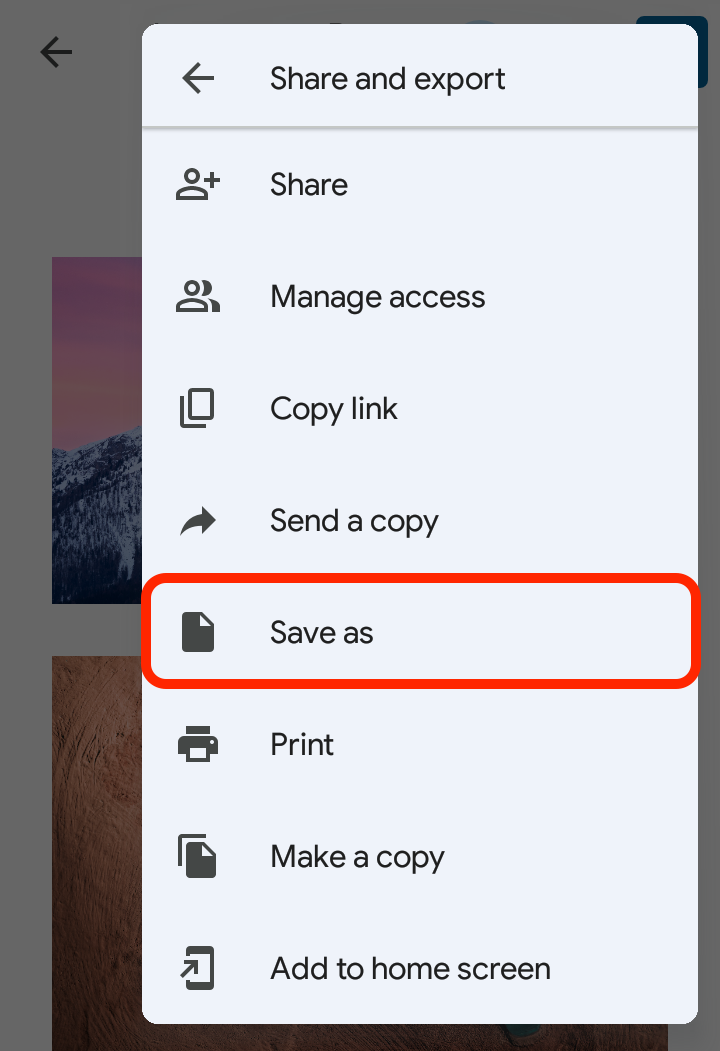
- Tap Save, name the file, and ensure the format is set to PDF.
Why Convert Pictures to PDF on Your Samsung?
You might wonder why you should bother converting a simple JPG to a PDF. There are several professional and technical advantages to using the PDF format:
- Universal Compatibility: PDFs look the same on an iPhone, a Windows PC, or a Mac. JPGs can sometimes be resized or distorted depending on the viewing software.
- Security: You can password-protect PDF files, which is not easily done with standard image files.
- File Size: Often, a PDF can bundle high-quality images into a more manageable file size for email attachments.
- Professionalism: Sending a "Document.pdf" looks much more professional than "IMG_20231012_105.jpg".
- Text Searchability: If converted with OCR (Optical Character Recognition) software later, PDFs allow you to search for text within the image.
Frequently Asked Questions (FAQ)
1. Does converting a picture to PDF reduce its quality?
Generally, no. When you use the "Print to PDF" method on a Samsung phone, the system essentially wraps the image in a PDF file without significant compression. However, if you use Samsung Notes and resize the image significantly, there might be a slight change in visual clarity.
2. Where are my converted PDF files saved?
By default, when you save a PDF on a Samsung device, it is stored in the Internal Storage > Documents folder or the Downloads folder. You can find them easily using the My Files app.
3. Can I convert a PDF back into a picture?
Samsung phones don't have a native "PDF to Image" button, but you can always open the PDF and take a screenshot of it, or use a free online converter like SmallPDF or Adobe's web tools.
4. Do I need to download an app like Adobe Acrobat?
No, you do not need Adobe Acrobat to create a PDF on a Samsung phone. The built-in Gallery and Samsung Notes apps are more than capable of handling basic and multi-page conversions.
Conclusion
Learning how to make a picture a PDF on a Samsung phone is a simple yet transformative skill that enhances your productivity. Whether you choose the quick "Print" method in the Gallery for single shots or the versatile "Samsung Notes" approach for multi-page documents, your Galaxy device provides all the tools you need right out of the box. By following the steps outlined above, you can ensure your documents are professional, secure, and ready for any platform. Stop worrying about third-party apps and start utilizing the powerful, built-in features of your Samsung smartphone today!
How To Make A Picture A Pdf On A Samsung Phone
How To Make A Picture A Pdf On A Samsung Phone Wallpapers
Collection of how to make a picture a pdf on a samsung phone wallpapers for your desktop and mobile devices.

Stunning How To Make A Picture A Pdf On A Samsung Phone View in HD
A captivating how to make a picture a pdf on a samsung phone scene that brings tranquility and beauty to any device.
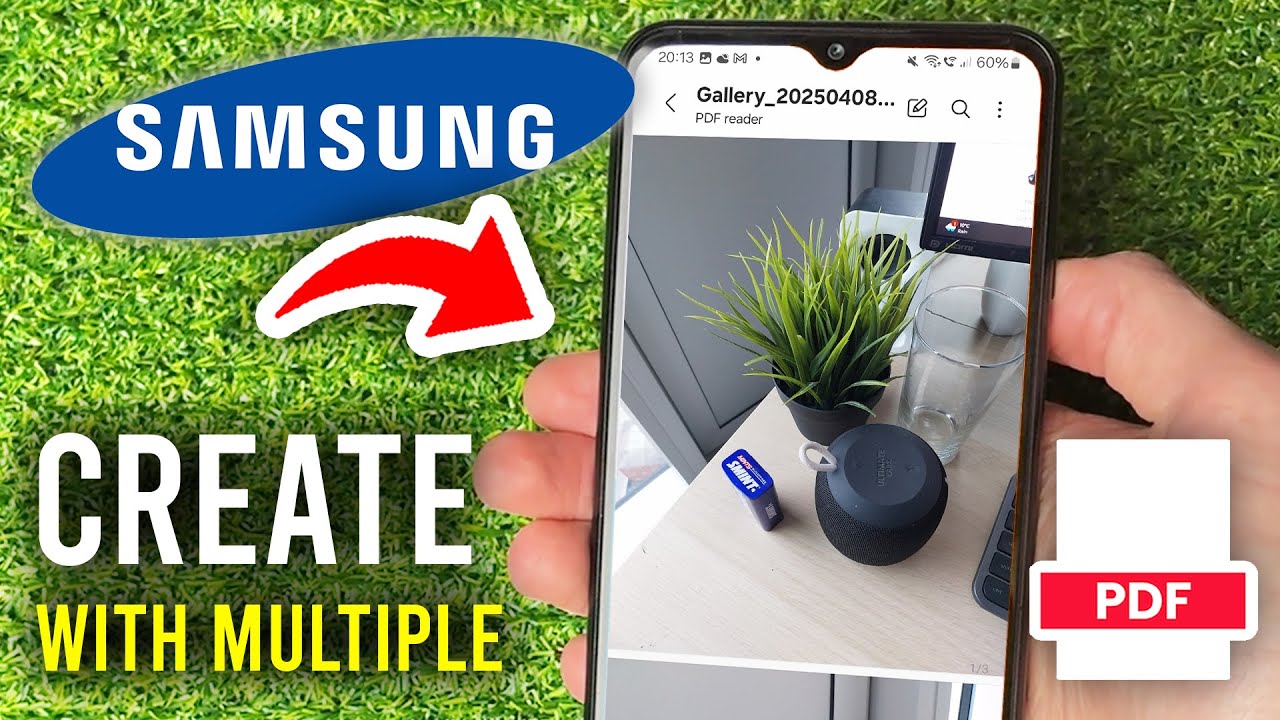
Crisp How To Make A Picture A Pdf On A Samsung Phone Artwork Nature
This gorgeous how to make a picture a pdf on a samsung phone photo offers a breathtaking view, making it a perfect choice for your next wallpaper.

Spectacular How To Make A Picture A Pdf On A Samsung Phone View in 4K
Find inspiration with this unique how to make a picture a pdf on a samsung phone illustration, crafted to provide a fresh look for your background.

Dynamic How To Make A Picture A Pdf On A Samsung Phone Artwork Illustration
Immerse yourself in the stunning details of this beautiful how to make a picture a pdf on a samsung phone wallpaper, designed for a captivating visual experience.
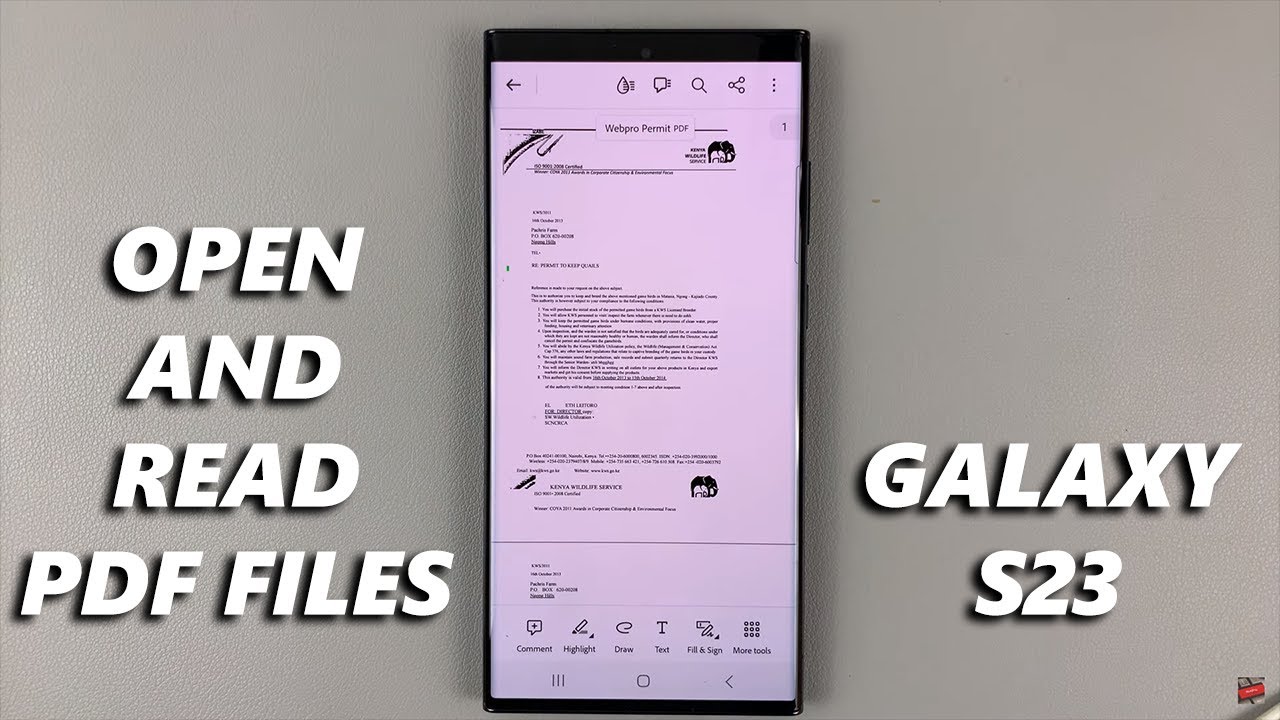
Breathtaking How To Make A Picture A Pdf On A Samsung Phone Artwork Nature
Explore this high-quality how to make a picture a pdf on a samsung phone image, perfect for enhancing your desktop or mobile wallpaper.

Crisp How To Make A Picture A Pdf On A Samsung Phone Landscape Nature
This gorgeous how to make a picture a pdf on a samsung phone photo offers a breathtaking view, making it a perfect choice for your next wallpaper.
Mesmerizing How To Make A Picture A Pdf On A Samsung Phone Image Art
Discover an amazing how to make a picture a pdf on a samsung phone background image, ideal for personalizing your devices with vibrant colors and intricate designs.
Spectacular How To Make A Picture A Pdf On A Samsung Phone Wallpaper Photography
Find inspiration with this unique how to make a picture a pdf on a samsung phone illustration, crafted to provide a fresh look for your background.
Vivid How To Make A Picture A Pdf On A Samsung Phone Photo Digital Art
Explore this high-quality how to make a picture a pdf on a samsung phone image, perfect for enhancing your desktop or mobile wallpaper.
Stunning How To Make A Picture A Pdf On A Samsung Phone Landscape in 4K
A captivating how to make a picture a pdf on a samsung phone scene that brings tranquility and beauty to any device.

Exquisite How To Make A Picture A Pdf On A Samsung Phone View Digital Art
Find inspiration with this unique how to make a picture a pdf on a samsung phone illustration, crafted to provide a fresh look for your background.

Crisp How To Make A Picture A Pdf On A Samsung Phone Abstract Nature
This gorgeous how to make a picture a pdf on a samsung phone photo offers a breathtaking view, making it a perfect choice for your next wallpaper.

Serene How To Make A Picture A Pdf On A Samsung Phone View for Your Screen
Experience the crisp clarity of this stunning how to make a picture a pdf on a samsung phone image, available in high resolution for all your screens.

Breathtaking How To Make A Picture A Pdf On A Samsung Phone Background Nature
Explore this high-quality how to make a picture a pdf on a samsung phone image, perfect for enhancing your desktop or mobile wallpaper.

Dynamic How To Make A Picture A Pdf On A Samsung Phone Scene for Desktop
Find inspiration with this unique how to make a picture a pdf on a samsung phone illustration, crafted to provide a fresh look for your background.
Amazing How To Make A Picture A Pdf On A Samsung Phone Background Collection
Experience the crisp clarity of this stunning how to make a picture a pdf on a samsung phone image, available in high resolution for all your screens.

Crisp How To Make A Picture A Pdf On A Samsung Phone Picture Nature
This gorgeous how to make a picture a pdf on a samsung phone photo offers a breathtaking view, making it a perfect choice for your next wallpaper.

Serene How To Make A Picture A Pdf On A Samsung Phone Moment in HD
Explore this high-quality how to make a picture a pdf on a samsung phone image, perfect for enhancing your desktop or mobile wallpaper.
Spectacular How To Make A Picture A Pdf On A Samsung Phone Scene Collection
Find inspiration with this unique how to make a picture a pdf on a samsung phone illustration, crafted to provide a fresh look for your background.
Crisp How To Make A Picture A Pdf On A Samsung Phone View Nature
This gorgeous how to make a picture a pdf on a samsung phone photo offers a breathtaking view, making it a perfect choice for your next wallpaper.
Download these how to make a picture a pdf on a samsung phone wallpapers for free and use them on your desktop or mobile devices.