Google Music Keeps Crashing Android
Google Music Keeps Crashing on Android? Here’s the Ultimate Troubleshooting Guide
For music lovers, there is nothing more frustrating than a workout, a commute, or a relaxing evening being interrupted by a malfunctioning app. If you are finding that Google Music keeps crashing on Android, you are not alone. Whether you are still attempting to use the legacy Google Play Music app or, more likely, its successor, YouTube Music, stability issues can stem from a variety of software conflicts, memory leaks, or outdated system components.
In this comprehensive guide, we will explore why your music player is failing and provide step-by-step solutions to ensure your melodies play on without interruption. From clearing cache to managing Android System WebView, we have covered everything you need to get your audio experience back on track.
Understanding Why Google Music Keeps Crashing on Android
Before diving into the fixes, it is essential to understand the root causes. Android is a complex ecosystem where hardware and software must communicate perfectly. When "Google Music" (which most users now identify as YouTube Music) crashes, it is usually due to one of the following reasons:
- Insufficient RAM: If your device is running too many background processes, the music app might be killed by the system to free up memory.
- Corrupted Cache: Temporary files can become corrupted over time, leading to "Force Close" errors.
- Outdated App Version: Bugs are frequently patched in updates; running an old version is a recipe for instability.
- System WebView Issues: A common culprit for many Android app crashes is the Android System WebView component.
- Account Sync Errors: If there is a glitch in your Google account authentication, the app may crash while trying to verify your subscription.
Step 1: Immediate Fixes for App Instability
The first steps you should take are the simplest. Often, a minor software "hiccup" is the reason Google Music keeps crashing on Android. Start with these three actions:
Restart Your Device
It sounds cliché, but a restart flushes the RAM and stops all background processes. If a rogue process was interfering with your music player, a simple reboot would solve it. Hold the power button and select "Restart."
Clear Cache and Data
The cache stores temporary files to help the app load faster. However, if these files are damaged, they cause the app to hang.
1. Open Settings > Apps.
2. Find YouTube Music (or Google Play Music).
3. Tap Storage.
4. Tap Clear Cache.
5. If it still crashes, tap Clear Data (Note: This will delete your downloaded songs).
Check for Updates
Developers constantly release patches for bugs. Visit the Google Play Store, search for your music app, and see if there is an "Update" button available. Keeping your apps updated is the best way to prevent the "Google Music keeps crashing Android" error.
| Common Cause | Primary Solution |
|---|---|
| Corrupted Temporary Files | Clear App Cache in Settings |
| Memory Overload | Restart Device / Close Background Apps |
| Software Bugs | Update App via Google Play Store |
| System Conflict | Update Android System WebView |
| Network Glitches | Toggle Airplane Mode / Check Wi-Fi |
Advanced Troubleshooting: Beyond the Basics
If the standard fixes didn't work, we need to look deeper into the Android operating system. Here are the advanced methods to stop the crashes.
Fixing the Android System WebView
Android System WebView is a system component that allows Android apps to display web content. In the past, Google released faulty updates for WebView that caused widespread crashing of apps like Google Music, Gmail, and others. To fix this:
1. Go to the Play Store.
2. Search for "Android System WebView".
3. If an update is available, install it. If not, try uninstalling updates to revert to the factory version.
Exempt the App from Battery Optimization
Android's "Battery Optimization" feature can be overly aggressive. It may identify your music player as a battery drainer and kill it while it's running in the background.
1. Go to Settings > Battery.
2. Tap on Battery Optimization (or Background Usage Limits).
3. Find your music app and set it to "Don't Optimize" or "Unrestricted."
Check for External Storage Issues
Are you saving your music to an SD card? If the SD card is corrupted or has a slow read/write speed, the app will crash when it tries to access your library. Try changing the download location to "Internal Storage" and see if the stability improves.
The Legacy Factor: Google Play Music vs. YouTube Music
It is important to note that Google Play Music was officially retired in late 2020. If you are still using an old APK of Google Play Music, it is highly likely to crash because it no longer communicates with Google’s servers correctly. Google has moved its entire music infrastructure to YouTube Music.
If you are experiencing crashes on an old version of Google Play Music, the only real solution is to migrate to YouTube Music. Your playlists, uploads, and purchases can be transferred through the YouTube Music setup process. Using outdated, unsupported software is the leading reason why users find Google Music keeps crashing on Android.
Network and Connectivity Issues
Sometimes, the app isn't crashing due to a software bug, but because it’s waiting for a response from a server that isn't coming. This is called a "Time-out" crash.
Check Data Restrictions: Ensure that the app has permission to use background data. Go to Settings > Apps > YouTube Music > Mobile Data and toggle on "Allow background data usage."
Switch Networks: If you are on a weak Wi-Fi signal, the app may struggle to stream. Switch to Mobile Data to see if the crashing persists.
Frequently Asked Questions (FAQ)
1. Why does Google Music crash specifically when I use Bluetooth?
This is often due to a conflict between the app and the Bluetooth AVRCP version. You can try changing the AVRCP version in "Developer Options" in your Android settings, or simply unpair and repair your Bluetooth device.
2. Does clearing data delete my playlists?
No. Your playlists are saved to your Google Cloud account. However, clearing data will delete songs you have downloaded for offline listening. You will need to re-download them once you log back in.
3. My app crashes as soon as I open it. What do I do?
This is usually a sign of a corrupted installation. The best fix is to uninstall the app entirely, restart your phone, and then perform a fresh installation from the Google Play Store.
Conclusion
When Google Music keeps crashing on Android, it disrupts more than just your playlist—it disrupts your day. Fortunately, most issues are easily solved by clearing the cache, updating your software, or adjusting battery optimization settings. If you are still clinging to the legacy Google Play Music app, now is the time to embrace YouTube Music, as the older platform no longer receives the necessary updates to run on modern Android versions.
By following the steps outlined above, you can eliminate "Force Close" errors and enjoy a seamless, high-quality audio experience. Remember to keep your system components like WebView updated, and always ensure your device has enough breathing room in its memory to handle your favorite tunes.
Google Music Keeps Crashing Android
Google Music Keeps Crashing Android Wallpapers
Collection of google music keeps crashing android wallpapers for your desktop and mobile devices.
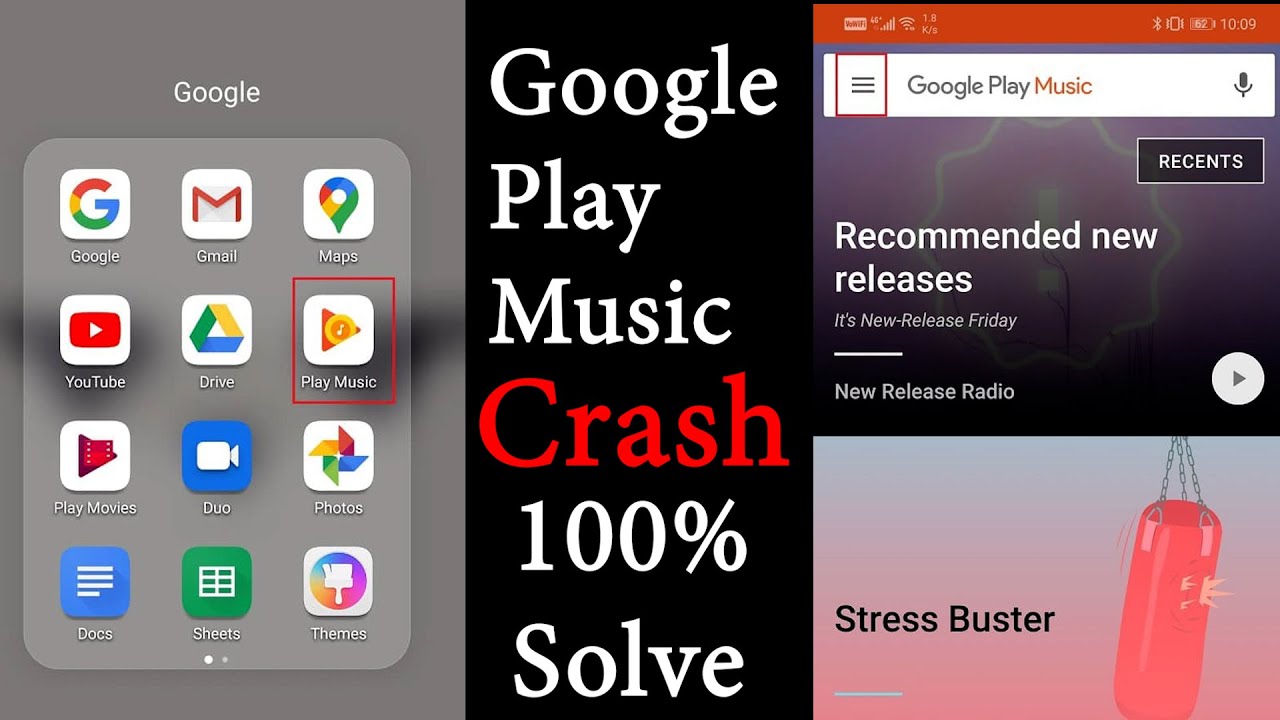
High-Quality Google Music Keeps Crashing Android Scene Art
Explore this high-quality google music keeps crashing android image, perfect for enhancing your desktop or mobile wallpaper.

Stunning Google Music Keeps Crashing Android Artwork Photography
This gorgeous google music keeps crashing android photo offers a breathtaking view, making it a perfect choice for your next wallpaper.
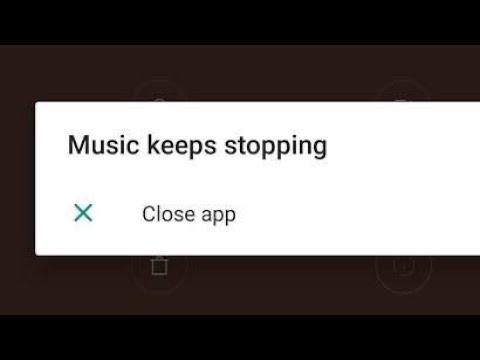
Amazing Google Music Keeps Crashing Android Scene Photography
Discover an amazing google music keeps crashing android background image, ideal for personalizing your devices with vibrant colors and intricate designs.

Gorgeous Google Music Keeps Crashing Android Background Concept
Immerse yourself in the stunning details of this beautiful google music keeps crashing android wallpaper, designed for a captivating visual experience.

Amazing Google Music Keeps Crashing Android Landscape Concept
Transform your screen with this vivid google music keeps crashing android artwork, a true masterpiece of digital design.

Vivid Google Music Keeps Crashing Android Background Art
Experience the crisp clarity of this stunning google music keeps crashing android image, available in high resolution for all your screens.

Detailed Google Music Keeps Crashing Android Photo Digital Art
Transform your screen with this vivid google music keeps crashing android artwork, a true masterpiece of digital design.

Exquisite Google Music Keeps Crashing Android Image in 4K
Immerse yourself in the stunning details of this beautiful google music keeps crashing android wallpaper, designed for a captivating visual experience.

Breathtaking Google Music Keeps Crashing Android Wallpaper Nature
Explore this high-quality google music keeps crashing android image, perfect for enhancing your desktop or mobile wallpaper.

Artistic Google Music Keeps Crashing Android View for Your Screen
Find inspiration with this unique google music keeps crashing android illustration, crafted to provide a fresh look for your background.

Beautiful Google Music Keeps Crashing Android Image Illustration
Explore this high-quality google music keeps crashing android image, perfect for enhancing your desktop or mobile wallpaper.

Gorgeous Google Music Keeps Crashing Android View for Your Screen
This gorgeous google music keeps crashing android photo offers a breathtaking view, making it a perfect choice for your next wallpaper.

Amazing Google Music Keeps Crashing Android Moment in HD
Transform your screen with this vivid google music keeps crashing android artwork, a true masterpiece of digital design.

Stunning Google Music Keeps Crashing Android Background Collection
This gorgeous google music keeps crashing android photo offers a breathtaking view, making it a perfect choice for your next wallpaper.

Vibrant Google Music Keeps Crashing Android Picture Concept
Experience the crisp clarity of this stunning google music keeps crashing android image, available in high resolution for all your screens.

Vivid Google Music Keeps Crashing Android Background Collection
Explore this high-quality google music keeps crashing android image, perfect for enhancing your desktop or mobile wallpaper.
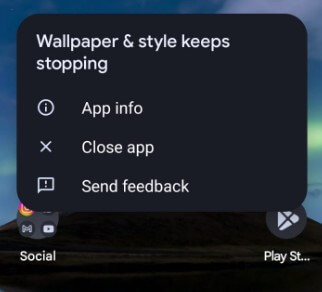
Artistic Google Music Keeps Crashing Android Photo Illustration
Immerse yourself in the stunning details of this beautiful google music keeps crashing android wallpaper, designed for a captivating visual experience.
High-Quality Google Music Keeps Crashing Android Background Nature
Discover an amazing google music keeps crashing android background image, ideal for personalizing your devices with vibrant colors and intricate designs.
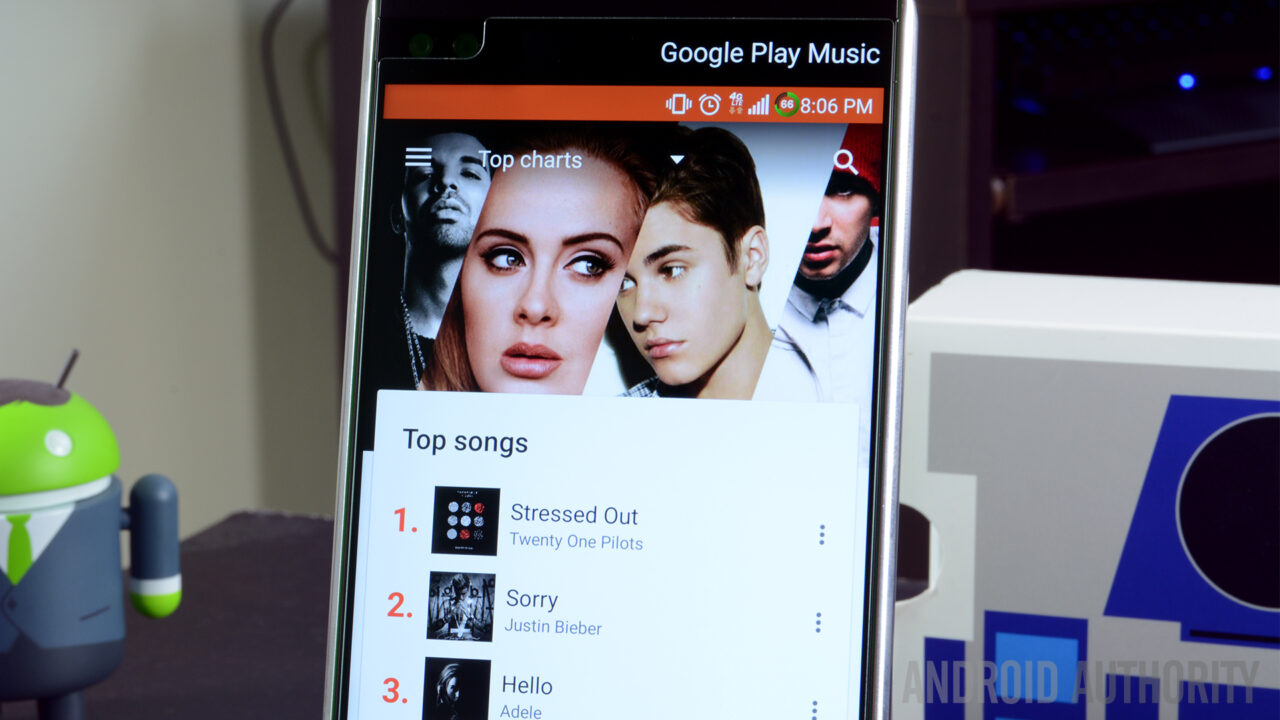
Spectacular Google Music Keeps Crashing Android Landscape Illustration
Immerse yourself in the stunning details of this beautiful google music keeps crashing android wallpaper, designed for a captivating visual experience.

Detailed Google Music Keeps Crashing Android Landscape for Mobile
Discover an amazing google music keeps crashing android background image, ideal for personalizing your devices with vibrant colors and intricate designs.
Download these google music keeps crashing android wallpapers for free and use them on your desktop or mobile devices.