How Do I Play Radio On My Google Home
How Do I Play Radio On My Google Home? A Complete Guide to Voice-Activated Stations
In the age of digital streaming, the classic charm of radio remains a staple for many households. Whether you are looking for the latest news, a morning talk show, or a curated music playlist, your Google Home (now officially part of the Google Nest family) is one of the most versatile tools for accessing radio stations worldwide. If you have ever wondered, "How do I play radio on my Google Home?" you are in the right place. This comprehensive guide will walk you through the voice commands, supported services, and advanced tips to turn your smart speaker into a world-class radio receiver.
Google Nest speakers and displays come with built-in integration for several major radio aggregators. Unlike some music services that require a premium subscription, most radio content is available for free, supported by the station's own advertisements. This accessibility makes "playing the radio" one of the most popular features of the Google Assistant ecosystem. From local FM favorites to international digital broadcasts, the world of audio is just a voice command away.
The Simple Steps: Using Voice Commands to Play Radio
The primary way to interact with your Google Home is through your voice. Google Assistant is designed to recognize natural language, meaning you don't need to memorize complex codes to find your favorite station. However, being specific helps the AI find the exact stream you are looking for. To begin, always use the wake word: "Hey Google" or "OK Google."
Here are the most effective voice commands to get you started:
- By Station Name: "Hey Google, play [Station Name] radio." (e.g., "Hey Google, play WNYC.")
- By Frequency: "Hey Google, play [Frequency] FM." (e.g., "Hey Google, play 102.7 FM.")
- By Callsign: "Hey Google, play [Callsign]." (e.g., "Hey Google, play KQED.")
- By Provider: "Hey Google, play [Station Name] on TuneIn."
If Google Home doesn’t immediately find the station, try adding the location to your request. For example, "Hey Google, play Jazz FM from London." This specificity helps the Assistant narrow down its search across thousands of global streams.
Supported Radio Services and Providers
You might be wondering how Google Home actually accesses these broadcasts. It doesn't have a physical FM/AM antenna. Instead, it streams digital versions of these stations over your Wi-Fi connection. Google partners with several major radio platforms to provide this content seamlessly.
In the United States and many other regions, the primary providers are:
- TuneIn: The most expansive service, offering over 100,000 stations globally. It is the default provider for most international requests.
- iHeartRadio: A major player in the US, providing access to thousands of live local stations and artist-themed stations.
- Audacy (formerly Radio.com): Home to many popular sports and news stations across North America.
- BBC Sounds: For users in the UK, Google Home integrates with BBC Sounds to provide all national and local BBC radio content.
The beauty of this system is that you generally do not need to install these apps separately on your phone to use them on your speaker. Google Assistant accesses their databases automatically. However, linking your iHeartRadio account in the Google Home app can sometimes provide a more personalized experience.
| Fitur/Aspek | Deskripsi |
|---|---|
| Primary Providers | TuneIn, iHeartRadio, Audacy, and BBC Sounds. |
| Command Format | "Play [Station Name/Frequency] + [Location]." |
| Cost | Free (Ad-supported by the radio stations). |
| Global Access | Stream local, national, and international stations via Wi-Fi. |
| Multi-room Audio | Play radio across multiple Google speakers simultaneously. |
How to Set Up Your Radio Experience in the Google Home App
While voice commands are the standard, you can also manage your radio experience through the Google Home app on your smartphone. This is particularly useful if you want to "Cast" a specific station that Google Assistant is having trouble finding through voice alone.
To cast radio from your phone:
- Open your preferred radio app (like TuneIn or iHeartRadio) on your mobile device.
- Find the station you want to hear.
- Look for the Cast icon (a rectangle with Wi-Fi waves in the corner).
- Select your Google Home or Nest speaker from the list of available devices.
Furthermore, you can use the Google Home app to create "Speaker Groups." This allows you to play the same radio station throughout your entire house—a perfect feature for cleaning days or hosting parties. Simply go to the 'Devices' tab, tap '+', and select 'Create speaker group.'
Advanced Tips: Routines and Alarms
One of the most powerful ways to use radio on your Google Home is by integrating it into your daily Routines. Instead of just hearing a beep for your alarm, you can wake up to the news or your favorite morning show.
Setting a Radio Alarm
You can set a recurring radio alarm by saying, "Hey Google, set a radio alarm for 7:00 AM every weekday." The Assistant will then ask which station you would like to hear. This is a fantastic way to start the day informed and entertained without reaching for your phone.
Creating a Morning Routine
In the Google Home app, you can customize the "Good Morning" routine. You can set it so that once you dismiss your alarm, Google tells you the weather, your calendar events, and then automatically starts playing a specific radio station. This automation turns your smart speaker into a truly personalized assistant.
Troubleshooting: What to Do If Your Radio Isn't Playing
Sometimes, technology hits a snag. If your Google Home isn't playing the radio correctly, consider these common fixes:
- Check Your Connectivity: Ensure your speaker is connected to the internet. If the Wi-Fi is down, the stream will fail.
- Be Specific with Names: If you ask for "The Breeze," there might be ten stations with that name. Ask for "The Breeze 106.6 FM from Southampton" to be precise.
- Check Regional Restrictions: Some stations are geo-blocked due to licensing agreements. If a station isn't available in your country, Google Home won't be able to stream it.
- Reboot the Device: A simple "unplug and plug back in" can resolve temporary software glitches that prevent the Assistant from accessing streaming services.
Frequently Asked Questions (FAQ)
Q1: Do I need a paid subscription to play radio on Google Home?
A: No. Playing live radio through providers like TuneIn and iHeartRadio is free. However, you will hear the same advertisements that are broadcast over the traditional airwaves.
Q2: Can I play AM radio on my Google Home?
A: Yes, as long as the AM station has a digital stream available through one of Google's partners (like TuneIn). You simply ask for the station by its name or callsign.
Q3: How do I stop the radio from playing?
A: You can say "Hey Google, stop," "Hey Google, turn off the radio," or "Hey Google, pause." On devices with touch controls, you can also tap the top or sides to stop playback.
Q4: Can I listen to international radio?
A: Absolutely. You can ask for stations from almost any country. Try "Hey Google, play Radio France International" or "Hey Google, play Virgin Radio Italy."
Conclusion
Learning how to play radio on your Google Home unlocks a world of audio content that goes far beyond your personal music library. By leveraging the power of Google Assistant and its integration with platforms like TuneIn and iHeartRadio, you can access global news, local sports, and niche music genres with nothing more than your voice. Whether you are setting a radio alarm to start your day or casting a unique international station for a dinner party, the flexibility of the Google Nest ecosystem ensures that high-quality radio is always within reach. Start experimenting with different commands today and rediscover the joy of live broadcast audio!
How Do I Play Radio On My Google Home
How Do I Play Radio On My Google Home Wallpapers
Collection of how do i play radio on my google home wallpapers for your desktop and mobile devices.

Captivating How Do I Play Radio On My Google Home Artwork Digital Art
Immerse yourself in the stunning details of this beautiful how do i play radio on my google home wallpaper, designed for a captivating visual experience.

Spectacular How Do I Play Radio On My Google Home Photo Concept
This gorgeous how do i play radio on my google home photo offers a breathtaking view, making it a perfect choice for your next wallpaper.

Gorgeous How Do I Play Radio On My Google Home Capture for Your Screen
A captivating how do i play radio on my google home scene that brings tranquility and beauty to any device.
Mesmerizing How Do I Play Radio On My Google Home View for Desktop
Discover an amazing how do i play radio on my google home background image, ideal for personalizing your devices with vibrant colors and intricate designs.

Gorgeous How Do I Play Radio On My Google Home Moment for Desktop
Find inspiration with this unique how do i play radio on my google home illustration, crafted to provide a fresh look for your background.

Gorgeous How Do I Play Radio On My Google Home Capture Illustration
This gorgeous how do i play radio on my google home photo offers a breathtaking view, making it a perfect choice for your next wallpaper.
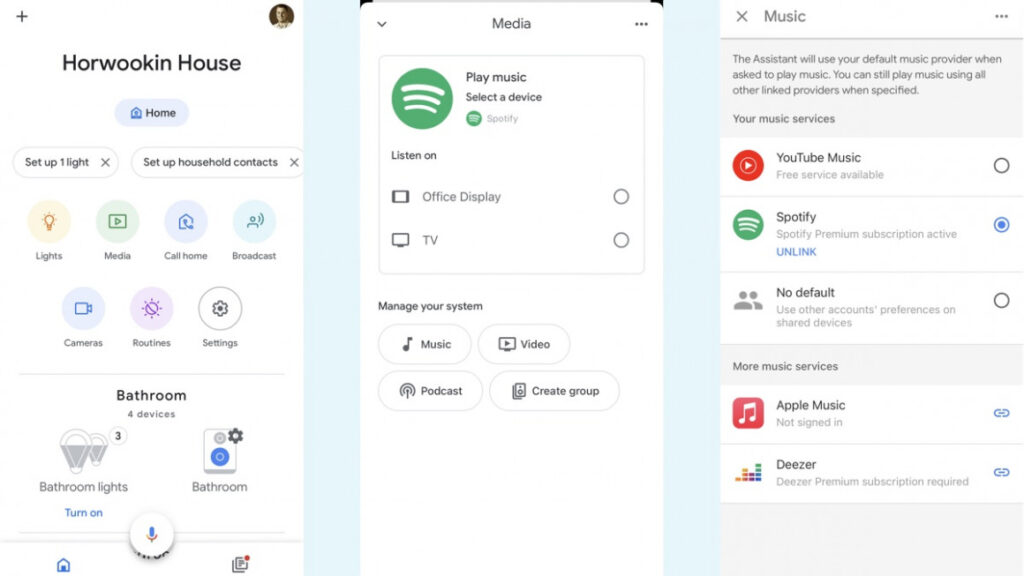
Vibrant How Do I Play Radio On My Google Home Landscape for Desktop
Transform your screen with this vivid how do i play radio on my google home artwork, a true masterpiece of digital design.
Mesmerizing How Do I Play Radio On My Google Home Abstract Nature
Explore this high-quality how do i play radio on my google home image, perfect for enhancing your desktop or mobile wallpaper.

Vibrant How Do I Play Radio On My Google Home Photo in 4K
Experience the crisp clarity of this stunning how do i play radio on my google home image, available in high resolution for all your screens.
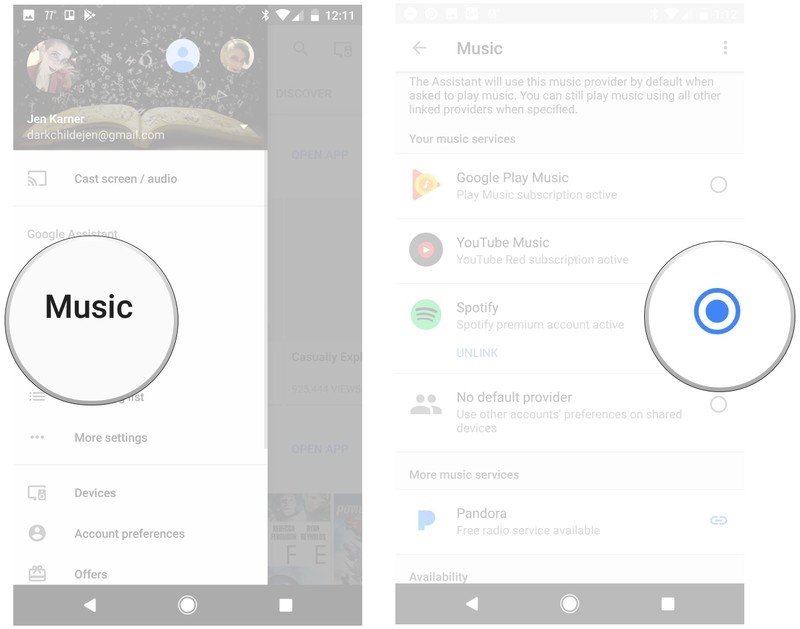
Crisp How Do I Play Radio On My Google Home Landscape for Desktop
Immerse yourself in the stunning details of this beautiful how do i play radio on my google home wallpaper, designed for a captivating visual experience.

Beautiful How Do I Play Radio On My Google Home Photo Illustration
Discover an amazing how do i play radio on my google home background image, ideal for personalizing your devices with vibrant colors and intricate designs.
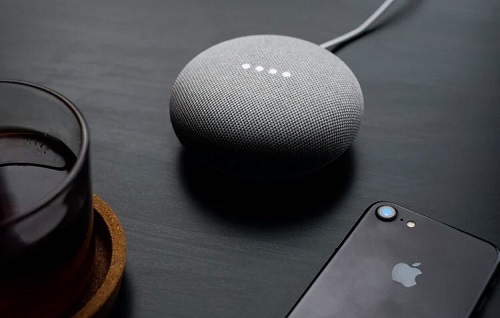
Mesmerizing How Do I Play Radio On My Google Home Artwork Digital Art
Discover an amazing how do i play radio on my google home background image, ideal for personalizing your devices with vibrant colors and intricate designs.

Breathtaking How Do I Play Radio On My Google Home Wallpaper for Mobile
Experience the crisp clarity of this stunning how do i play radio on my google home image, available in high resolution for all your screens.

Stunning How Do I Play Radio On My Google Home Image for Your Screen
This gorgeous how do i play radio on my google home photo offers a breathtaking view, making it a perfect choice for your next wallpaper.
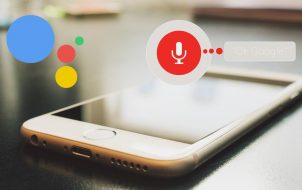
Vivid How Do I Play Radio On My Google Home Picture Photography
Explore this high-quality how do i play radio on my google home image, perfect for enhancing your desktop or mobile wallpaper.
Breathtaking How Do I Play Radio On My Google Home Moment Art
Discover an amazing how do i play radio on my google home background image, ideal for personalizing your devices with vibrant colors and intricate designs.

Artistic How Do I Play Radio On My Google Home Landscape Art
A captivating how do i play radio on my google home scene that brings tranquility and beauty to any device.

Beautiful How Do I Play Radio On My Google Home Photo Digital Art
Experience the crisp clarity of this stunning how do i play radio on my google home image, available in high resolution for all your screens.
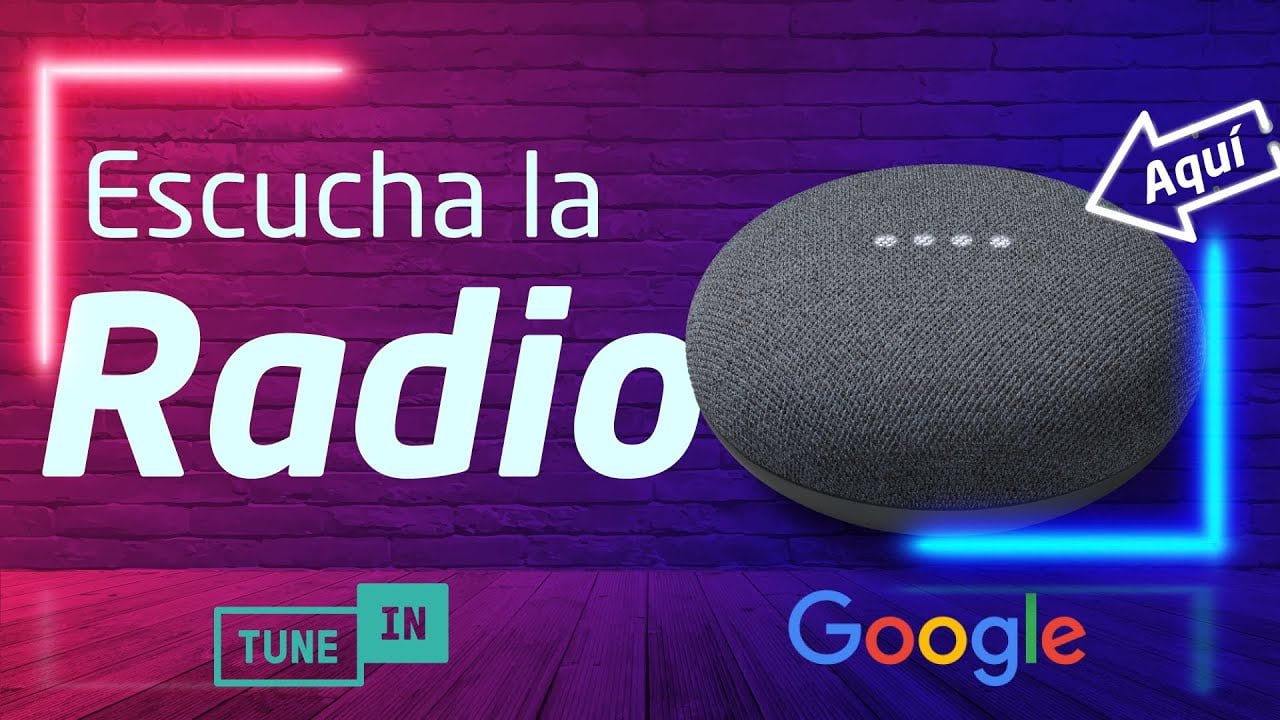
Amazing How Do I Play Radio On My Google Home Moment Art
Transform your screen with this vivid how do i play radio on my google home artwork, a true masterpiece of digital design.

Stunning How Do I Play Radio On My Google Home Moment Illustration
Find inspiration with this unique how do i play radio on my google home illustration, crafted to provide a fresh look for your background.
Download these how do i play radio on my google home wallpapers for free and use them on your desktop or mobile devices.